11
7
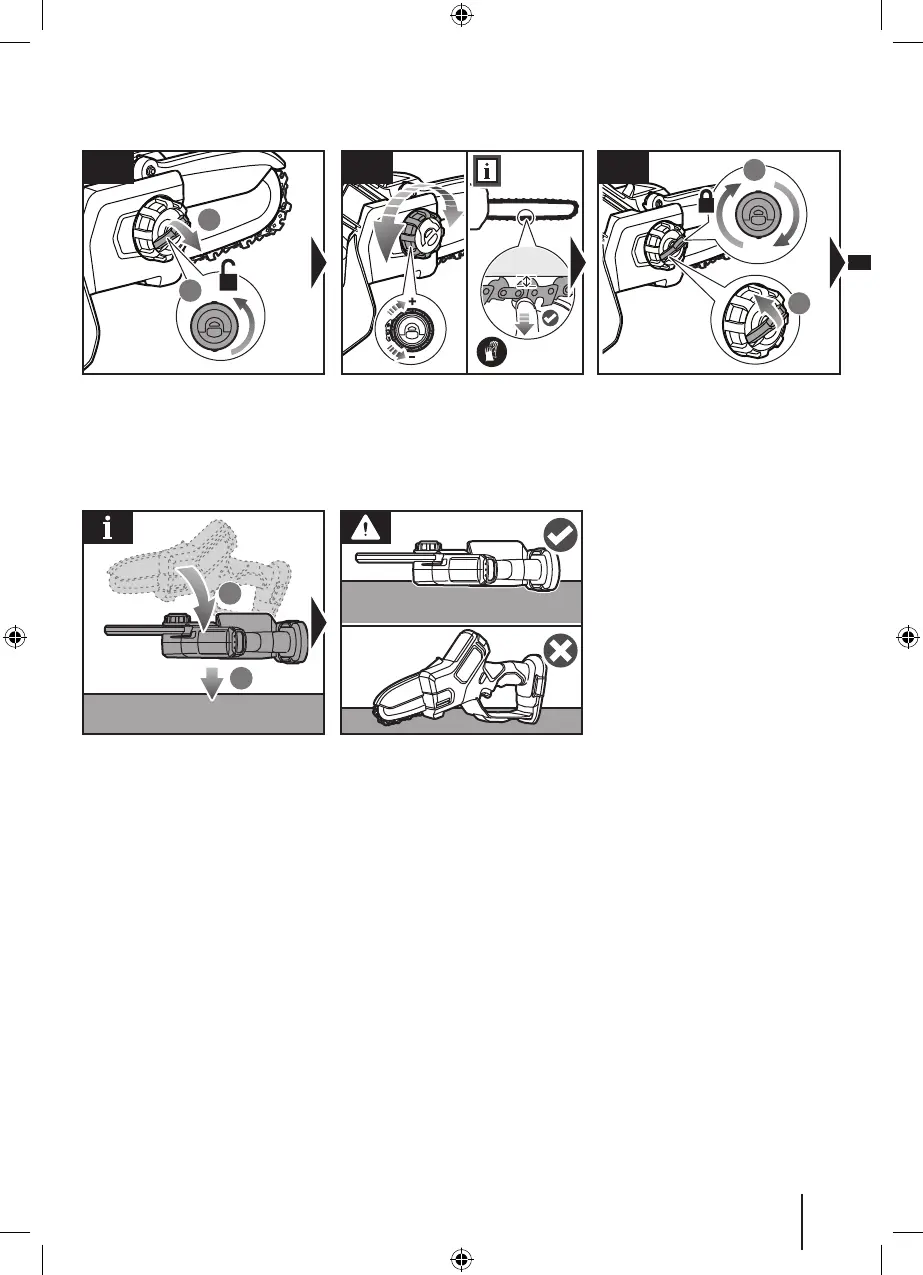
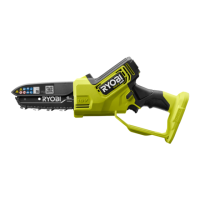
Pull up the guide bar locking knob, then
turn it counterclockwise to unlock.
To increase the chain tension, turn
the chain tension knob clockwise. To
reduce the chain tension, turn the chain
tension knob counterclockwise.
NOTE: The chain tension is correct when
the gap between the cutter in the chain
and the bar is between 2 and 3 mm.
Rotate the guide bar locking knob
clockwise, then push it back into
position to lock.
NOTE:
When resting in between
operation, lay the product on its side.
WARNING:
Lay the product on its side
when not in use. Do not use the saw
chain and bar as a support to avoid
injury.
1
2
4 5
1
2
6
1
2


 To Next Page