EasyManua.ls Logo

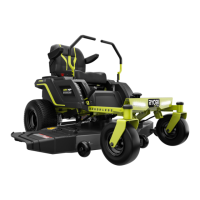
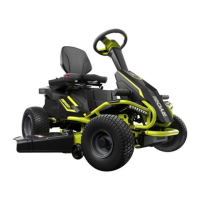
Ryobi RY48ZTR100 - User Manual

Ryobi RY48ZTR100
64 pages
Print Icon
To Next Page IconTo Next Page
Loading...
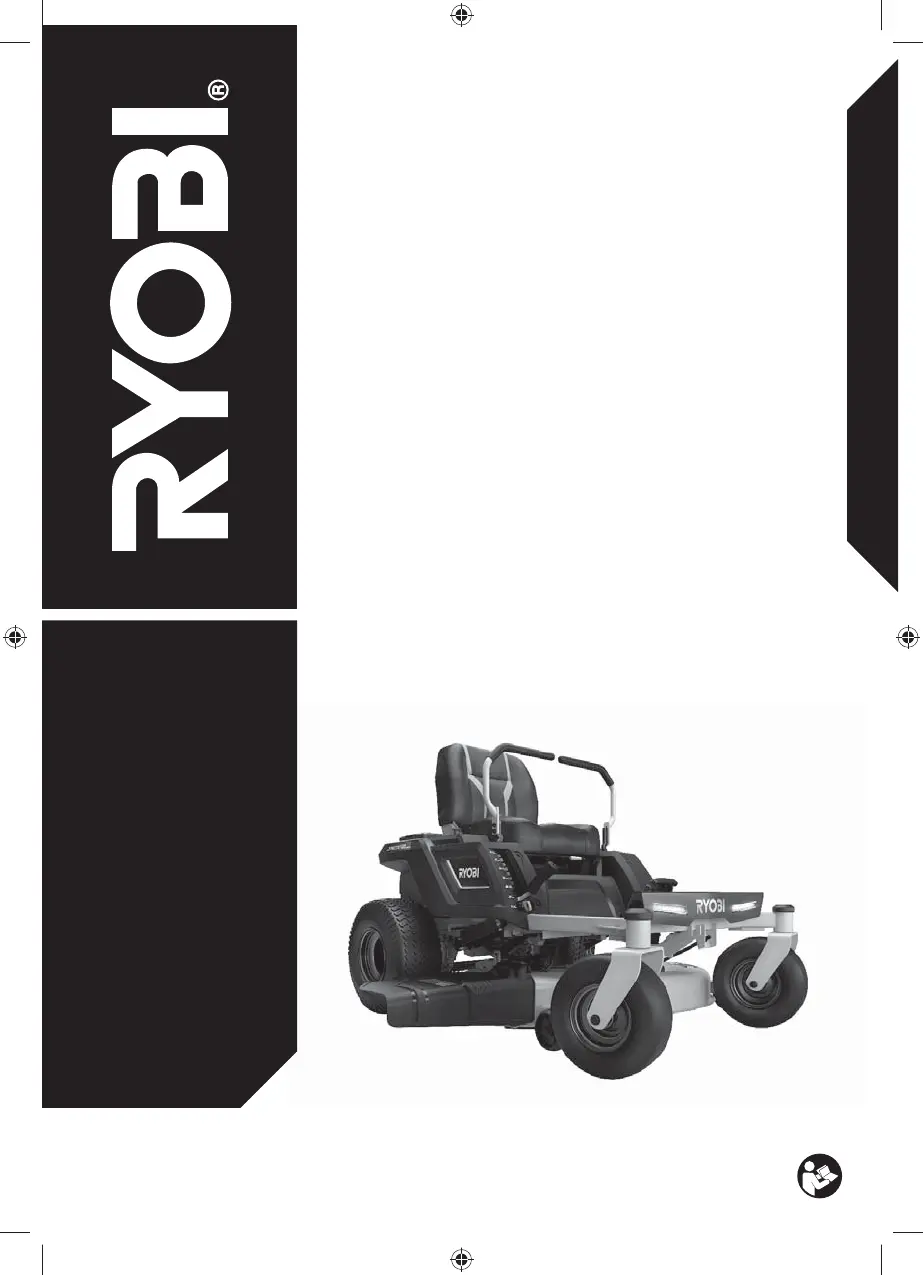
ORIGINAL INSTRUCTIONS
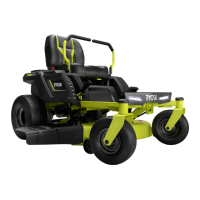
Zero-Turn Mower
RY48ZTR100

Other manuals for Ryobi RY48ZTR100

Questions and Answers

  • A
    alyssa24Sep 9, 2025
    What to do if Ryobi Lawn Mower blades continue to turn after operator leaves seat without parking brake set?
    • M
      marywardSep 9, 2025
      If the blades on your Ryobi Lawn Mower continue to turn after you leave the seat without setting the parking brake, it indicates that the safety interlock system is not functioning correctly. Ensure the safety interlock system seat plug is fully connected. If the blades still won’t stop, take the mower to an authorized service center for repair.
  • A
    alan70Aug 23, 2025
    What to do if Ryobi RY48ZTR100 is cutting grass unevenly?
    • T
      tiffany65Aug 23, 2025
      If your Ryobi Lawn Mower is cutting grass unevenly, consider the following: * Check the tire pressure in all four tires, as uneven tire pressure can cause this issue. * The mower deck might not be level; perform a cutting deck level adjustment. * The blade might be worn, bent, loose, or dull; replace the blade. * There could be a build-up of debris under the mower deck; clean the underside of the mower deck. * Your mowing speed might be too fast; mow at a slower speed.
  • S
    Stephanie MartinezAug 25, 2025
    Why Ryobi RY48ZTR100 Lawn Mower motor stops while cutting?
    • M
      Michael JonesAug 25, 2025
      If the motor of your Ryobi Lawn Mower stops while cutting, it could be due to: * Cutting height set too low, raise the cutting height. * Low battery charge, charge the battery. * The operator is not fully seated, sit down fully on the seat, return the drive levers to the neutral position, and push the blade engage knob down. Then try again.
  • Q
    qnortonAug 26, 2025
    Why Ryobi Lawn Mower has poor grass discharge?
    • L
      lisa81Aug 27, 2025
      If your Ryobi Lawn Mower has poor grass discharge, consider these potential causes: * The side discharge chute or opening may be plugged; clean it. * The grass may be wet; allow it to dry before mowing. * The mowing speed may be too fast; mow at a slower speed. * The grass may be too high; mow once at a high cutting height, then mow again at the desired height.
  • E
    Evan FreyAug 27, 2025
    Why Ryobi Lawn Mower battery will not charge?
    • P
      paulhernandezAug 27, 2025
      If your Ryobi Lawn Mower battery will not charge, consider the following: * The battery cells may be bad, requiring battery replacement. * There may be poor cable connections; check and clean all battery connections.
  • S
    stephanie86Aug 29, 2025
    What to do if Ryobi Lawn Mower is not mulching properly?
    • J
      Jamie HuynhAug 29, 2025
      If your Ryobi Lawn Mower is not mulching properly: * Wait until the grass dries before mowing, as wet grass clippings may be sticking to the underside of the deck. * If the grass is too high, mow once at a high cutting height, then mow again at the desired height. * Check for a worn, bent, loose, or dull blade and replace if necessary. * Reduce your mowing speed, as mowing too fast can affect mulching performance.
  • M
    Michael JacobsSep 18, 2025
    What does Temperature Delay mean for Ryobi Lawn Mower charger?
    • E
      Elizabeth EdwardsSep 18, 2025
      A Temperature Delay means the Ryobi Lawn Mower charger had to turn off its output because of excessive internal temperature. Ensure the charger cooling fins are clear of obstruction and that the charger itself is not sitting in direct sunlight. If the charger is hot, allow it to cool before attempting to charge again.
  • K
    Kyle CraneSep 18, 2025
    What does Charger Fault mean for Ryobi RY48ZTR100?
    • J
      John WrightSep 19, 2025
      A Charger Fault on your Ryobi Lawn Mower indicates an internal fault was detected. Unplug the charger, then plug it back in and try charging again.
  • S
    Shannon ConleySep 7, 2025
    Why Ryobi RY48ZTR100 Lawn Mower blades do not rotate while moving in reverse?
    • A
      Amanda Montgomery MDSep 8, 2025
      If the blades on your Ryobi Lawn Mower do not rotate while moving in reverse, ensure that the blade engage knob is raised.
  • M
    Monica ThomasSep 5, 2025
    Why Ryobi RY48ZTR100 blades do not rotate?
    • C
      Cynthia StoneSep 5, 2025
      If the blades of your Ryobi Lawn Mower do not rotate, check the following: * Ensure the battery is charged. * Make sure the blade engage knob is raised. * Confirm the operator is fully seated; sit down fully on the seat, return the drive levers to the neutral position, and push the blade engage knob down. Then try again. * Check for and clean any build-up of debris under the mower deck.

Summary

General Safety Warnings

Work Area Safety Guidelines

Guidelines for maintaining a safe and clean work area.

Electrical Safety Precautions

Precautions related to electrical hazards and power tool usage.

Personal Safety Advice

Advice on staying alert, using protective equipment, and preventing accidental starts.

Power Tool Use and Care

Guidelines for proper usage, maintenance, and storage of power tools.

Zero-Turn Mower Safety

Additional Safety Warnings

Extra safety information and warnings relevant to the product.

Unpacking Instructions

Instructions for inspecting the product after unpacking.

Assembly Guidance

Guidance and warnings for assembling the product.

Battery Safety Warnings

Specific safety precautions related to battery usage.

Battery Pack Recycling

Procedures for handling and recycling battery packs.

Towing Safety Warnings

Safety guidelines for towing the mower.

Product Features and Overview

Know Your Product

Introduction to product components and features.

Battery Level and Hour Meter

Explanation of the battery level and hour meter functions.

Product Components Identification

Identifies and labels the various parts of the product.

Operation Guide

Before Starting

Essential checks before operating the mower.

Slope Operation

Guidelines for safe operation on slopes.

Charging the Product

Instructions for charging the mower's batteries.

Driving the Mower

Instructions for operating the mower using drive levers.

Zero-Turning Operation

Instructions for performing zero-turn maneuvers.

Stopping and Parking

Steps for safely stopping and parking the mower.

Adjusting the Seat

How to adjust the seat for optimal position.

Setting the Cutting Height

Adjusting the cutting deck height for desired grass length.

Getting Started

Wear Safety Gear

Essential personal protective equipment for operation.

Unpack and Inspect Product

Instructions for unpacking and checking the product for damage.

Charge the Mower

Initial charging procedure for the mower batteries.

Install Seat and Connect Cables

Installing the seat and connecting safety interlock.

Install Drive Levers

Mounting and adjusting the drive levers.

Set Cutting Height and Engage Blades

Setting cutting height and engaging the blades to start.

Maintenance Procedures

Adjusting Drive Levers

Adjusting the drive levers for ergonomic use.

Adjusting the Brake

Adjusting the mower's braking system for proper function.

Charging the Mower

Instructions for charging the mower's battery.

Replacing the Blade

Step-by-step guide for replacing the mower blade.

Adjusting Cutting Deck Wheels

Adjusting the deck wheels for proper cutting height.

Replacing the Batteries

Step-by-step guide for replacing the mower batteries.

Cleaning the Mower

Instructions for cleaning the mower's exterior.

Storing the Mower

Guidelines for proper storage of the mower.

Transporting the Mower

Procedures for safely transporting the mower.

Maintenance Schedule

Regular Maintenance Checks

Schedule for routine inspection and maintenance tasks.

Troubleshooting Guide

Product Does Not Start

Solutions for issues preventing the product from starting.

Product Will Not Move

Solutions for problems related to mower movement.

Motor Stops While Cutting

Solutions for when the motor stops unexpectedly during operation.

Charger Error Codes

Explains charger error codes and their solutions.

Product Specifications

Mower Specifications

Technical details of the zero-turn mower.

Replacement Part Numbers

List of part numbers for replacements.

Slope Guide

Slope Operation Warning

Warning about operating on slopes and maximum angle.

Using the Slope Guide Tool

Instructions on how to use the slope guide for safe operation.

Ryobi RY48ZTR100 Specifications

General IconGeneral
TypeZero Turn Mower
MotorBrushless
Voltage48V
Speed8 mph
Deck MaterialSteel
Drive SystemHydrostatic
Battery TypeLithium-Ion
Number of Motors2
Cutting Height1.5 - 4.5 in.
Warranty5 years

Related product manuals