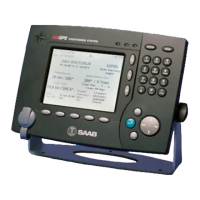
R5 SUPREME NAV System
Operator Short Instruction
BEFORE VOYAGE
EDIT ROUTES WAYPOINT
Edit routes and waypoints for desired route. The Route and Waypoint
libraries is accessed from Main Menu
Voyage
It is also possible to plan routes and waypoints on an external ECDIS
and upload by serial interface to the R5 CDU. See manual for details.
Route List Waypoint List
START SAILING A ROUTE
Select a route and press Sail Route. Or select a waypoint and press Sail
WPT.
Sail Route Sail to WPT
DURING VOYAGE
NAVIGATION
The following views are available under Main Menu
Navigate.
Navigation Aid Navigation Plot
Navigation Info - ETA Navigation Info – WPT
Navigation Info – Set and Drift Navigation Info – Plot


 To Next Page