Need help?
Do you have a question about the Sabrent DS-UFNC and is the answer not in the manual?
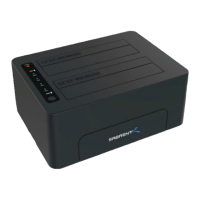
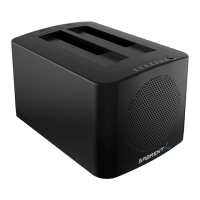
Identifies key components of the docking station including ports, buttons, switches, and drive bays.
Details product design, supported standards, and connectivity features.
Instructions on how to turn the docking station on and off.
Steps to initiate and perform the offline cloning function.
Explanation of the blue power light and four-section clone progress indicator.
Description of SATA and M.2 drive lights and their behavior.
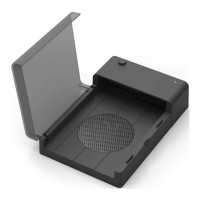
Guide for opening the heatsink cover and inserting the M.2 SSD.
Instructions for inserting 2.5"/3.5" SSD or HDD into the drive bay.
Advice on static discharge, M.2 keying, and gentle insertion.
Notes on simultaneous bay use, power adapter, and safe removal.
Addresses slow speeds, drive not appearing in 'My Computer', and 2TB capacity limits.
Discusses NVMe support in older Windows versions and cloning OS.
Explains sleep behavior and the importance of safe hardware removal.
 General
| Model | DS-UFNC |
|---|---|
| Category | Docking Station |
| Ports | USB 3.0, USB-C, HDMI, Ethernet, SD Card Reader |
| USB-C Power Delivery | Yes |
| Compatibility | Windows, macOS, Linux |

 To Next Page