INTEGRA/-S/-G/-GS User Manual WEB GUI
SAF Tehnika JSC
6) By pressing „Execute configuration”, changes made to the corresponding section
apply only to the local side Integra/Integra-S/Integra-G/Integra-GS. If „Rollback on” is
selected, the configuration will be reverted in case erroneous configuration changes
are applied.
SFP module specification will be shown at the bottom of the page if the SFP module is
present and if the SFP module supports DOM.
CLI commands (Chapter 4: COMMAND LINE INTERFACE)
Use to show the status of all ports.
Use to show the configuration of all ports.
network port set <port> admin-
state {enable|disable}
Use to enable or disable a particular port.
network port set LAN1 speed
{auto|100fdx|100hdx|10fdx|10hdx}
Use to change speed and duplex setting on LAN1 port.
The default value is “auto” (auto-negotiation).
network port set <port> flow-
control {enable|disable}
Use to enable or disable flow control on a particular
port.
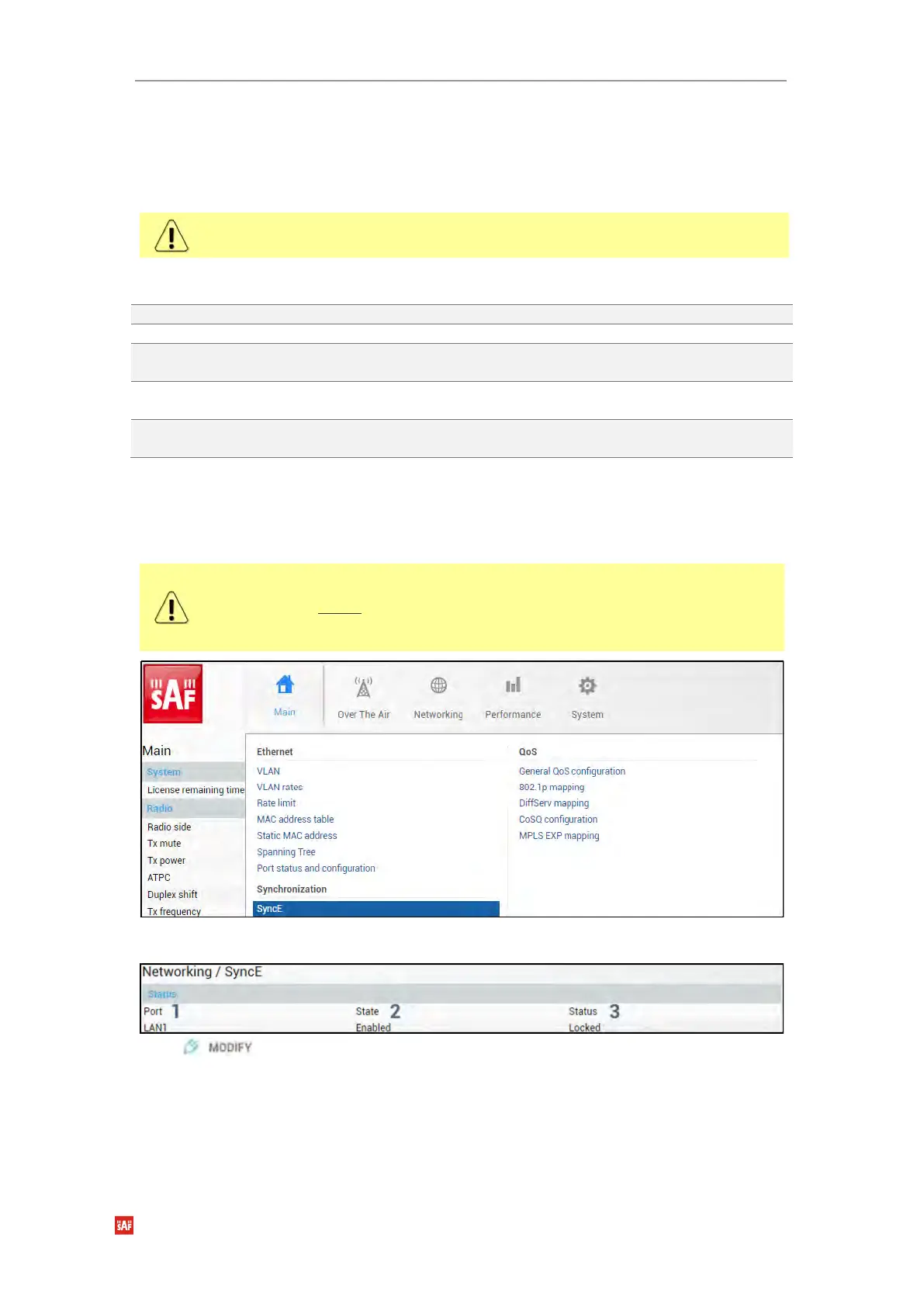
Networking → Synchronization → SyncE
Synchronous Ethernet (SyncE) allows synchronizing the Ethernet switch clock to an external
source clock by specifying an ingress port.
Incorrect SyncE configuration may result in a loss of connectivity.
Auto-negotiation will not function properly when the clock source ports on both
Integra/Integra-S/Integra-G/Integra-G FODUs are pointing at each other (e.g. WAN-
WAN in a link or LAN-LAN in a back-to-back connection).
Status mode
Press button.


 To Next Page
 Loading...
