INTEGRA/-S/-G/-GS User Manual WEB GUI
SAF Tehnika JSC
scheduler mode
{sp|{{rr|wrr}|dwrr}}
network qos set <port> cosq
scheduler weight <1..255>
queue <0..7>
Use to assign a weight for a particular queue #. CoSQ
scheduler should be enabled for that particular port and CoSQ
scheduler mode should be set to WRR or DWRR.
network qos set <port> cosq
droplimit <0..4000KB>
Use to set droplimit buffer size for a particular port.
network qos set WAN cosq
lowlatency {enable|disable}
queue <0..7>
Use to enable or disable low latency queue, thus disabling or
enabling packet fragmentation. This functionality is available
for WAN port only and by default low latency queues are
enabled therefore packet fragmentation is disabled.
network qos show info
{LAN1|LAN2|LAN3|WAN|all}
Use to show the actual status of QoS configuration.
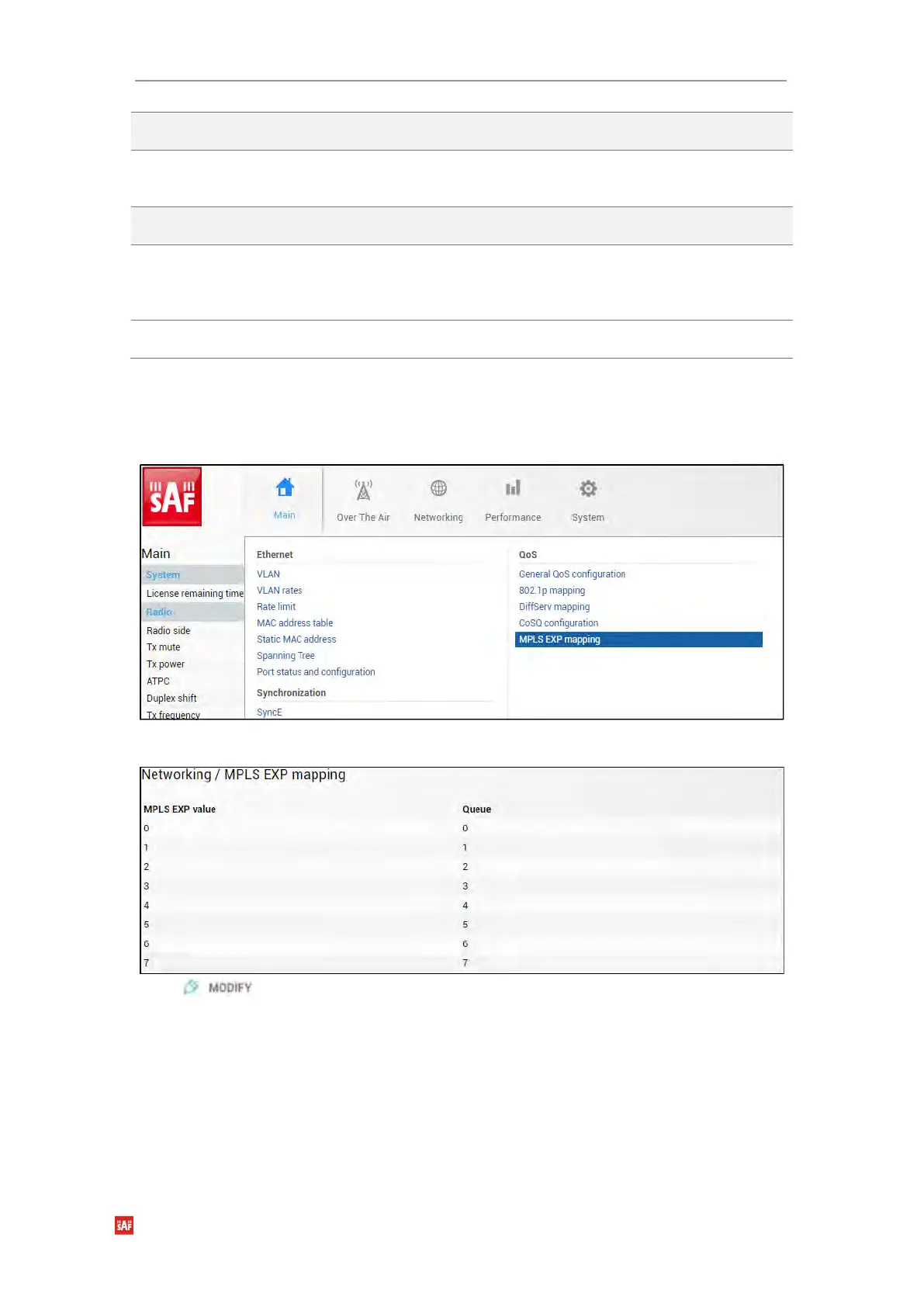
Networking → QoS → MPLS EXP mapping
The MPLS EXP mapping page allows customizing the mapping of MPLS EXP priority bits
and available QoS queues.
Status mode
Press button.


 To Next Page
 Loading...
