INTEGRA/-S/-G/-GS User Manual WEB GUI
SAF Tehnika JSC
6) By pressing „Execute configuration”, changes made to the corresponding section
apply only to the local side Integra/Integra-S/Integra-G/Integra-GS.
CLI commands (Chapter 4: COMMAND LINE INTERFACE)
Use to show sensor group configuration.
log group create <name>
<description>
Use to create a new group.
log group mgmt <name> add
destination {event|perf|snmp|syslog}
Use to add a destination for a group.
log group mgmt <name> add sensor
<sensor>
Use to add a sensor to a group.
log group mgmt <name> config
{enable|disable}
Use to enable or disable a group.
log group mgmt <name> delete
log group mgmt <name> remove
destination {event|perf|snmp|syslog}
Use to remove a destination from a group.
log group mgmt <name> remove
sensor <sensor>
Use to remove a sensor from a group.
Use to show current sensor status.
Use to list all available sensors.
log default {all|group|sensors
[<sensor>]}
Use to set group, individual sensor, or all sensor
configuration to default.
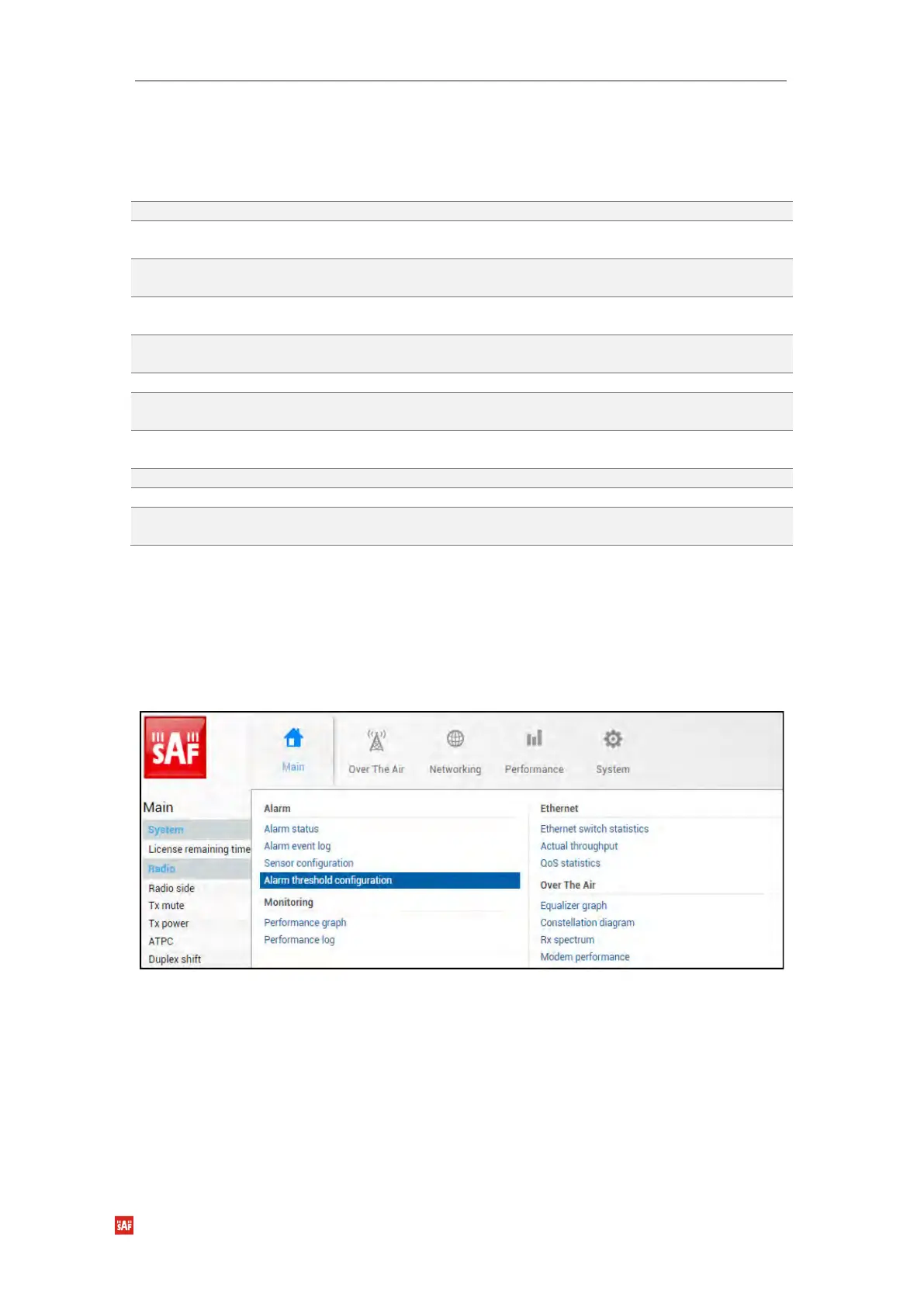
Performance → Alarm → Alarm threshold configuration
The page provides a summary of the parameters’ alarm thresholds. All thresholds are
predefined and some change dynamically according to the system configuration. Thresholds
can be modified if required.
Alarm activates when current value exceeds (low-delta) or (high+delta) values. Alarm
deactivates when current value exceeds (low+delta) or (high-delta) values.


 To Next Page
 Loading...
