INTEGRA/-S/-G/-GS User Manual WEB GUI
SAF Tehnika JSC
1) Left axis sensor – Allows choosing a sensor parameter colored in red and displayed
on the left axis.
2) Right axis sensor – Allows choosing a sensor parameter colored in blue and
displayed on the right axis.
3) Sensor log step – Allows choosing graph granularity – 1, 15, or 60 minutes.
4) Indicates start and end date/time of period displayed and allows selecting a specific
period to show.
5) Period length – Indicates the length of the currently displayed period.
6) Renew – Press to show the most recent data.
7) Get data – Press to apply selected time interval changes.
8) Left and right sliders allow you to “zoom” the currently selected time period.
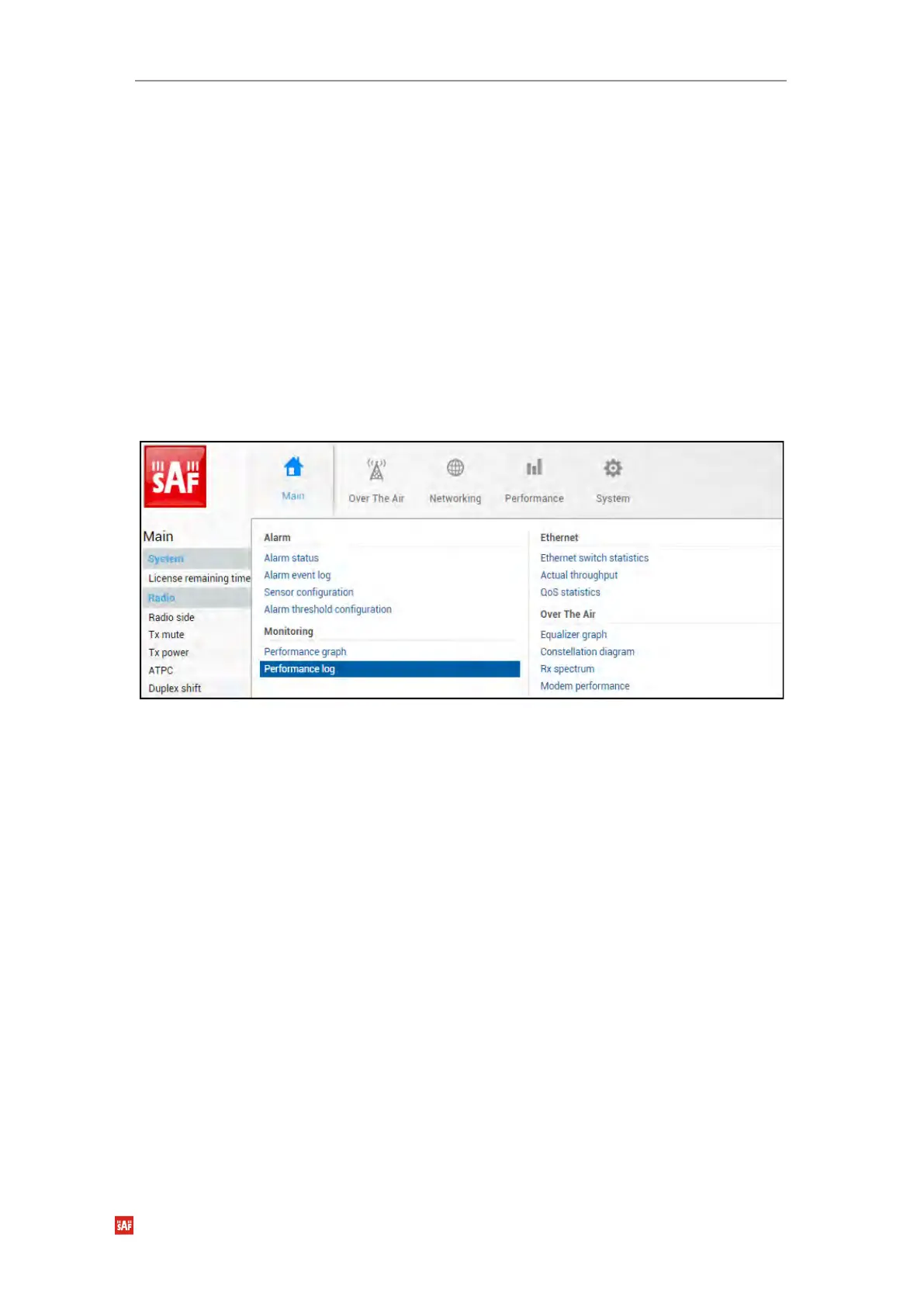
Performance → Monitoring → Performance log
Allows viewing and downloading performance log.
MODIFY button is deactivated on the Performance log page.


 To Next Page
 Loading...
