EasyManua.ls Logo

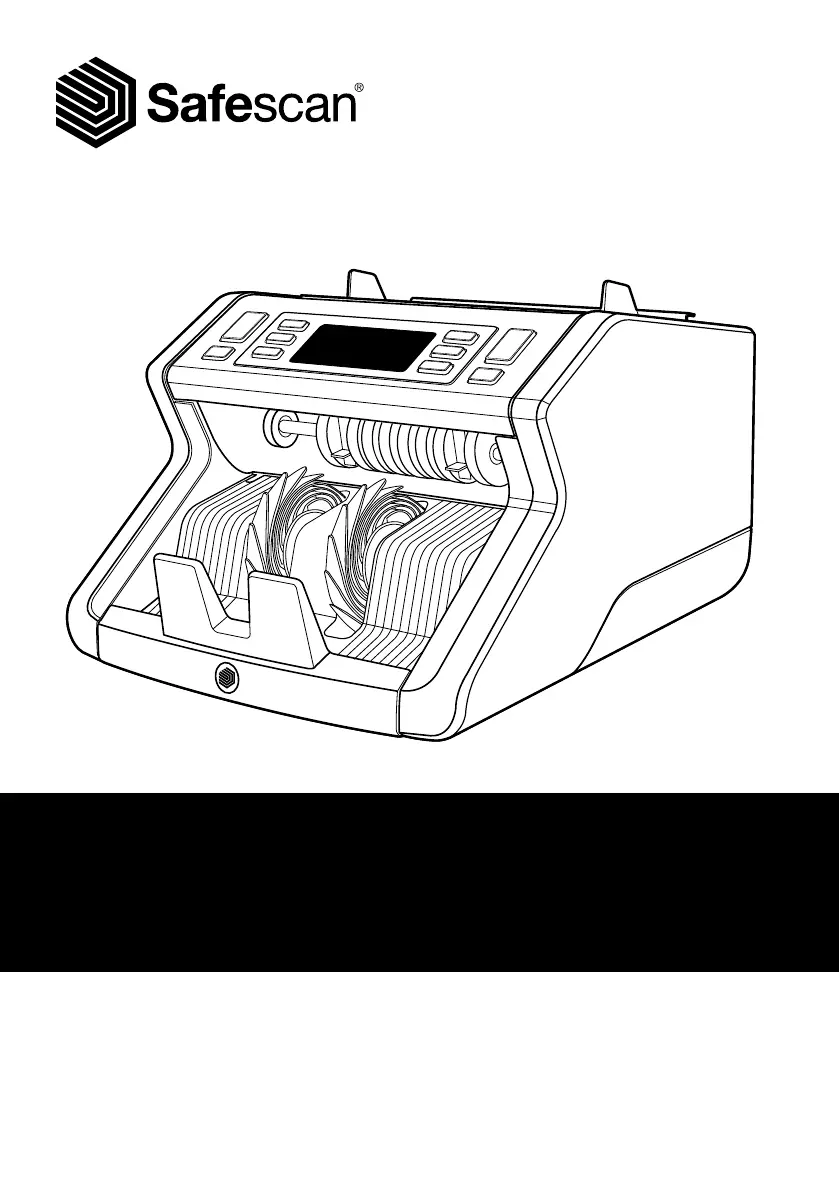
Safescan 2250 - User Manual

Safescan 2250
32 pages
Print Icon
To Next Page IconTo Next Page
Loading...
User Manual
English
2210 / 2250
Banknote Counters

Questions and Answers

Summary

Safescan 2210;2250 Features

Buttons and Operation

Counting Banknotes

Auto vs. Manual Start Modes

Describes how to select automatic or manual initiation of the counting process.

Error Messages

Understanding Error Codes E1-E6

Lists and explains common error messages and their potential causes during counting.

Add and Batch Functions

Adjusting Detection Settings

Reset to Default Settings

Counting Polymer Banknotes

Troubleshooting Guide

UV;MG Error Troubleshooting

Provides solutions for common UV (E1) and MG (E2) error messages.

Thickness;Height Error Troubleshooting

Offers solutions for thickness (E3) and height (E4) related error messages.

Width;Skew Error Troubleshooting

Explains how to resolve width (E5) and skew (E6) error messages.

Size Detection Issues

Discusses reasons why size detection might not work and how to address them.

Hopper Adjustment Wheel

Maintenance

Cleaning Your Banknote Counter

Technical Specifications

Warranty Information

Safescan 2250 Specifications

General IconGeneral
TypeBanknote counting machine
Product colorWhite
Detection typesIR, UV, MG, Counterfeit.
Sorting functionNo
AC input voltage220 - 240 V
Weight and Dimensions IconWeight and Dimensions
Weight5700 g
Dimensions (WxDxH)292 x 246 x 175 mm

Related product manuals