33
Touch to display contacts list option menu.
The following actions are enabled:
Contacts to display Choose contacts to display.
Import/export Import or export contacts between
the tablet, SIM card, and microSD card.
Accounts Manage the synchronisation settings for
different accounts.
Settings Set the modes of displaying contacts.
Delete Select and delete unwanted contacts.
Share visible contacts Select and share some visible contacts
with others.
3.2 Add a contact
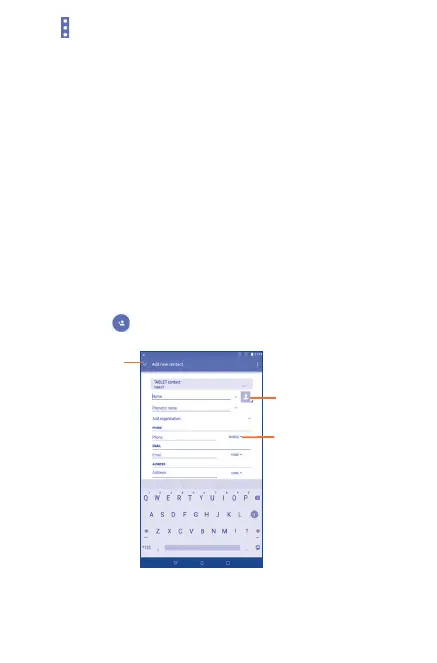
Touch the icon in the contact list to create a new contact.
Select a picture for
the contact.
Touch to unfold the
other predefined
labels of this
category.
Save contact
information.
You are required to enter the contact name and other contact
information. By scrolling up and down the screen, you can move from
one field to another easily.



 To Next Page