56
Continuous Shot Mark the checkbox to enable the continuous
shoting function.
AUTO HDR Touch to enable/disable the AUTO HDR
mode.
HDR need 1x
frame
Touch to turn on 1x frame.
Touch
to view MORE OPTIONS.
Front camera shooting mode
Touch \ to Switch to front camera.
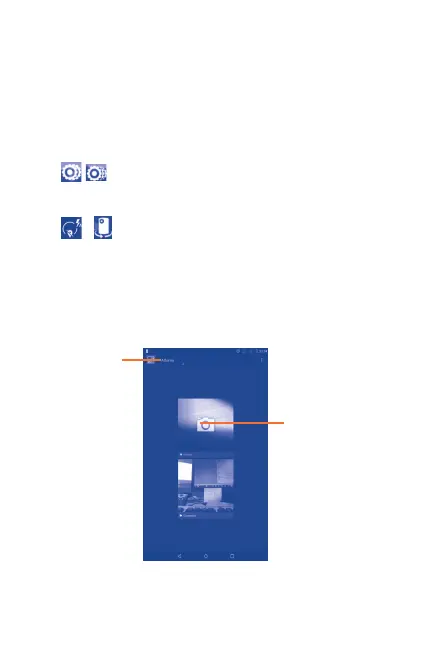
7.2 Gallery
Gallery acts as a media player for you to view photos and play back
videos. In addition, a set of further operations to pictures and videos
are available for your choice.
Touch the album to
enter it.
Touch to select
categories, such
as Albums and
Locations.



 To Next Page