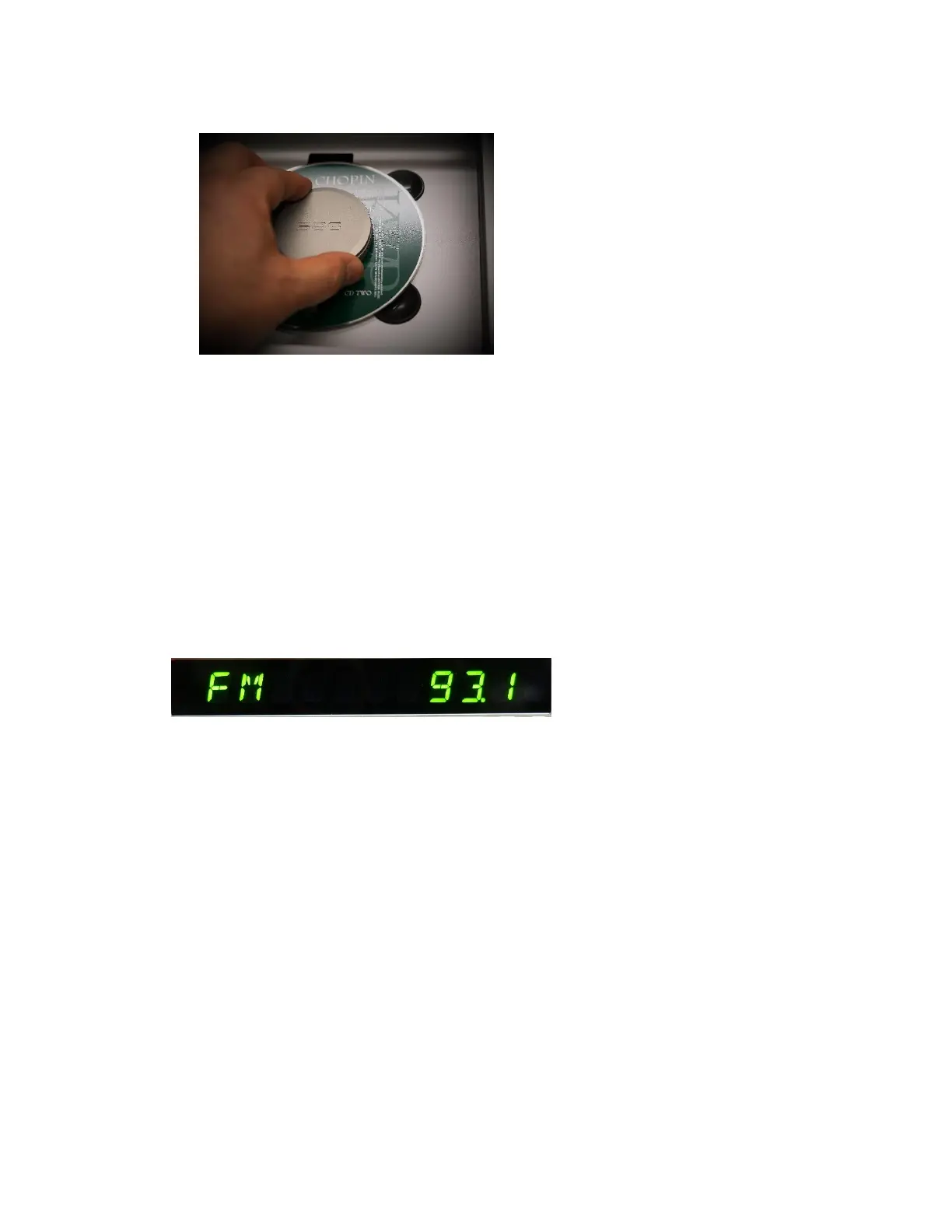
- Close the cover by pulling the cover all the way to the front.
- CD information is automatically read-in when you close the door correctly.
- Choose track by pressing -> several times.
- Press Play/Pause ( )
- Press Stop ( ) if you want to stop listening to CD.
2. TUNER (FM only)
- Choose ‘TUNER’ from the remote or Main Source Knob on the front panel by
rotating the knob.
- When AIO is TUNER mode, it shows ‘FM’ and ‘VOLUME’ level followed by
‘STATION NUMBER’.
- Choose Station by pressing >| or |<. Station display will change by 0.1 digit like
93.7, 93.8, 93.9 etc.
- You can store the STATION by pressing ‘PROG’ button once.
- Then the display shows ‘FM 93.9 MEMORY 01’
- You can change MEMORY number by pressing >| or |<
- Then press “PROG’ one more to save this STATION into the MEMORY.
- You can store up to 31 stations.
- For quick selection of PRESET, press ‘-10’ or ‘+10’ button (Button number 33 &
34)
⚫ If you have missed something during the setting, don’t worry and do the same
procedure to overwrite the pre-stored stations.



 To Next Page