Operation
Main Power ON/OFF
Main Power Switch is located underneath of the main unit (left side, front).
Turn the main power switch ON to make the unit into operation.
- When the power is switched on, the front display shows ‘SIMON AUDIO’
followed by the ‘INITIALIZE’ display.
- Wait around 30 seconds until the unit is initialized for proper operation
- After initialization, the last selected Source and Volume Level is displayed.
- Choose any ‘SOURCE’ by turning the main Left Knob or from the Remote.
-
1. CD Player
- Open the cover on the top-center of the device by sliding backward.
- Place CD you want to play
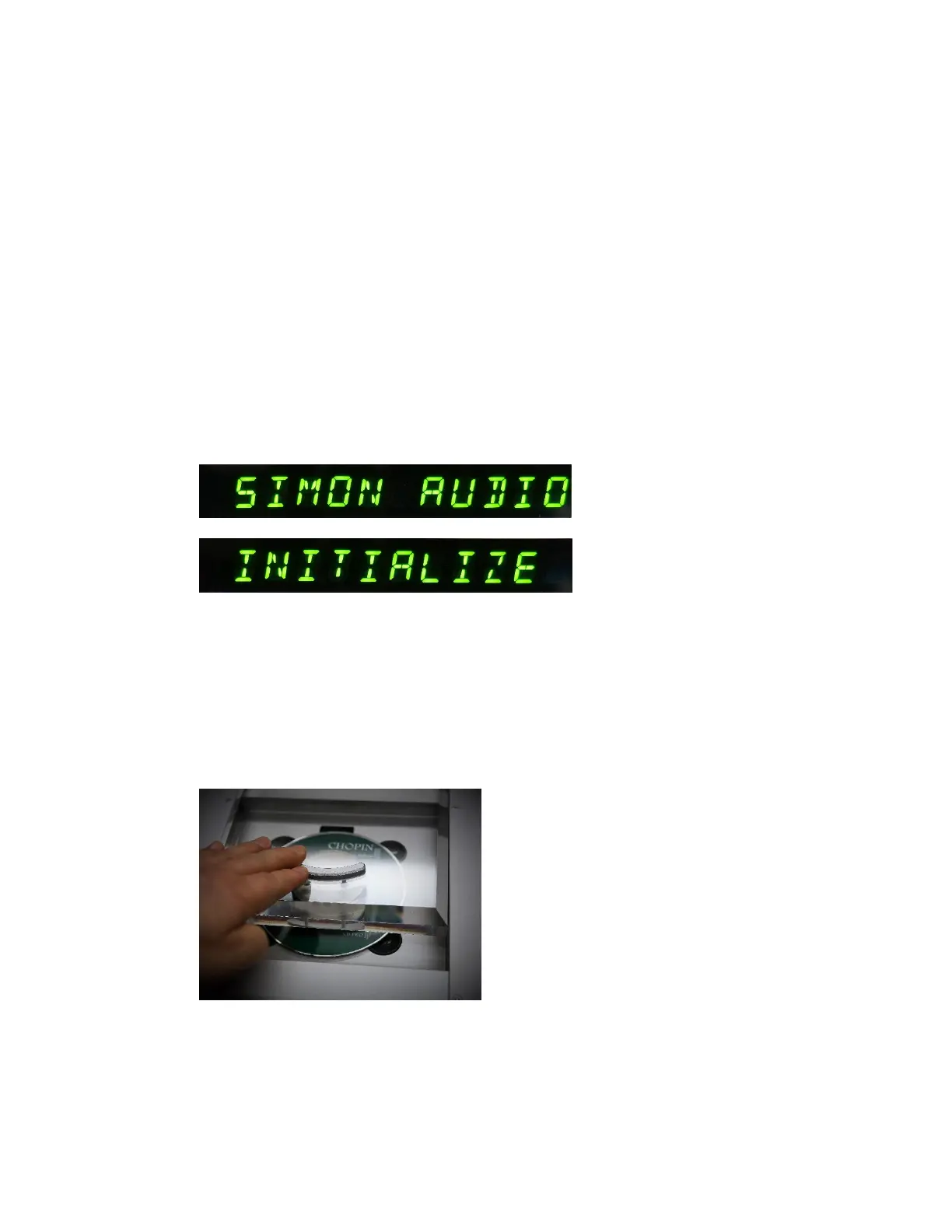
- Place the Stabilizer on top of CD and be sure to place correctly on the center.
Stabilizer is magnetically treated so that it can be centered automatically when
you place it close to the center.



 To Next Page