NET Operation
1) Smart phone setting
Download appropriate DLNA application from the Play Store (Android Phone) or
APP Store (iPhone).
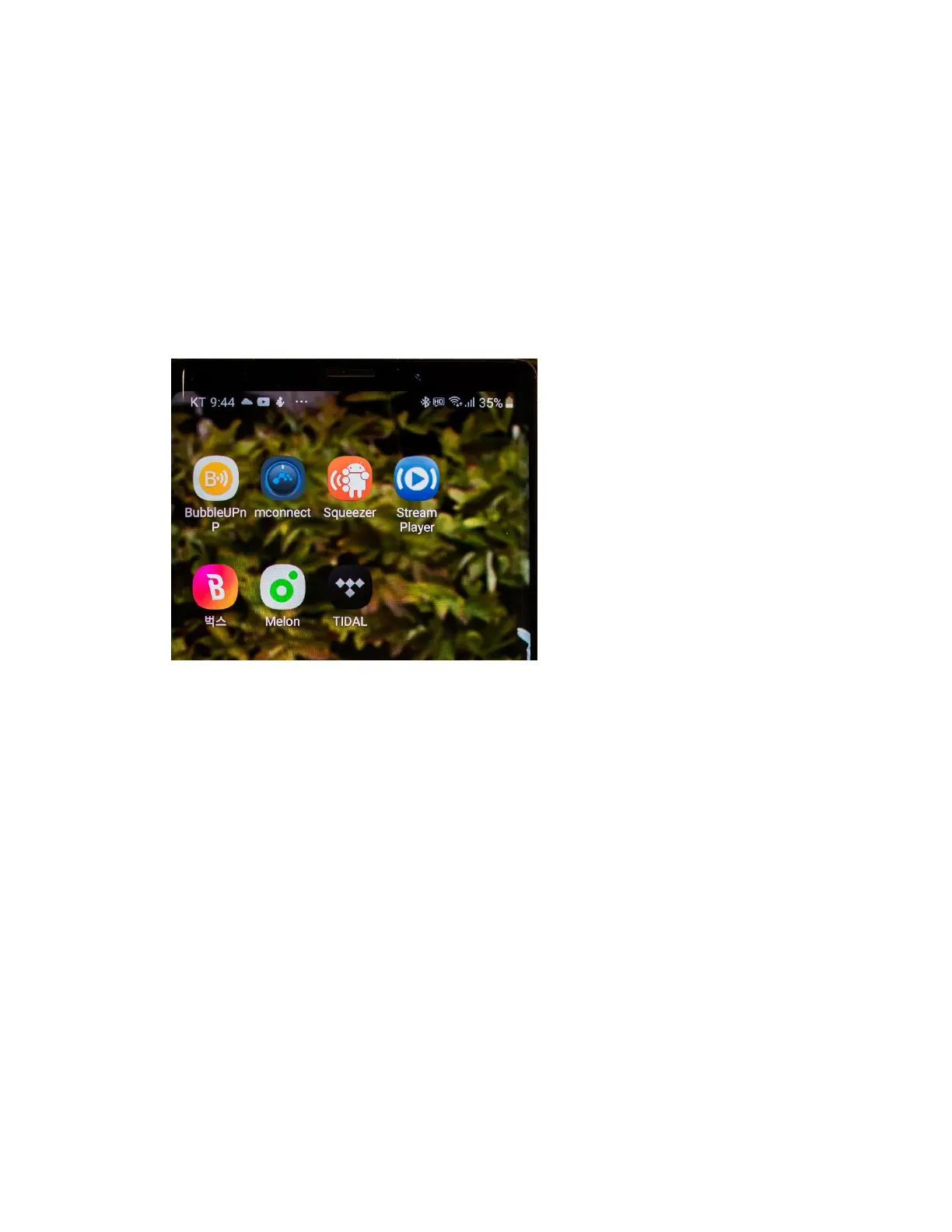
We recommend apps as below
- mconnect
- BubbleUPnP
- Or any DLNA compatible Apps or Music service Apps.
- Configure your phone’s Wifi setting as the same network of the Wifi router.
- If you select different network, Apps will not work properly.
2) Example of application from the smart phone
There are many applications you can try as a DLNA compliant player, but we
strongly recommend ‘mconnect’ because of its stability and better sonic
characters.
You can try other apps of your taste to find the difference of the user interface and
the sonic changes.



 To Next Page