EasyManua.ls Logo

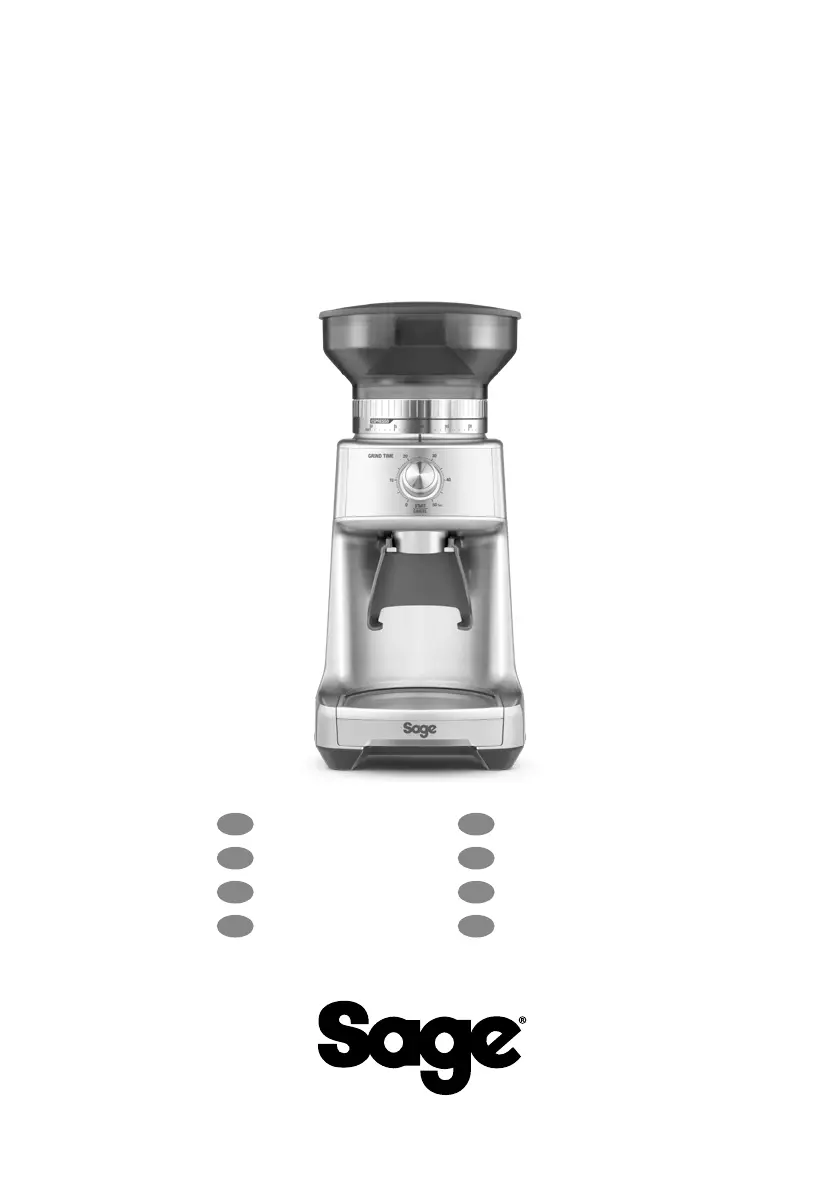
Sage BCG600 - User Manual

Sage BCG600
100 pages
Print Icon
To Next Page IconTo Next Page
Loading...
the Dose Control
Pro
BCG600/SCG600
EN
QUICK GUIDE
DE
KURZANLEITUNG
FR
GUIDE RAPIDE
NL
SNELSTARTGIDS
IT
GUIDA RAPIDA
ES
GUÍA RÁPIDA
PT
MANUAL RÁPIDO
PL
SZYBKI PRZEWODNIK

Questions and Answers

  • C
    cstoneJul 29, 2025
    Why won't my Sage Coffee Grinder start?
    • S
      Stephanie HinesJul 29, 2025
      If your Sage Coffee Grinder doesn't start, there might be a few reasons. First, ensure the power cord is properly plugged into the outlet. Also, check that the bean hopper is correctly attached and locked into place. If the grinder has overheated, allow it to cool down for 20 minutes before attempting to use it again. Finally, make sure the GRIND TIME dial is not set to 0 seconds; rotate it to increase the grind time.
  • S
    Sean SpenceAug 3, 2025
    What to do if my Sage BCG600 Coffee Grinder motor starts but no coffee comes out?
    • E
      Emily BlackburnAug 3, 2025
      If the motor of your Sage Coffee Grinder starts but no ground coffee is coming out, the possible causes are: the bean hopper may be empty, so fill it with fresh coffee beans. Alternatively, the grinder or bean hopper might be blocked. In this case, remove the bean hopper and inspect both the hopper and burrs for any blockages.
  • T
    Troy GarrettAug 7, 2025
    How to control the amount of coffee grind from my Sage Coffee Grinder?
    • J
      Joseph WilliamsAug 8, 2025
      If you are getting too much or not enough coffee grind from your Sage Coffee Grinder, use the GRIND TIME dial to fine-tune the amount, adjusting it to grind more or less coffee as needed.
  • J
    Jennifer WrightAug 13, 2025
    Why can't I lock the bean hopper on my Sage BCG600?
    • K
      karlacarrilloAug 13, 2025
      If you're unable to lock the bean hopper into position on your Sage Coffee Grinder, it's possible that coffee beans are obstructing the bean hopper locking device. Remove the bean hopper, clear any coffee beans from the top of the burrs, and then try re-locking the hopper into position.
  • K
    kylemortonAug 18, 2025
    Why does my portafilter overfill with coffee from my Sage BCG600?
    • R
      Rita BradleyAug 18, 2025
      It is normal for the correct amount of coffee to appear overfilled in your portafilter when using the Sage Coffee Grinder. Untamped coffee has approximately three times the volume of tamped coffee.
  • D
    darleneclineAug 23, 2025
    How to emergency stop the Sage BCG600?
    • C
      Cynthia McleanAug 25, 2025
      To perform an emergency stop on the Sage Coffee Grinder, press the START / CANCEL button to pause operation and unplug the power cord from the power outlet.

Summary

Safety First

Important Safeguards

Crucial safety instructions for appliance operation and handling.

Appliance Overview

Component Identification

Detailed labeling and identification of the appliance's main parts.

Included Accessories

List and identification of accessories provided with the appliance.

Operating Your New Appliance

Initial Setup and Assembly

Instructions for initial setup, preparation, and assembling the grinder components.

Grinding Coffee Beans

Detailed steps for grinding coffee for espresso and into containers/filters.

Adjusting Grind Settings

Guidance on setting grind amount, size, and trimming the dose for optimal extraction.

Coffee Chart and Burr Adjustment

Reference chart for settings and guide to adjusting conical burrs for grind range.

Care, Cleaning & Storage

General Care Instructions

Basic steps for cleaning the hopper, lid, and exterior of the appliance.

Cleaning Conical Burrs

Detailed instructions for cleaning the conical burrs for consistent grinding results.

Troubleshooting

Guarantee

2 Year Limited Guarantee

Details of the limited warranty period and coverage for the product.

Sage BCG600 Specifications

General IconGeneral
TypeBurr Grinder
ModelBCG600
CategoryCoffee Grinder
MaterialStainless Steel
Grind Settings60
ColorBlack

Related product manuals