EasyManua.ls Logo

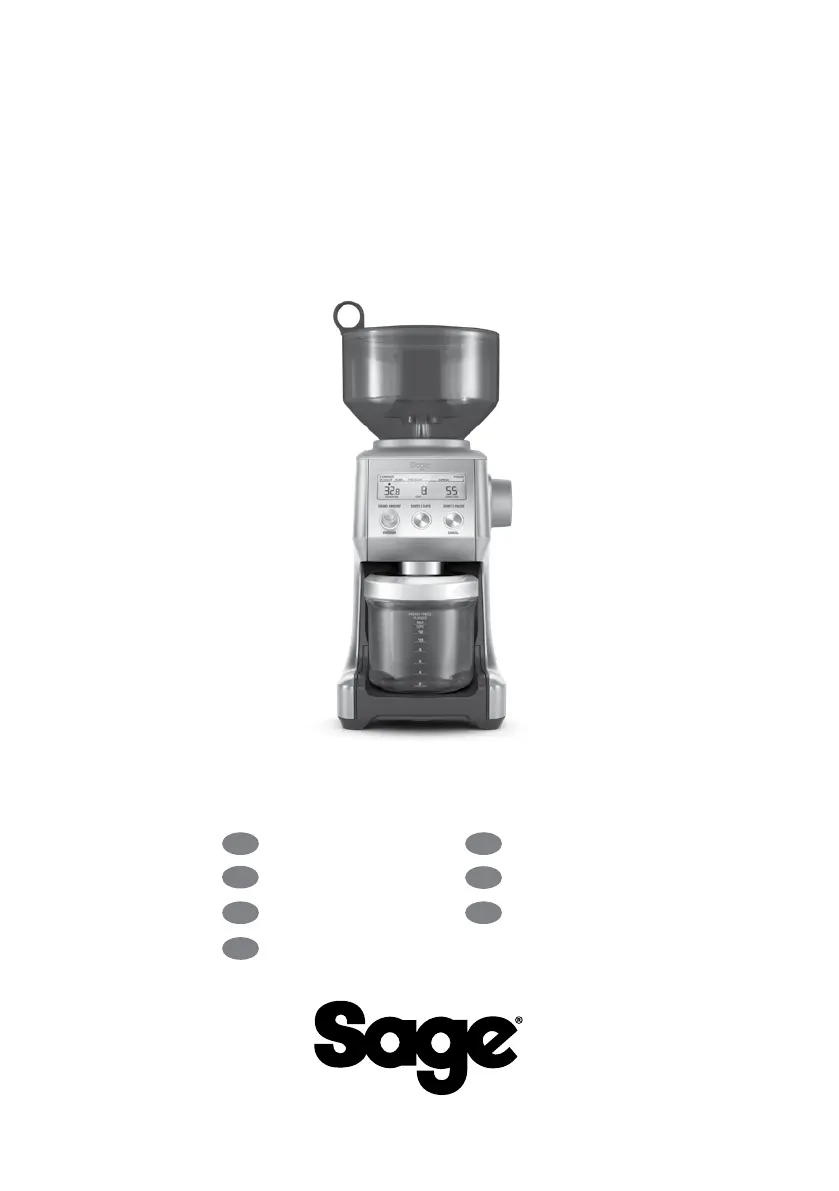
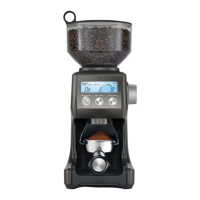
Sage Smart Grinder Pro SCG820 - User Manual

Sage Smart Grinder Pro SCG820
96 pages
Print Icon
To Next Page IconTo Next Page
Loading...
the Smart Grinder
Pro
BCG820/SCG820
EN
QUICK GUIDE
DE
KURZANLEITUNG
FR
GUIDE RAPIDE
NL
SNELSTARTGIDS
ES
GUÍA RÁPIDA
IT
GUIDA RAPIDA
PT
MANUAL RÁPIDO

Other manuals for Sage Smart Grinder Pro SCG820

Questions and Answers

  • K
    Kayla MckinneyJul 27, 2025
    Why Sage Smart Grinder Pro SCG820 Coffee Grinder won't start?
    • J
      Jeffrey GarzaJul 28, 2025
      Your Sage Coffee Grinder might not start due to several reasons: it may not be plugged into the power outlet, it may have overheated, or the bean hopper may not be correctly attached. Ensure the power cord is plugged in, allow the grinder to cool down for 20 minutes if overheated, and lock the bean hopper into position.
  • Y
    ysullivanAug 1, 2025
    What to do if Sage Smart Grinder Pro SCG820 motor starts but no coffee comes out?
    • M
      Martin GuzmanAug 1, 2025
      If your Sage Coffee Grinder's motor runs but no ground coffee is coming out, check the following: Ensure you've pressed the START / PAUSE / CANCEL button or PORTAFILTER SWITCH to activate it. Also, make sure the bean hopper has coffee beans. Finally, inspect the bean hopper and burrs for any blockages.
  • K
    kmorrisAug 5, 2025
    How to adjust the amount of coffee grind in Sage Coffee Grinder?
    • J
      Jacqueline BeasleyAug 5, 2025
      To adjust the amount of coffee grind in your Sage Coffee Grinder, press the SHOTS / CUPS button to change the grind amount. You can also use the Grind Amount Dial to fine-tune the amount, choosing ‘more’ or ‘less’ as needed.
  • S
    Susan MooreAug 9, 2025
    Why is my Sage Coffee Grinder making a loud noise?
    • C
      Cynthia NewmanAug 9, 2025
      A loud racket noise from your Sage Coffee Grinder could be due to a foreign item blocking the grinder or moisture clogging it. Remove the bean hopper and inspect the burrs for any foreign objects. Clean the burrs and chute, let them dry thoroughly, or use a hair dryer to blow air into the grinder inlet to dry it.
  • N
    nicholas78Aug 14, 2025
    How to lock the bean hopper on Sage Smart Grinder Pro SCG820 Coffee Grinder?
    • S
      Sherry StaffordAug 14, 2025
      If you're unable to lock the bean hopper into position on your Sage Coffee Grinder, it might be due to coffee beans obstructing the locking device. Remove the bean hopper, clear any coffee beans from the top of the burrs, and then try to re-lock the hopper into position.
  • S
    silvakatherineAug 18, 2025
    Why is the portafilter overflowing with coffee from my Sage Smart Grinder Pro SCG820?
    • R
      Robert SilvaAug 18, 2025
      It is normal for the correct amount of coffee to appear overfilled in your portafilter because untamped coffee has approximately three times the volume of tamped coffee.
  • R
    Robert Hawkins Jr.Aug 22, 2025
    How to emergency stop the Sage Smart Grinder Pro SCG820 Coffee Grinder?
    • B
      Brittany ChapmanAug 22, 2025
      To stop the Sage Coffee Grinder in an emergency, press the START / PAUSE / CANCEL button. Alternatively, unplug the power cord from the power outlet.

Summary

Safety First

Important Safeguards

Critical safety precautions to follow before using the appliance.

Getting To Know Your New Appliance

Operating Your New Appliance

Before First Use

Instructions for initial setup and preparation before the first operation.

Energy Saving Feature

Details on the automatic shut-off function for energy conservation.

Assembling Your Sage Smart Grinder Pro

Step-by-step guide for assembling the coffee grinder components.

Grinding for Espresso

Guidance on grinding fresh coffee beans specifically for espresso preparation.

Grinding into Container or Filter

Instructions for collecting ground coffee into the container or filter.

Pause Function

How to temporarily stop and resume the grinding operation.

Automatic Grinding

Explanation of hands-free grinding operation and its activation.

Program Function

How to set and save custom grind time or amount presets.

Adjusting Grind Amount

Instructions on how to increase or decrease the selected coffee grind quantity.

Manual Grinding

Procedure for controlling coffee dispensing duration manually.

Adjusting Conical Burrs

Guide on how to adjust the upper burr for a wider grind range.

Care, Cleaning & Storage

Cleaning Conical Burrs

Steps for cleaning the conical burrs to ensure consistent grinding results.

Troubleshooting

Guarantee

2 Year Limited Guarantee

Details of the product warranty period and terms for domestic use.

Sage Smart Grinder Pro SCG820 Specifications

General IconGeneral
Grind Settings60
DisplayLCD
MaterialPlastic and Stainless Steel
Voltage220-240V
Construction MaterialsPlastic and Stainless Steel
Burr TypeConical Burr
Dose ControlYes
Frequency50-60Hz
TypeBurr Grinder
Dimensions Variation 1Not applicable
Dimensions Variation 2Not applicable
Dimensions Variation 3Not applicable
Weight Variation 1Not applicable
Weight Variation 2Not applicable
Bean Hopper Capacity450g
Power165 watts

Related product manuals