EasyManua.ls Logo

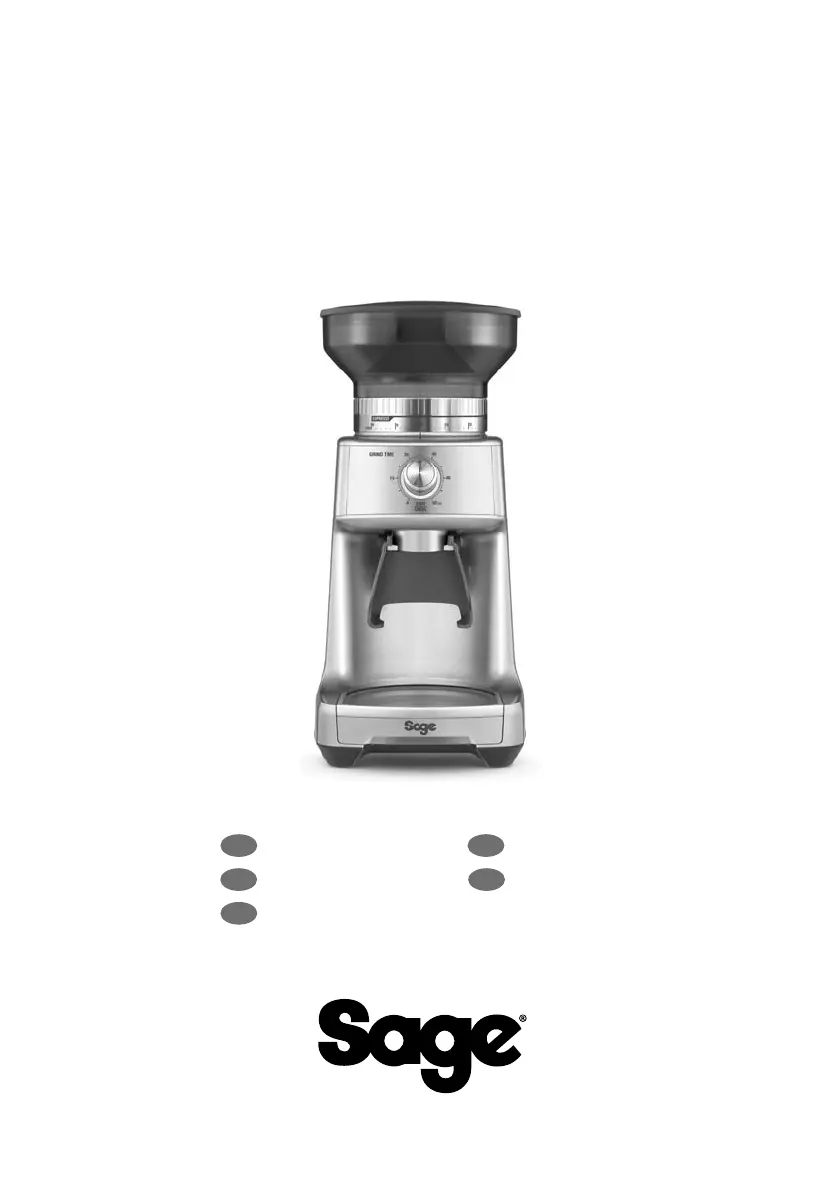
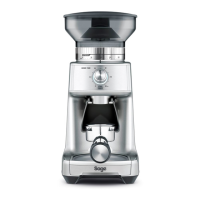
Sage the Dose Control Pro - User Manual

Sage the Dose Control Pro
64 pages
Print Icon
To Next Page IconTo Next Page
Loading...
the Dose Control
Pro
SCG600
EN QUICK GUIDE DE KURZANLEITUNG
FR GUIDE RAPIDE NL SNELSTARTGIDS
ES GUÍA RÁPIDA

Other manuals for Sage the Dose Control Pro

Questions and Answers

  • M
    murphyjacobJul 28, 2025
    What to do if Sage the Dose Control Pro motor starts but no ground coffee comes from grind outlet?
    • M
      Michael HartJul 28, 2025
      If the motor of your Sage Coffee Grinder starts but no ground coffee is coming out, it could be due to a couple of reasons. First, check if the bean hopper is empty and fill it with fresh coffee beans if needed. Second, the grinder or bean hopper might be blocked. In this case, remove the bean hopper and inspect both the hopper and burrs for any blockages.
  • P
    Patrick PachecoAug 3, 2025
    How to fix a Sage the Dose Control Pro when I can’t adjust the Grind Size Collar?
    • J
      Jasmine CarlsonAug 3, 2025
      If you can't adjust the Grind Size Collar on your Sage Coffee Grinder, it could be due to a few reasons. The Grind Size Collar might be too tight, or there might be coffee beans and grinds caught in the burrs, or the hopper might not be installed correctly. Try rotating the Bean Hopper to turn the Grind Size Collar to adjust grind settings. You can also run the grinder by pressing the START|CANCEL button while turning the Hopper. If that doesn't work, unlock the hopper and reinstall it.
  • J
    James CruzAug 9, 2025
    Why won't my Sage Coffee Grinder start after pressing START?
    • K
      Kevin WeeksAug 9, 2025
      If your Sage Coffee Grinder doesn't start after pressing the start button, here are a few things to check: * Make sure the power cord is properly plugged into the power outlet. * Ensure the bean hopper is locked into the correct position. * If the grinder has been used recently, give it about 20 minutes to cool down before trying again. * Check that the grind time is set using the grind time dial.
  • A
    Amanda BakerAug 15, 2025
    What to do if my Sage the Dose Control Pro has an emergency stop?
    • P
      patrickbrownAug 15, 2025
      If your Sage Coffee Grinder has an emergency stop, you can pause the operation by pressing the START|CANCEL button. You can also unplug the power cord from the power outlet.
  • V
    valenzuelarebeccaAug 21, 2025
    Why am I unable to lock the bean hopper into position on my Sage Coffee Grinder?
    • J
      Jeremy TerryAug 21, 2025
      If you're unable to lock the bean hopper into position on your Sage Coffee Grinder, it's likely that coffee beans are obstructing the bean hopper locking device. Remove the bean hopper, clear any coffee beans from the top of the burrs, and then try re-locking the hopper into position.

Summary

Safety First

Important Safeguards

Comprehensive safety instructions and precautions for using the appliance safely.

Appliance Overview

Appliance Components and Features

Detailed identification of the grinder's parts, including burrs, dials, and buttons.

Included Accessories

List of accessories provided with the coffee grinder, such as portafilter cradles.

Operating Your New Appliance

Initial Setup and First Use

Instructions for preparing the appliance before its first operation, including cleaning.

Grinder Assembly Instructions

Step-by-step guide on how to assemble the bean hopper and other components.

Grinding Coffee for Espresso

Detailed steps for grinding coffee beans specifically for espresso preparation.

Dose Trimming Guide

How to use the dose trimming tool to achieve a consistent coffee puck level.

Grind Size and Amount Selection

Guidance on selecting the appropriate grind size and coffee amount for brewing.

Grinding into Container or Filter

Procedure for grinding coffee directly into a container or coffee filter.

Advanced Grinding Features

Explanation of pause function and manual grinding modes for precise control.

Coffee Chart and Burr Adjustment

Reference chart for grind settings and instructions for adjusting conical burrs.

Care, Cleaning, and Storage

General Care and Cleaning

Instructions for cleaning the appliance exterior, hopper, and lid.

Cleaning the Conical Burrs

Detailed procedure for cleaning the conical burrs for optimal grinding performance.

Troubleshooting Guide

Common Grinder Issues and Solutions

Addresses common problems like non-starting, no coffee output, and grind size issues.

Product Guarantee

2 Year Limited Guarantee Details

Information about the limited warranty period and terms for the appliance.

Sage the Dose Control Pro Specifications

General IconGeneral
Modelthe Dose Control Pro
BrandSage
CategoryCoffee Grinder
Grind Settings60
Bean Hopper Capacity250g
Dimensions16.0 x 12.5 x 30.0 cm
Weight1.6 kg
Power165W
TypeBurr Coffee Grinder
MaterialStainless Steel, Plastic
ColorSilver

Related product manuals