Need help?
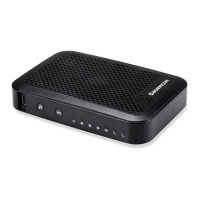
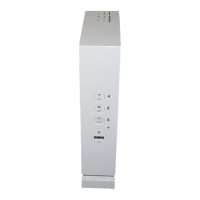
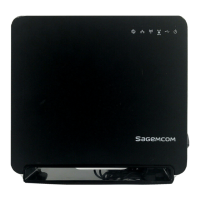
Do you have a question about the SAGEMCOM F@ST 3896 SUM and is the answer not in the manual?
Steps to connect the gateway to the internet service provider using a coaxial cable.
Guide to power on the device and verify initial LED status indicators.
Instructions for connecting the gateway to a computer via Ethernet for network access.
 General
| Model | F@ST 3896 SUM |
|---|---|
| Type | Gateway |
| Ethernet Ports | 4 |
| USB Ports | 1 |
| WAN Ports | 1 |
| Wireless Frequency Bands | 2.4 GHz, 5 GHz |
| Technology | VDSL2, ADSL2+ |
| Telephony Ports | 2 |
| Wi-Fi Standard | IEEE 802.11ac |
| Security Protocols | WPA2 |

 To Next Page