Need help?
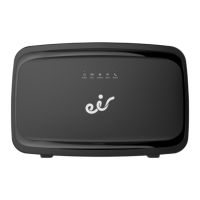
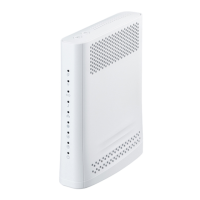
Do you have a question about the SAGEMCOM F@ST 3284u and is the answer not in the manual?
Explains the function of LEDs and buttons on the front panel of the F@ST 3284u gateway.
Details the purpose of each port located on the rear of the F@ST 3284u gateway.
Outlines the step-by-step process for connecting the gateway to a computer via Ethernet.
Guides users through the steps to connect wirelessly to the F@ST 3284u network.
Provides crucial instructions for installation and safe usage of the F@ST3284u.
 General
| Device Type | Gateway |
|---|---|
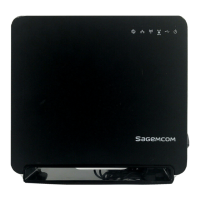
| Manufacturer | SAGEMCOM |
| Model | F@ST 3284u |
| WAN Ports | 1 |
| LAN Ports | 4 |
| Ethernet Ports | 4 |
| Wireless Frequency Bands | 2.4 GHz |
| Maximum Wireless Speed | 300 Mbps |
| USB Ports | 1 |
| Annex Types | Annex A, Annex B |
| DSL Standards | ADSL2+, VDSL2 |
| Security | WPA, WPA2 |
| Firewall | SPI |
| Power Supply | 12V DC |
| Wireless Standard | 802.11b/g/n |

 To Next Page