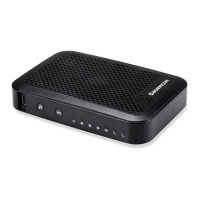
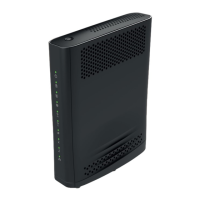
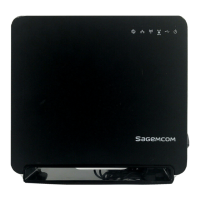
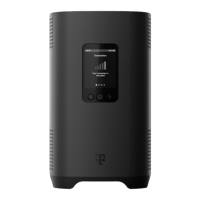
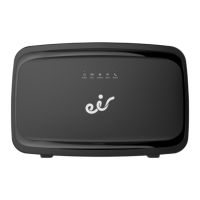
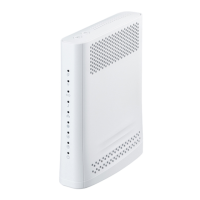
SAGEMCOM F@ST 5355 GATEWAY
Disclaimer
This is not an official document. I am not employed by Telstra nor am I an IT person. I wrote this
document because setting up my gateway was a hassle due to the lack of a manual or any set up
information on Testra’s Web Site. I don’t guarantee the accuracy of it content. What worked for me might
not work for you.
Table of Contents
Lights and Buttons
Login
Change Gateway’s Login Password
Telstra’ s _Internet User Name and Password
Parental_Control
Connecting Wi-Fi devices
Address Reservation (Static LAN I P Address)
Port Forwarding
Backup and R estore S ettings
Reset Gateway
Turn WI-FI OFF or ON
Bridge Mode
Dynamic DNS
Pair a DECT handset
R emote W EB Access
Wi-Fi MAC Filtering
DNS
Change Wi-Fi SSID and Password
Third Party VDSL Modem /Router
DLNA Server and Mass Storage
D evice Information (FTTN or ADSL connection Link Speed and Max
Speed)
Statistics (Place to look to find what’s causing problems)
C hange IP Address of Gateway
Specifications
Known Limitations and Bugs
C hanging IP Address Range Bug Work Around.
NB: Document needs to be downloaded for internal links to work.
Version 2.4 Last updated 01/03/2017

 Need help?
 General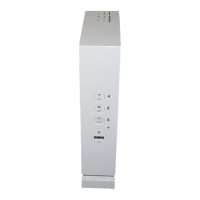

 To Next Page