1 INTRODUCTION RM2042
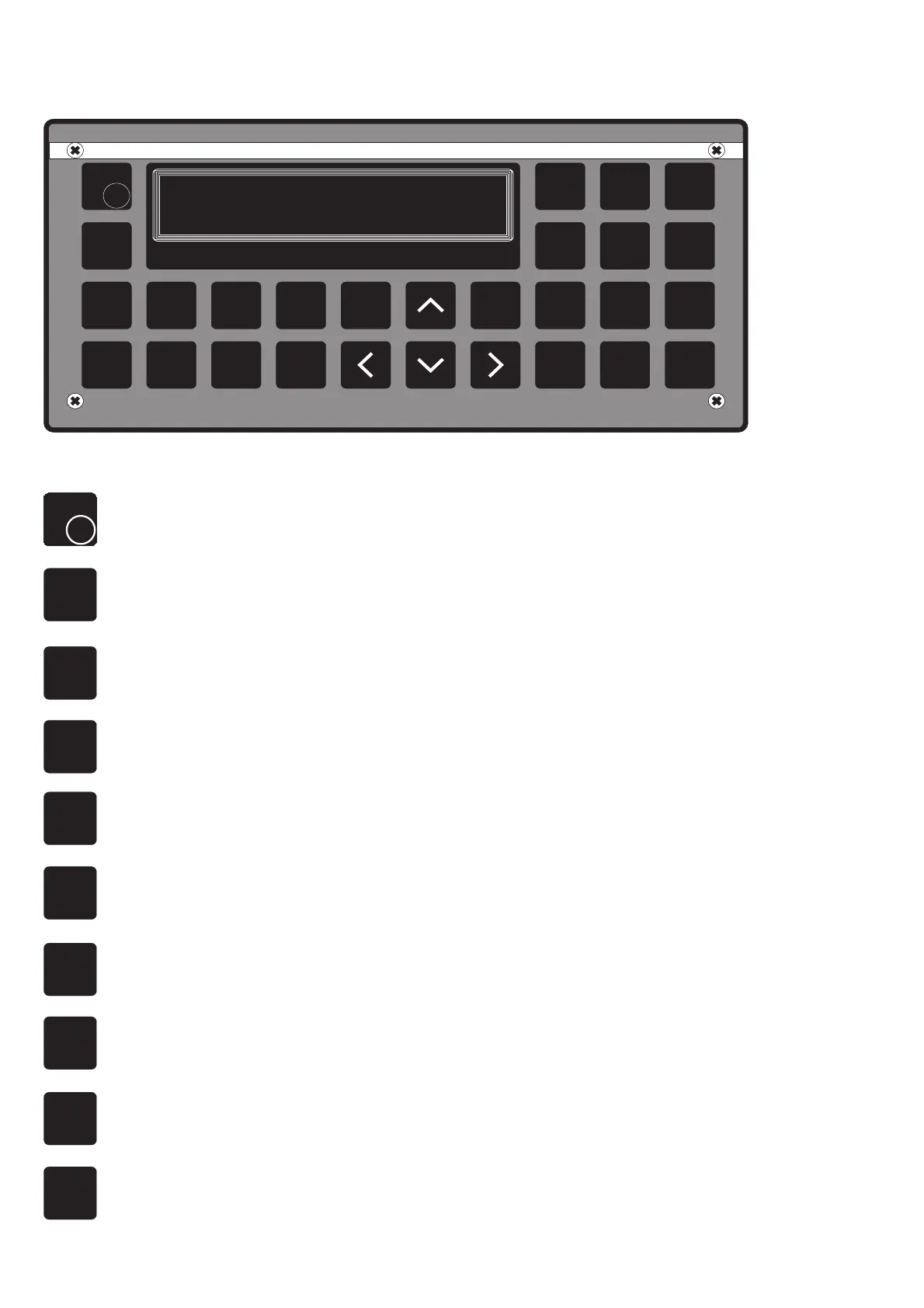
1.3 CONTROLS
1
2
3
ENT
STOP
4
5
6
7
8 9
0
VOL
O
F
F
.
DEG
CALL
EDIT LAST
FUNC
RX
MSG
NEXT
CH
VHF
ADDR
BOOK
SAILOR
COMPACT VHF DSC RM2042
S.P. RADIO DENMARK
27552
STU VWX YZ-
JKL MNO PQR
ABC DEF GHI
SEND
DIS
TRESS
F
F
O
VOL
On/off/vol turn-style knob.
FUNC
Selects the function menu window, from which one of seven different functions can be
selected, such as the display control functions, printer function etc.
CH
VHF
Activates the VHF channel selection mode, if connected to a VHF transceiver, with serial
interface i.e. RT 2O48.
MSG
RX
Selects the received message menu, which should be used for a display readout of
messages in the memory bank.
EDIT
This button is used when you want to edit the content of a stored, user composed, call
sequence, or when you want to edit the position information.
TRESS
DIS
Activated alone, this button is used to enter the distress call menu, in which you can compose
your distress message to be transmitted.
NOTE! Activated simultaneous with the SEND-button, a distress call will be initiated.
ADDR
BOOK
Selects the user programmed address book, where you can save up to forty different
complete call sequences.
CALL
This button is used to enter the call composition menu, where the entry will be either a station
name or a MID number. If you press Edit under this menu, the following menus will guide
you through the complete composition of a call.
SEND
This button is used to initiate a call transmission, when a call has been composed or selected.
The unit permits the transmission by an appropriate readout to guide the user.
NOTE! Activated simultaneous with the DISTRESS-button, a distress call will be initiated.
NEXT
This button is used to select the next menu in an input sequence, and at the same time the
user accepts the content of the actual display read-out.
PAGE 1-4



 To Next Page