EasyManua.ls Logo

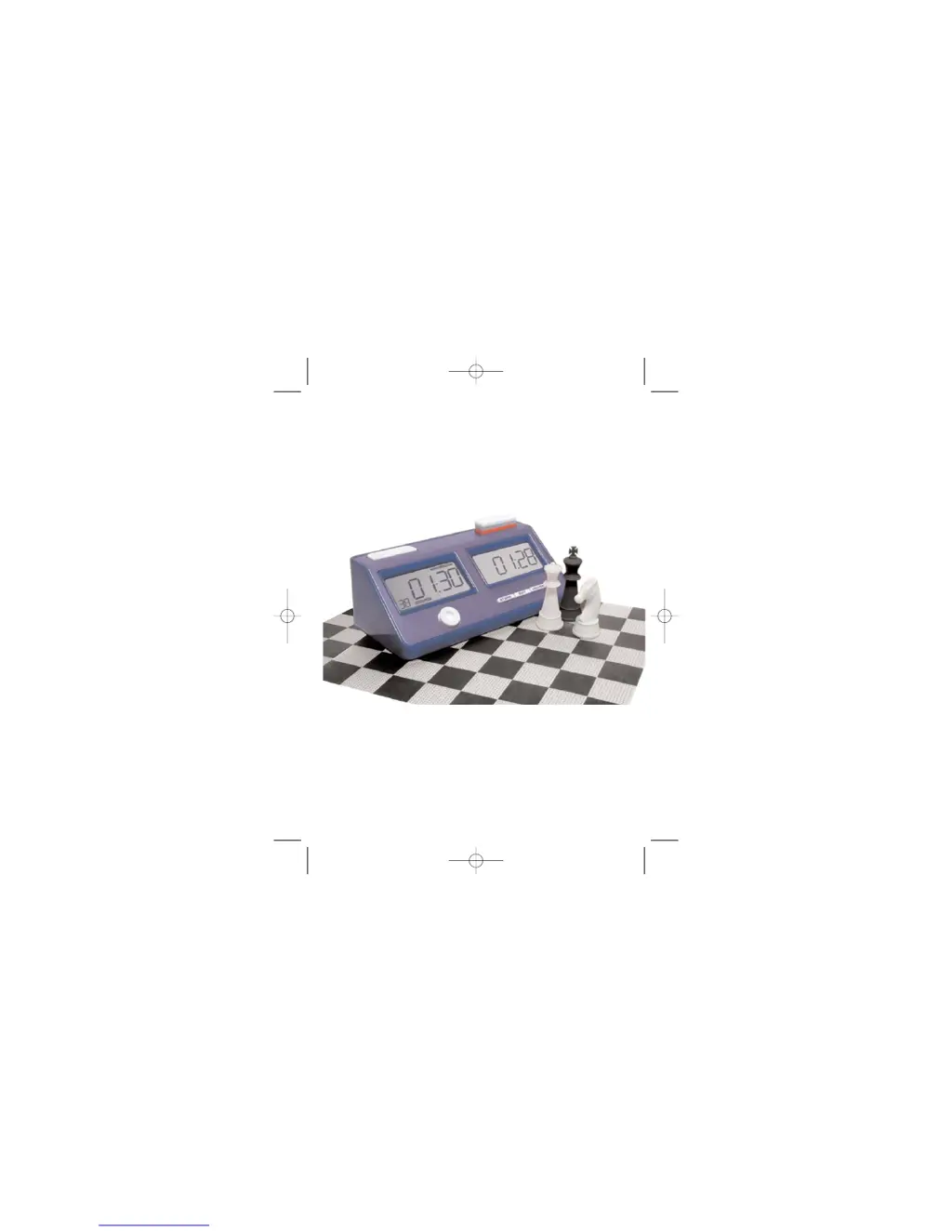
Saitek Game Clock - User Manual

Saitek Game Clock
12 pages
Print Icon
To Next Page IconTo Next Page
Loading...
Saitek
Competition Game Clock
TM
USER MANUAL
Gameclock manual_CZ02_English.qxd 4/11/2006 3:16 PM Page 1

Other manuals for Saitek Game Clock

Questions and Answers

  • P
    psullivanJul 25, 2025
    Why my Saitek Game Clock doesn't work?
    • G
      Gregory MyersJul 26, 2025
      There are several reasons why your Saitek Clock might not be working: * The batteries may not be inserted properly. Please refer to the instructions in Section 1.1 for correct battery insertion. * The batteries might be weak or dead. Try replacing them (see Section 1.1). * The battery contacts could be poor. Check the contacts on both the battery and the unit to ensure they are clean and that the unit contacts haven't been bent. * A static discharge or electrical disturbance may have caused the unit to lock up. In this case, press into the hole marked ACL to reset the unit (refer to the Keys and Features Section).
  • J
    Joanne ClineJul 30, 2025
    What to do if Saitek Game Clock keys are not responding?
    • C
      Cynthia PatelJul 30, 2025
      If your Saitek Clock isn't responding or is responding improperly when you press the keys, it could be due to electrostatic discharge. Try turning the unit off and pressing ACL (refer to the Keys and Features Section). Alternatively, the batteries may be weak. Replace them, and if the problem persists, turn the unit off and press ACL.
  • J
    Jonathan MoralesAug 3, 2025
    How to fix dim LCD display on Saitek Game Clock?
    • T
      trujillowilliamAug 3, 2025
      A dim or nonsensical display on the LCD of your Saitek Clock could indicate weak batteries. Replace the batteries. If the problem continues, turn off the unit and press ACL (see Keys and Features Section).
  • P
    Patrick MartinezAug 7, 2025
    What to do if Saitek Game Clock Timing Activator button is not responding?
    • A
      Ann ParkerAug 7, 2025
      If the Timing Activator button on your Saitek Clock isn't responding, it could be due to a few reasons: * It might not be your turn. Ensure that you know which side is taking the move. * The Timing Activator button on the opposite side might be held down by your opponent. Make sure the button on the opposite side is not being held down. * The game may have finished. Start a new game by pressing PAUSE for more than 3 seconds.
  • M
    Mrs. Cassandra Lam DVMAug 11, 2025
    Why battery-low symbol is still on after replacing batteries in Saitek Game Clock?
    • C
      Craig CarterAug 11, 2025
      If the battery-low symbol remains on your Saitek Clock even after replacing the batteries, ensure that you are using new batteries. Also, electrostatic discharge may be the cause. Turn off the unit and press ACL. See Keys and Features Section.
  • D
    dana76Aug 15, 2025
    How to adjust the time during the game on Saitek Game Clock?
    • B
      Brian HernandezAug 16, 2025
      If you cannot adjust the time during a game on your Saitek Clock, it may be because the game clock is still running. Press PAUSE to temporarily stop the game and then use ADJUST & SET to change the time (see Section 1.4). Alternatively, the switch might be turned to the LOCK position. Turn the switch to MODIFY before adjusting the time.
  • C
    Catherine BarnesAug 20, 2025
    Why is my Saitek Game Clock silent?
    • L
      Louis WhiteAug 20, 2025
      If your Saitek Clock is silent, check if the switch is turned to the SOUND OFF position. If so, turn the switch to GO.

Summary

Saitek Game Clock Features and Controls

Time Control Buttons

Details on the two lever buttons and their LED indicators.

LCD Display Information

Explanation of the two large LCD screens and displayed information.

Display Graphics and Key Operations

Function Keys Explained

Advanced Settings and Modes

Coachs Favorite Setup

Instructions for setting up and using the "Coach's Favorite" mode.

Preset Mode Operations

Adjusting Preset Mode Settings

Steps to edit and customize existing preset timer configurations.

Customizing and Saving Game Modes

Creating Coachs Favorite Mode

How to create and save a personalized game timer setting.

Game Clock Usage During Play

In-Game Operations

How to pause, edit time/moves, and view move counts during a game.

Game End Procedures and Support

Technical Support and Warranty

Information on troubleshooting, contacting support, and warranty terms.

Saitek Game Clock Specifications

General IconGeneral
BrandSaitek
ModelGame Clock
CategoryClock
LanguageEnglish

Related product manuals