Make sure that your camera is NOT connected to the computer.
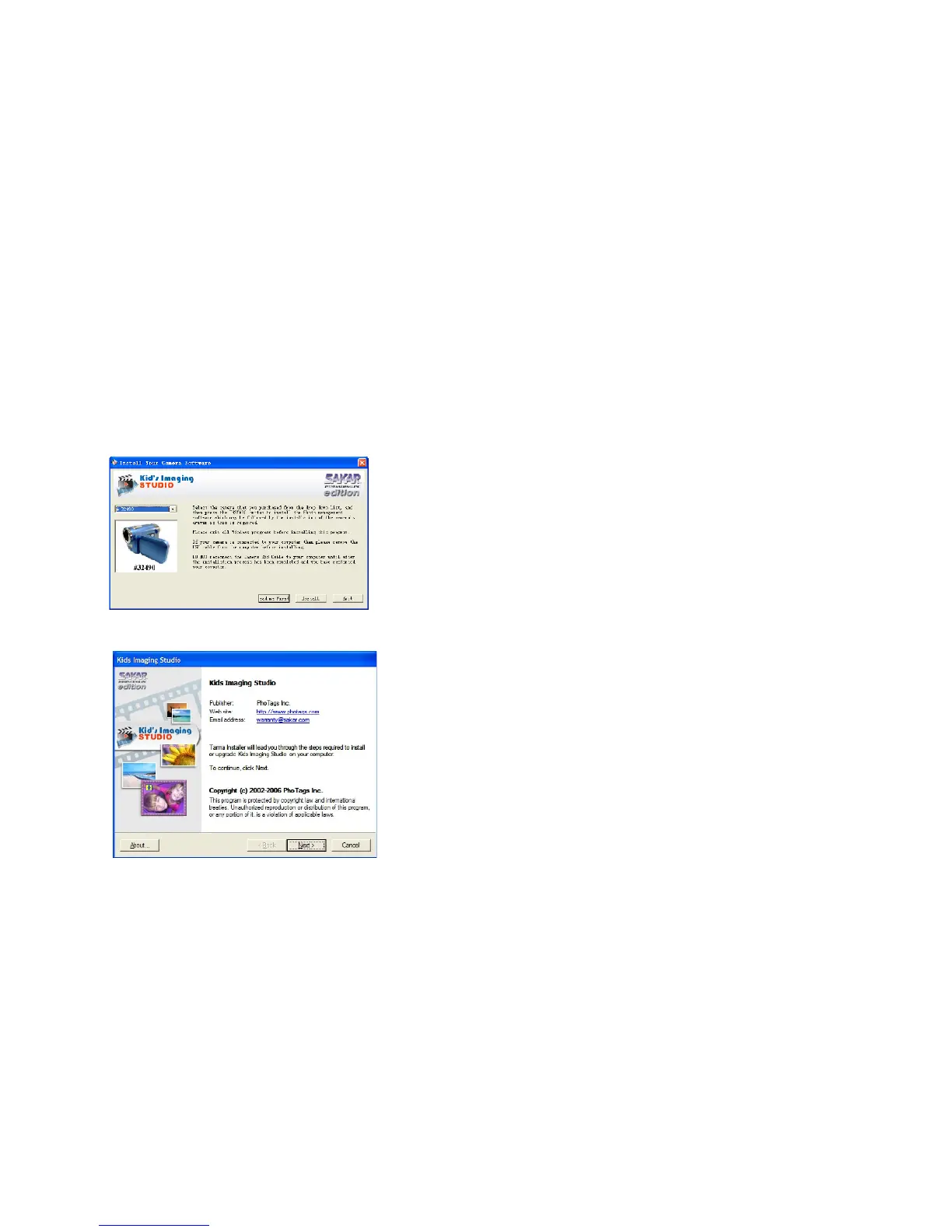
The Kids Imaging Studio installation screen will appear.
Both Kids Imaging Studio and the muvee AutoProducer will be installed.
At the completion of the installation you will be required to restart your computer in order to complete the
software installation.
1. Select your camera model from the list and click the “Install” button to install Kids Imaging Studio.
18


 To Next Page