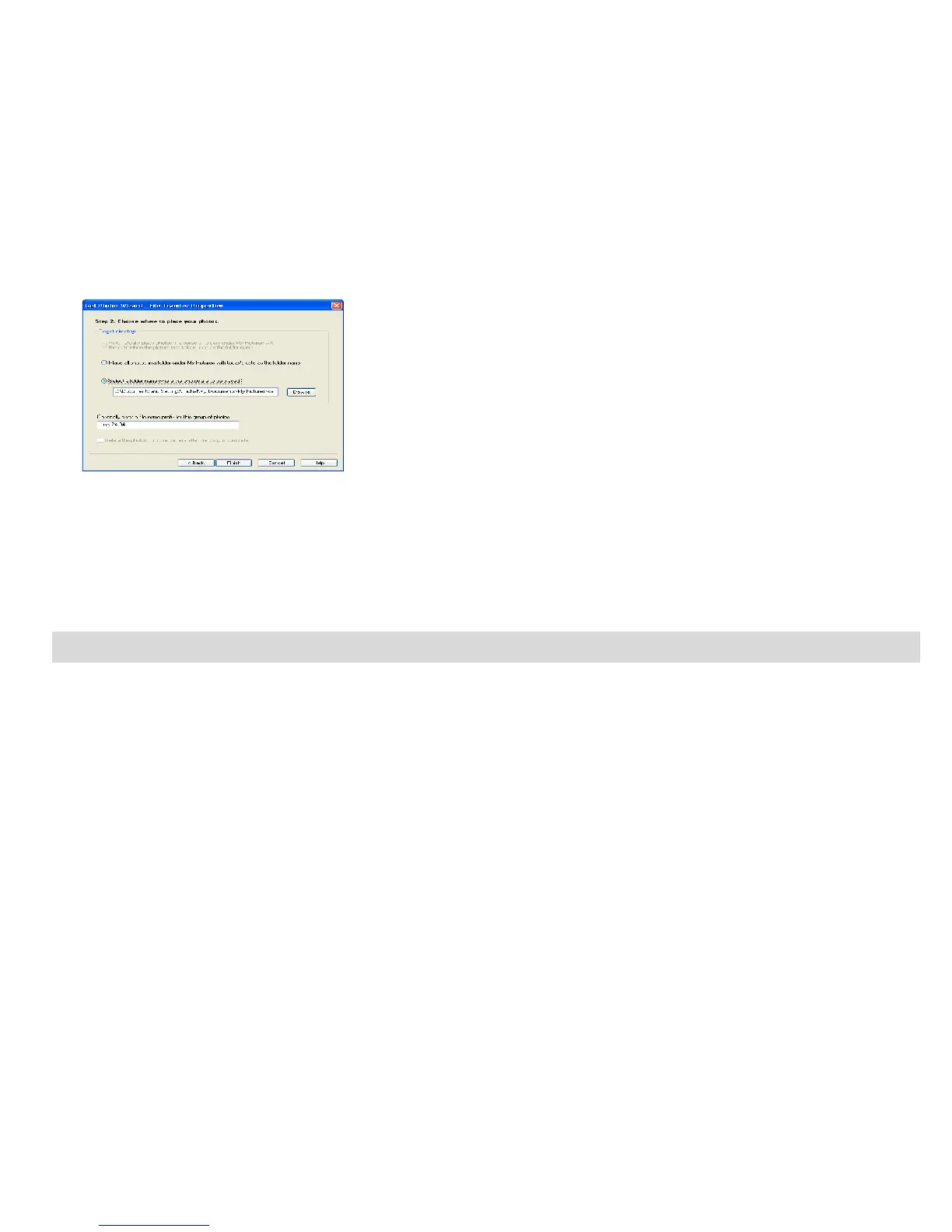
8. All of the pictures you have imported will appear in the “Select Photos” main window.
Transferring images to your PC using Kids Imaging Studio
Connect your DV camera to your PC. The word “DISK” will appear on the LCD.
This indicates that the DV camera is in Mass Storage mode.
Once in Mass Storage mode you can manually download all the images stored on your camera to your PC
for you to edit, enhance, email and more.
How to use the “Kids imaging Studio” program to import photos and videos from your camera.
26


 To Next Page