when you pull out the USB cable.
TV out function
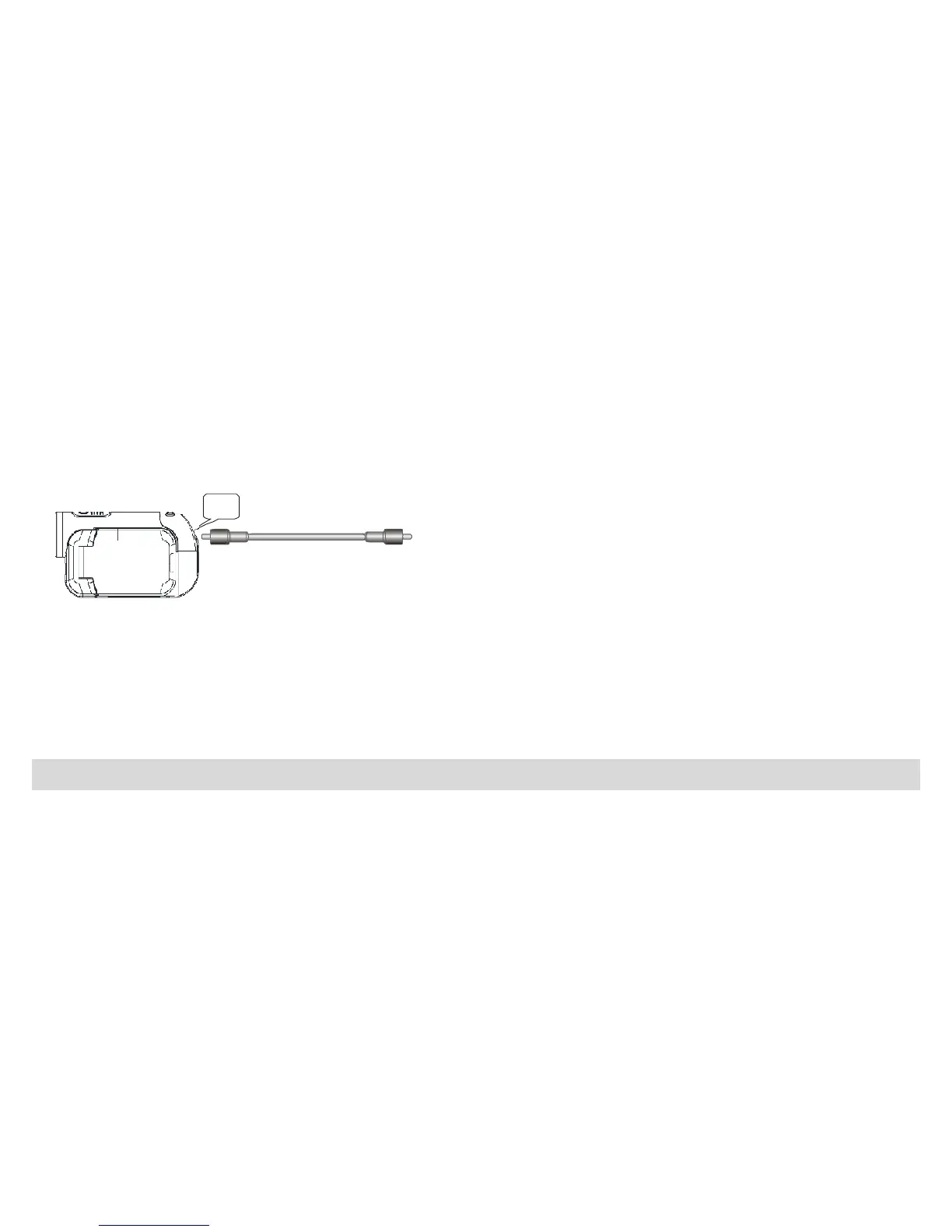
Your Digital Video has the function that allows the photos and video clips can be played on TV.
1. Connect DV to TV with TV cable correctly.
2. Power on your DV and TV (AV mode).
3. You can use TV LCD instead of your DV LCD.
Installing Kids Imaging Studio Software
Before you install the “Kids Imaging Studio” application please ensure that the Camera is NOT
connected to the computer.
Insert the Software CD that came with your camera into the CD-ROM drive.
17


 To Next Page