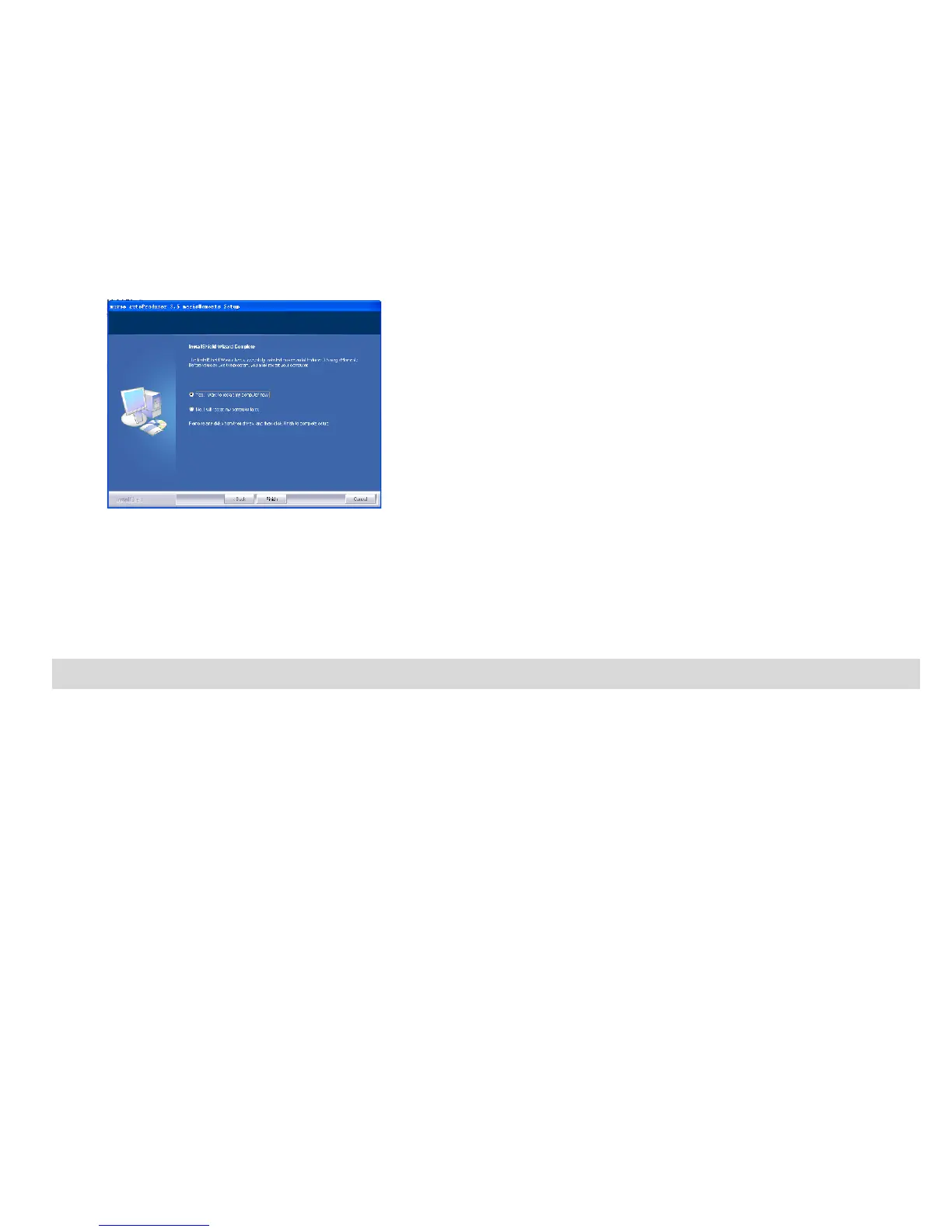
10. After the installation is complete, click the “Finish” button and restart your computer.
Congratulations! You have successfully installed the “Kids Imaging Studio” software.
Transferring Images to your PC using Media Auto Detect
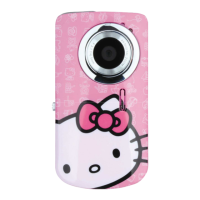
Connect your DV camera to PC. The word “DISK” will appear on the LCD.
This indicates that the DV camera is in Mass Storage mode.
Once in Mass Storage mode you can automatically download all the images stored on your camera to your
PC for you to edit, email, enhance, etc.
23


 To Next Page