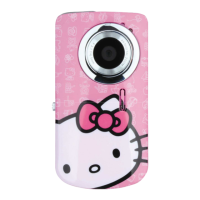
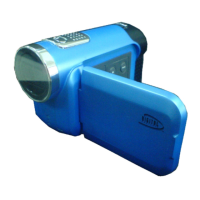
1. Plug one end of the USB cable provided into the USB slot on your camera.
2. Plug the other end of the USB cable into a USB port on your computer.
3. Make sure that your camera is connected and turned ON.
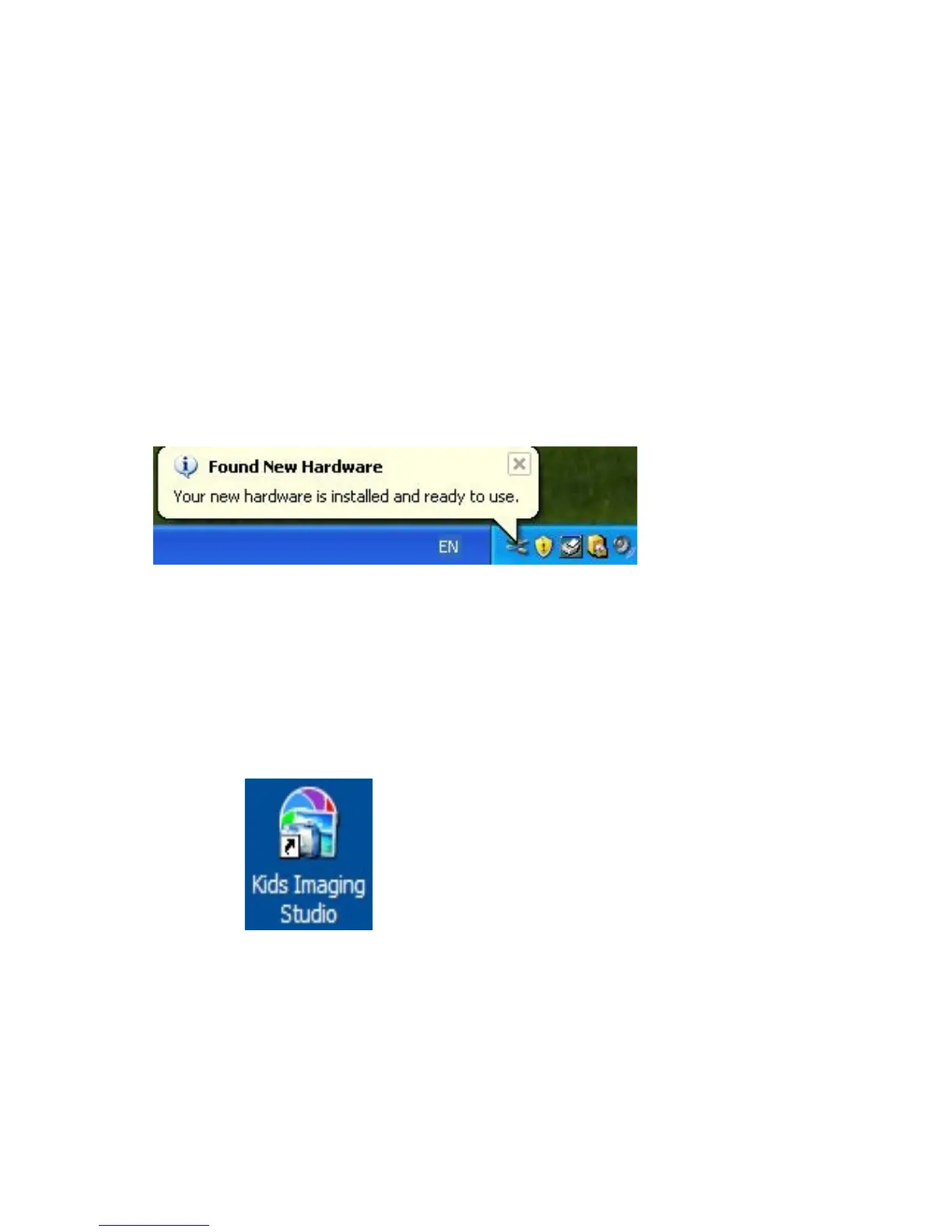
4. WAIT for the computer to recognize your camera. In Windows XP a message box will appear on the Task
Bar informing you that “Found New Hardware – your new hardware is installed and ready to use”.
Note: The camera will not function correctly if you open the application BEFORE the camera is recognized by the
computer.
5. Double-click the “Kids Imaging Studio” icon on your desktop to launch the “Kids Imaging Studio”
application.
27


 To Next Page