EN
18
www.salda.lt
FLEX
Manual
Fan speed Schedules ( ! )
Set temperature Manual
Supply air temp. OFF
Deicing
7:28 2013-06-04 Sk
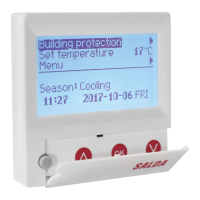
The “FLEX” control panel is used for control of ventilation units with
V1, V2, V2.3, V2.4 control boards.
• Program the unit operation modes for one week.
• Set the temperature for supply or extracted air ow.
• Set fan motor rotation speed.
• Indication for the plate heat exchanger’s antifreeze protection.
• Fault signal indication
• Indication of the temperatures, humidity and pressure for ambient,
outdoors room, exhaust and supply air.
• Automatic recognition of the controlled unit.
Mounting Surface.
Voltage [VDC] 15-30
Data transmission RS485
Cable length [m] 13
Dimensions (WxHxD) [mm] 86x86x16
Safety class IP-20
Ambient temperature [°C] 10-30(50*)
Ambient humidity [%] <90
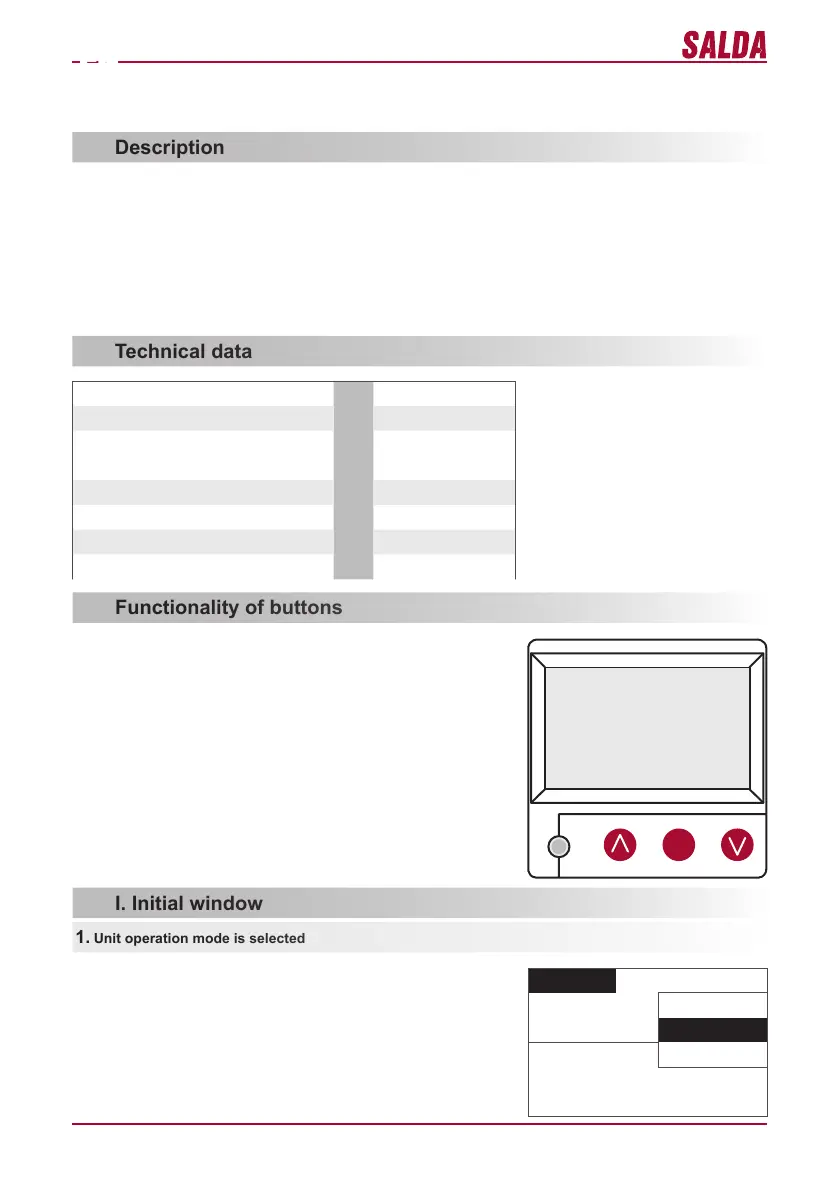
1 “Fast Button” – used for control of the selected function (see II.6.5.3)
2 „ ↑ “– used for increasing the setting values or for moving a line up
3 “OK” – used for conrmation of the selected line or of the set value
4 „ ↑ “– used for decreasing the setting values or for moving a line down
1 2 3 4
“OFF” – complete switch off of the unit
“Manual” – the unit operates based on the set speed and tempera-
ture
„Schedules“ - the unit operates based on the programmed events.,
and/or „Building protection“ – minimal ventilation without tempera-
ture maintenance, (see.: Service manual 17.1.).
If no programmed events exist, “( ! )” is shown (see II.2).
1. Unit operation mode is selected
CONTROL PANEL WITH THE LIQUID CRYSTAL DISPLAY
„FLEX“ Technical manual


 To Next Page