10
11
1.7 Use
As soon as your device has been successfully activated, started
up and has sent and logged data for the first time, you can
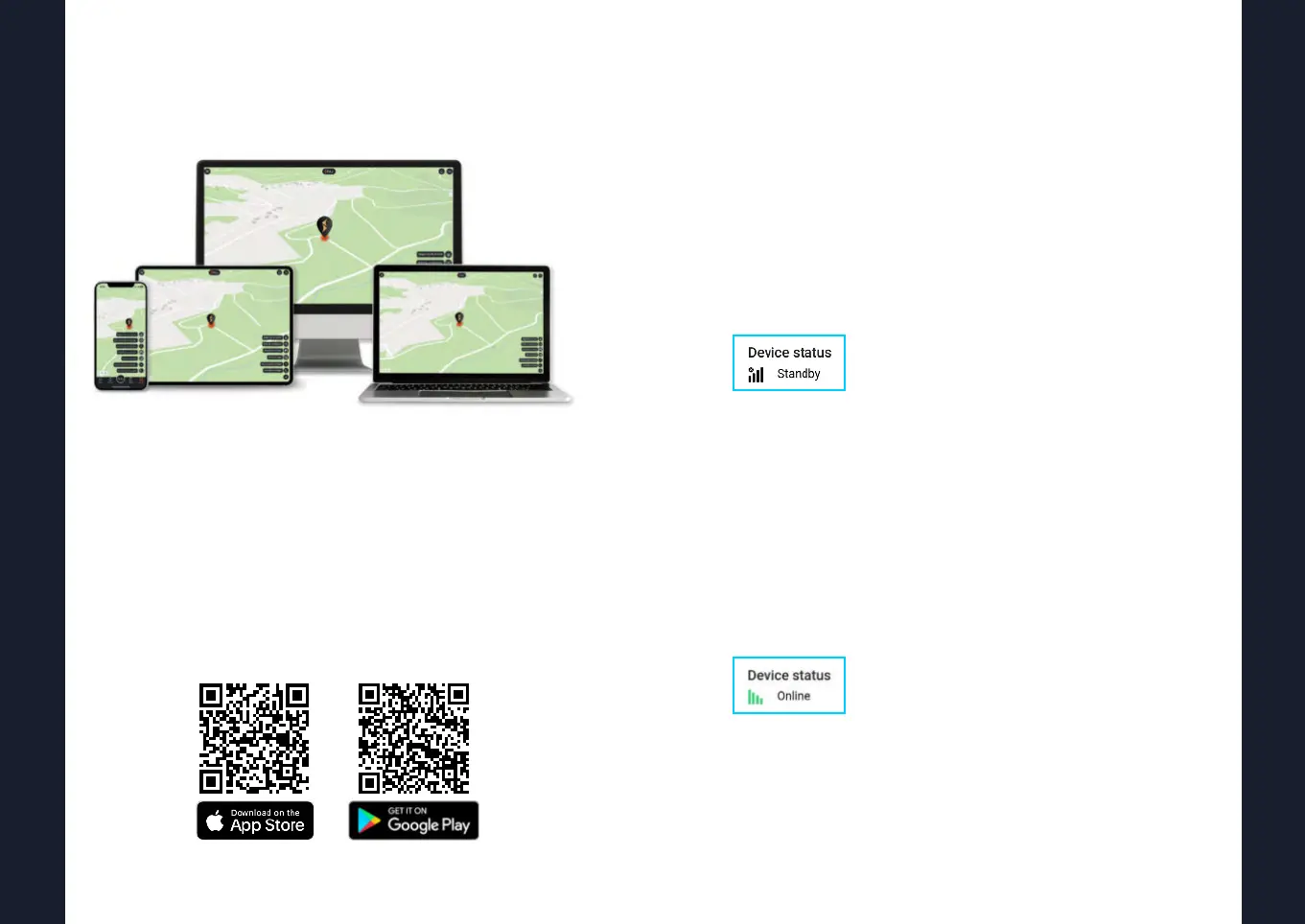
place it wherever you choose and use your phone, tablet or
PC to start tracking it! You will be able to do this in our App or
enter the following link to the desktop version:
v2.finder-portal.com
1.8 Standby mode
By default, our devices send their position to the FINDER portal
every 30 seconds, so you can always see the current location there.
Standby mode
As soon as the tracker is no longer moved, standby mode is
activated after a few minutes to save power. This suspends the
update of the location for the duration of the standstill of the
unit. In the FINDER portal, the standby mode is displayed as
follows:
Nevertheless, the unit naturally remains on standby and still
sends alarm messages. As long as the tracker is in standby
mode, only the data (time, battery status, etc.) of the last po-
sition before standby mode is displayed on the portal, as the
position does not change during standby.
Online mode
At the latest, when the tracker is moved again, the device auto-
matically switches to active and sends its position to the portal
again every 30 seconds.
Location update in standby mode
If the tracker is in standby mode for a longer period of time,
the unit will still send a new position to the portal at least every
24 - 26 hours.


 To Next Page