EasyManua.ls Logo

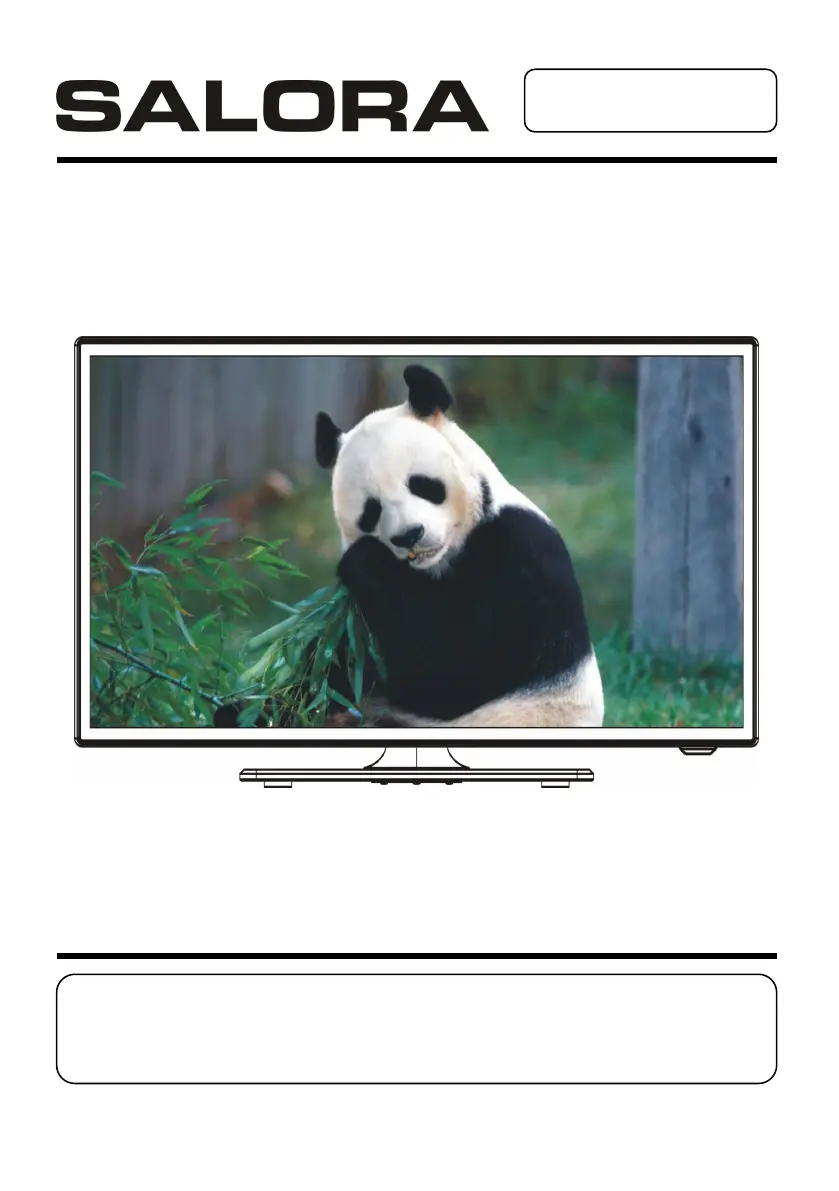
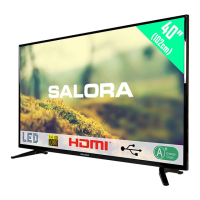
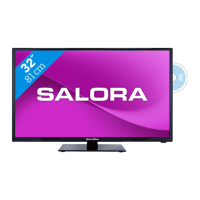
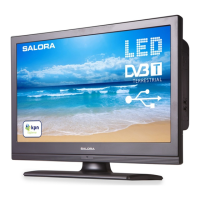
Salora 24LED2605D - User Manual

Salora 24LED2605D
127 pages
Go to English
Print Icon
To Next Page IconTo Next Page
Loading...
GEBRUIKSAANWIJZING
Lees de gebruiksaanwijzing alvorens de TV te gebruiken en
houd hem bij de hand voor latere referentie.

Questions and Answers

Summary

Important Instructions

Safety Information

Provides crucial safety guidelines and warnings for product usage.

Accessories

Features

General Parts

Remote Control

Remote Control Preparation

Battery Installation

Instructions for correctly installing batteries into the remote control unit.

Service Life of Batteries

Information on the expected lifespan of remote control batteries and replacement.

Remote Control Operation

Guidelines for optimal operating distance and angle for the remote control.

Basic Connection

Connecting to AC Power Source

Steps to safely connect the unit to the AC power outlet using the adapter.

Connect External Antenna to Unit

Instructions for connecting an external antenna for optimal TV reception.

Composite AV (CVBS) Connection

Guide for connecting devices using composite AV cables (audio and video).

Component (YPbPr) Connection

Guide for connecting devices using component video cables for better picture quality.

HDMI Connection

Instructions for connecting with HDMI cables for high-definition multimedia signals.

SCART Connection

Guide for connecting devices using SCART cables, common in Europe.

PC;VGA Connection

Steps to connect the TV to a PC using VGA and audio cables.

Composite AV Out (CVBS Output for DVD Mode) Connection

Connecting to an external display device for DVD output using AV cables.

Connect Earphone to the Unit

How to connect headphones to the unit using the earphone output.

USB Connection (TV)

Connecting a USB device for media playback while in TV mode.

USB Connection (DVD)

Connecting a USB device for media playback while in DVD mode.

Basic Operations

DVD Operations

Detailed instructions for playing discs and controlling DVD playback functions.

TV Mode Operations

Guide to selecting channels, adjusting volume, and managing TV settings.

Main Menu Navigation

Procedures for accessing and navigating the main menu for various settings.

AV and Other Modes

Instructions for selecting different input sources and modes like AV.

PC Mode Operations

Steps for connecting and operating the TV in PC mode.

Maintenance

Wall Mounting

Guidelines and precautions for safely mounting the TV on a wall.

Stand Installation

Step-by-step instructions for assembling and attaching the TV stand.

Specifications

General Troubleshooting

Common Troubleshooting

Solutions for common issues like no power, no picture, or no sound.

TV Troubleshooting

Specific troubleshooting steps for TV reception and sound problems.

DVD Troubleshooting

Resolving issues related to DVD playback, audio, and subtitles.

USB and Other Issues

Troubleshooting for USB device recognition and other operational problems.

Region Code Setting

Salora 24LED2605D Specifications

General IconGeneral
Response time9 ms
Display diagonal24 \
Display brightness250 cd/m²
Native aspect ratio16:9
LED backlighting type-
Contrast ratio (typical)3000:1
Display diagonal (metric)61 cm
Viewing angle, horizontal176 °
Supported graphics resolutions1920 x 1080 (HD 1080)
3DNo
Disc types supportedCD, CD-R, CD-RW, DVD+R, DVD+RW, DVD-R, DVD-RW
Annual energy consumption48 kWh
Audio systemNicam / A2
RMS rated power6 W
Number of speakers2
DVI-D ports quantity0
USB 2.0 ports quantityUSB 2.0 ports have a data transmission speed of 480 Mbps, and are backwards compatible with USB 1.1 ports. You can connect all kinds of peripheral devices to them.
Optical disc player typeDVD player
Product colorBlack
Panel mounting interface100 x 100 mm
Power consumption (standby)1 W
Power consumption (typical)33 W
Package depth103 mm
Package width410 mm
Package height713 mm
Package weight5000 g
Weight and Dimensions IconWeight and Dimensions
Depth (with stand)175 mm
Height (with stand)356 mm
Depth (without stand)51 mm
Width (without stand)551 mm
Height (without stand)328 mm
Weight (without stand)4000 g

Related product manuals