EasyManua.ls Logo

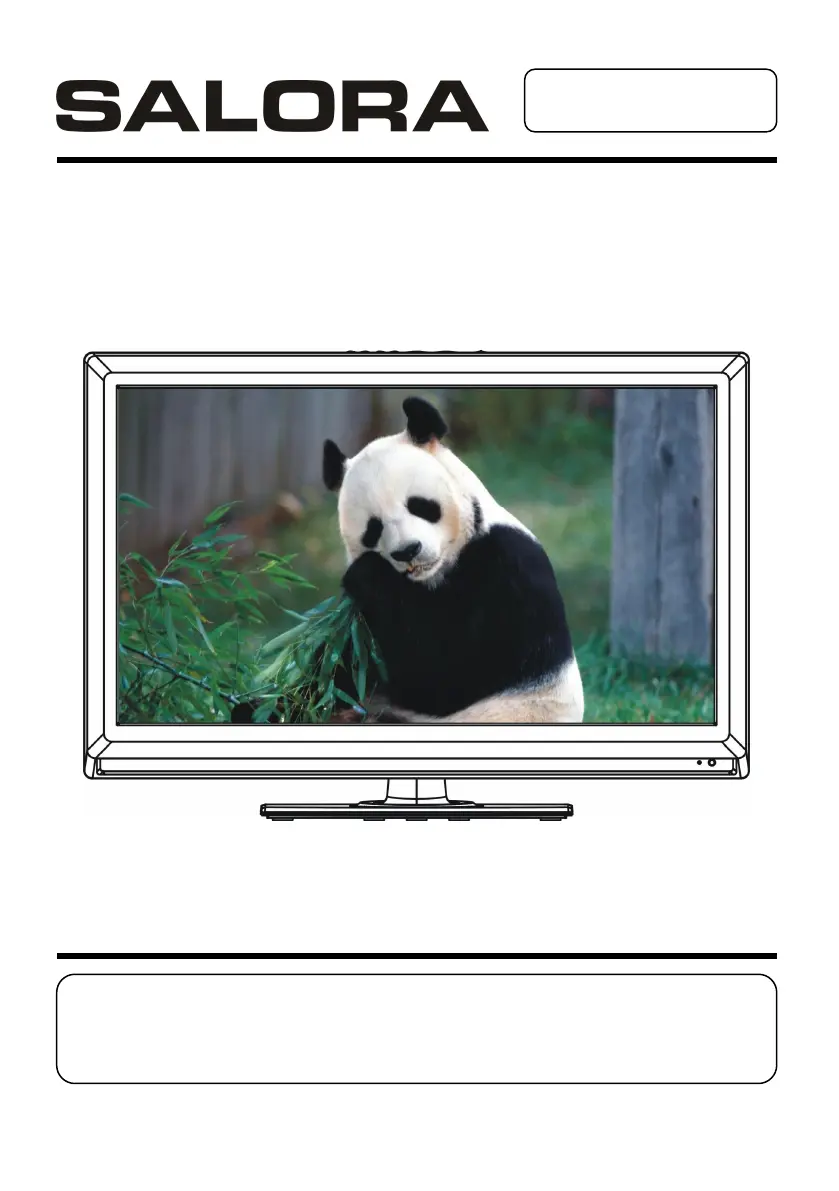
Salora LED1926DVX - User Manual

Salora LED1926DVX
109 pages
Go to English
Print Icon
To Next Page IconTo Next Page
Loading...
GEBRUIKSAANWIJZING
Lees de gebruiksaanwijzing alvorens de TV te gebruiken en
houd hem bij de hand voor latere referentie.

Questions and Answers

  • O
    obriensierraAug 18, 2025
    What to do if the Salora LED1926DVX remote control is not working?
    • F
      flemingandrewAug 18, 2025
      If your Salora LED TV remote control isn't working, first check if the batteries are correctly installed, paying attention to the polarities. If that doesn't work, replace the batteries with new ones, as the old ones might be exhausted. Ensure that you are pointing the remote control directly at the remote control sensor and are no more than 6 meters away. Finally, make sure there are no obstacles blocking the path between the remote and the sensor.
  • E
    ebrownAug 20, 2025
    What to do if there is no sound or poor sound on Salora LED1926DVX LED TV?
    • C
      campbellnicoleAug 20, 2025
      If you're experiencing no sound or poor sound quality on your Salora LED TV, start by checking the audio settings. Also, ensure that the mute function is not enabled by pressing the MUTE button on the remote control. Finally, make sure headphones are unplugged.
  • T
    Tracy EvansAug 22, 2025
    What to do if my Salora LED TV has no sound or distorted sound?
    • P
      Philip RiceAug 22, 2025
      If you're experiencing no sound or distorted sound on your Salora LED TV, ensure that all equipment is properly connected. Verify that the input settings for both the TV and any connected stereo system are correct. Adjust the master volume to a suitable level using the VOL+/VOL- buttons.
  • A
    Anthony RoseAug 26, 2025
    Why is my Salora LED1926DVX showing noise or other interface?
    • H
      hartbrianAug 26, 2025
      If you are experiencing noise or other interference with your Salora LED TV, it may be due to electronic equipment nearby. Try relocating the TV or moving the interfering equipment away.
  • E
    Emily BushAug 28, 2025
    What to do if no key operation is effective on Salora LED1926DVX?
    • M
      mendozamichelleAug 28, 2025
      If no key operation is effective on your Salora LED TV (either by the main unit or the remote), the player may not be operating properly due to lightning, static electricity, or some other factors. Disconnect the power adaptor and then reconnect it.
  • V
    Valerie FosterAug 30, 2025
    Why Salora LED TV player does not recognize USB key or external hard disk?
    • D
      David HamiltonAug 30, 2025
      Please refer first to the instructions describing how to use USB devices with this unit. This machine has though been tested with the majority of the market's Flash memory-based devices (USB keys and MP3 players) and hard disks (Music/ Movie players with HDD), however, this unit may not be compatible with certain devices, in particular external self-powered hard disks.
  • M
    Michael CainSep 2, 2025
    Why alternative audio soundtrack languages fail to be selected on Salora LED TV?
    • M
      Michael WatersSep 2, 2025
      An alternative language cannot be selected with discs that do not contain more than one language. In the case of some discs, the alternative language cannot be selected by operating the LANGUAGE or SUBTITLE button. Try selecting it from the DVD menu if one is available.
  • L
    Lance DiazSep 4, 2025
    Why are there no subtitles on my Salora LED1926DVX?
    • H
      hughesstephanieSep 4, 2025
      Subtitles appear only with discs which contain them. If available, but not displayed, perform the steps to display the subtitles on your Salora LED TV.
  • T
    Tina ChavezSep 7, 2025
    What to do if play does not start on Salora LED1926DVX LED TV?
    • B
      Brenda CarterSep 7, 2025
      If play does not start even when a title is selected on your Salora LED TV, confirm that the region code setting is correct.
  • M
    Mary BanksSep 9, 2025
    Why is audio soundtrack not the initial settings on Salora LED1926DVX?
    • I
      Ian HolmesSep 9, 2025
      If the audio soundtrack and/or subtitle language does not exist on the disc, the language selected at the initial settings will not be seen/heard on your Salora LED TV.

Salora LED1926DVX Specifications

General IconGeneral
BrandSalora
ModelLED1926DVX
CategoryLED TV
LanguageEnglish

Related product manuals