TV Menu
9
Medium
Gives white colors a neutral tint.
Warm
Gives white colors a red tint.
Noise Reduction
Off/Low/Middle/High
You can clear up the input signal by setting
the item.
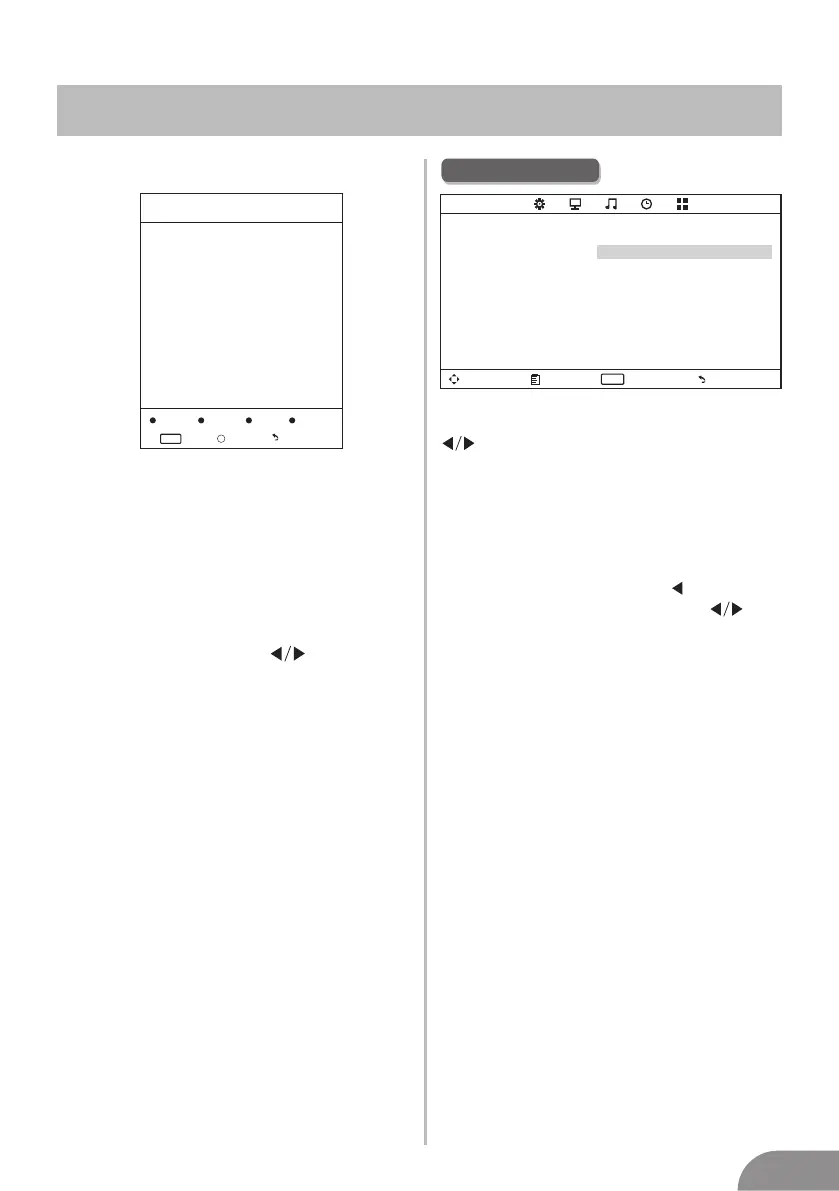
Programm Edit
The four colored key is the shortcut key for
programming the channel.
First press ▼/▲ to highlight the channel
you want to delete or rename or move or
skip, then:
Press the Red button to delete the channel.
Press the Green button to enter the
rename state, thenpress to select the
word you want to change, and ▼/▲ to
select word.
Press the Yellow button to set the channel
to moving state.then press ▼/▲ to move
it to the position you want to put.
Press the Blue button to skip the select
channel. (Your TV set will skip the channel
automatically when using CH+/- to view
the channels.)
Fav Add or Delete the channel to your faver
ate list.
Delete Rename Move
Skip
FAV
Fav
Menu
Programm Edit
Enter
Menu
Enter
ENTER
FAV
Fav
Picture Mode
Highlight the item and Press ENTER or
to enter the sub-menu, that shows
the picture mode you can choose:
Dynamic/Standard/Mild/User
Press PMODE on the remote control
to select picture mode directly.
Contrast/Brightness/Color/Tint
(NTSC only)/Sharpness
Highlight the item and press , and a
process bar appears, then press
to adjust the value.
Press MENU or EXIT to hide the
on-screen menu.
Note: Those settings can be adjusted
only when the Picture Mode is set to User.
Color Temperature
Select the color temperature that you feel
comfortable.
Cool
Gives white colors a blue tint.
Contrast
Brightness
Color
Tint
Sharpness
Adjust the white level of the picture
Adjust darkness of black sections in the
picture.
Adjust the color intensity of the picture.
Adjust the hue(Red,Green,Blue) of the
picture.
.
Object edges are enhanced for picture d
etail.
Picture Menu
ECO Mode
Move Menu Enter
ENTER
PICTURE
Picture Mode Standard
Contrast 50
Brightness 50
Color 50
Tint 50
Sharpness 50
Color Temperature Medium
Noise Reduction Middle
ECO Mode Off
Exit
It is used to ON/OFF the ECO mode.




 To Next Page