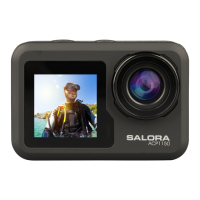
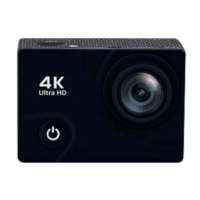
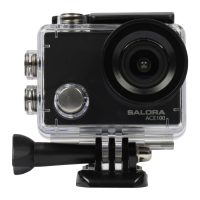
Main functions of the camera
1. Main/Side display switch
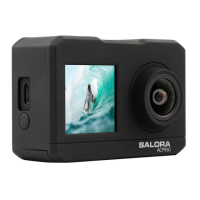
This camera is equipped with a 1.3 HD front facing display to improve the user’s selfie
experience. You can switch between the main and side screen.
Switching between the main and side screen:
Video/Photo/Slow Motion mode: press the Wi-Fi button briefly, to switch from the main
screen to the side screen, press again to switch back.
2. Camera Settings
Press the Power/Mode button to go to the setting mode, press the Shutter button to
enter the settings menu. Press the Power/Mode button to navigate through the settings
options. Press the Wi-Fi button to select the option an press the Shutter button to
confirm.
3. Video Mode
Normal video
Recording mode: press the shutter button to start recording. At this point the time and date,
displayed at the bottom of the screen will change to display the current video duration.
Press the shutter button again to stop recording, the file will be automatically saved.


 To Next Page