6
1) Press the ON/OFF button to turn the scale on.
2) ‘HI’ will be displayed followed by ‘1-12’.
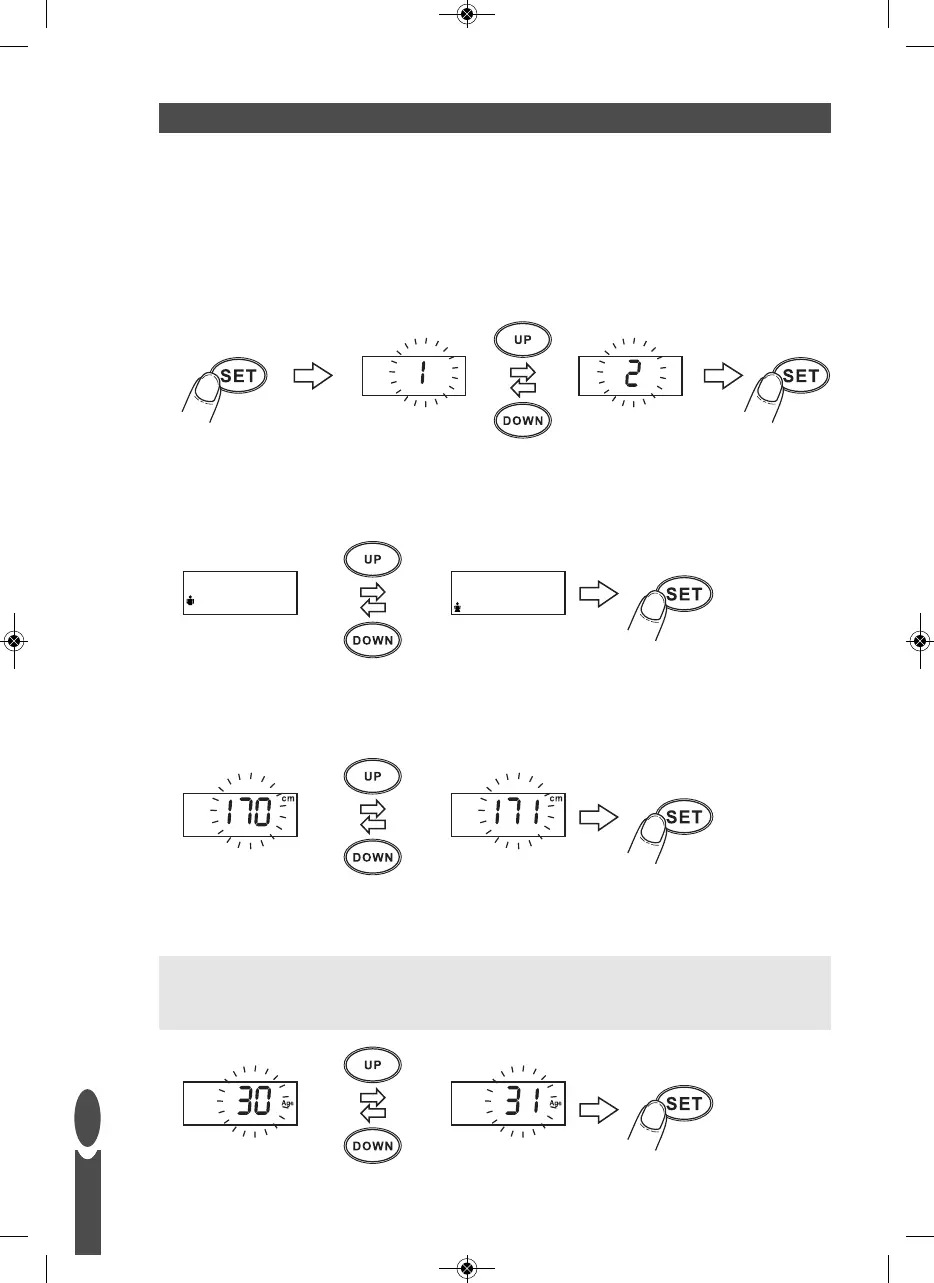
3) While ‘1-12’ is flashing, press the SET button to activate the set-up procedure.
The current user number will flash.
4) While the user number is flashing, select a user number by pressing the UP or DOWN buttons.
Press the SET button to confirm your selection.
PERSONAL DATA ENTRY
5) The male or female symbol will flash.
Press UP button until the correct symbol is flashing, then press the SET button.
6) The height display will flash.
Press UP or DOWN as necessary to set your height, then press the SET button.
7) The age display will flash.
Press UP and DOWN as necessary to set your age, then press the SET button.
Child Mode:
When the age is set from 6-12 years child mode is automatically selected.
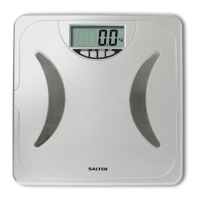
A small child icon will appear, as illustrated below.
GB


 To Next Page