8
WEIGHT & BODY FAT READINGS
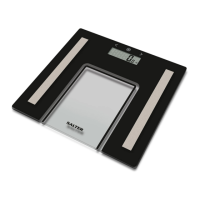
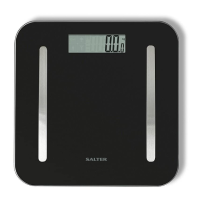
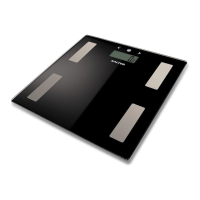
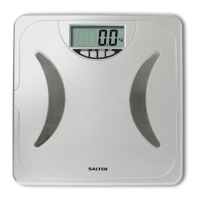
Position the scale on a flat level surface.
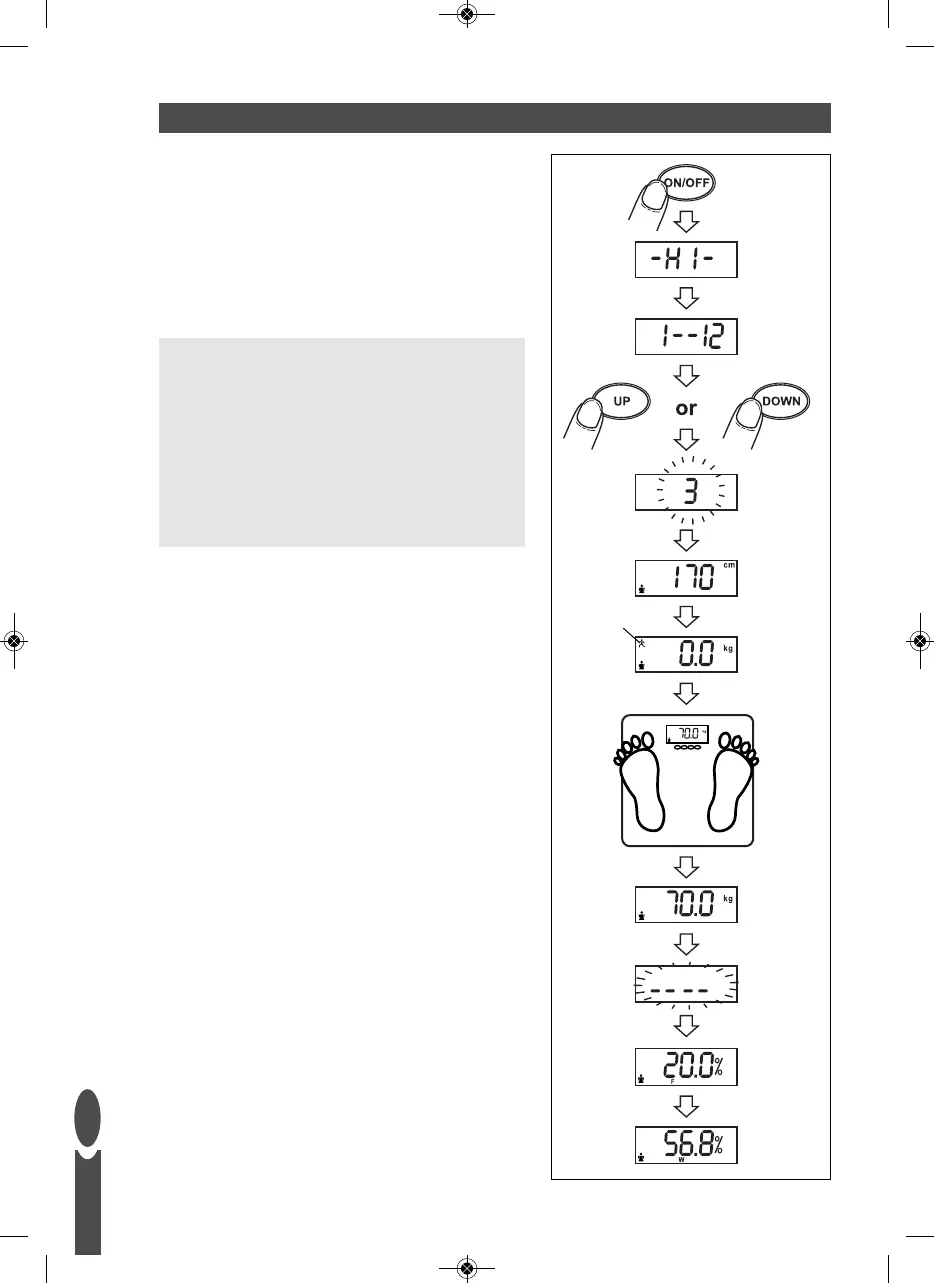
1) Press the ON/OFF button to turn the scale on.
2) ‘HI’ will be displayed followed by ‘1-12’.
3) While ‘1-12’ is flashing, select your user number
by pressing the UP or DOWN buttons.
Your height and gender will be displayed.
4) Zero will be displayed.
Athlete Mode:
To select Athlete Mode press the UP button.
A small athlete icon will appear.
Note: This feature is only available to those
aged between 15-50 years.
An athlete is defined as a person who is involved in
intense physical activity of approximately 12 hours per
week and who has a resting heart rate of approximately
60 beats per minute or less.
5) When zero is displayed, with bare feet, step onto
the platform and stand still.
6) After 2-3 seconds your weight will be displayed.
7) Remain standing on the scale while your other
readings are taken.
8) Your body fat % (F) and total body water % (W)
are displayed.
The results are repeated then the scale switches off.
Athlete Mode
GB


 To Next Page