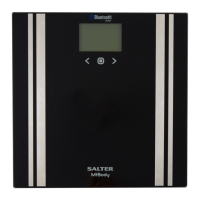
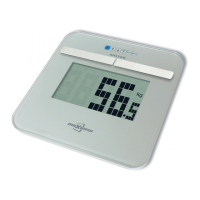
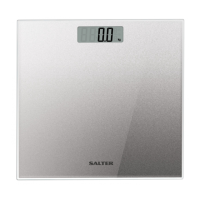
GB
9
GB
8
WEIGHT & BODY FAT READINGS
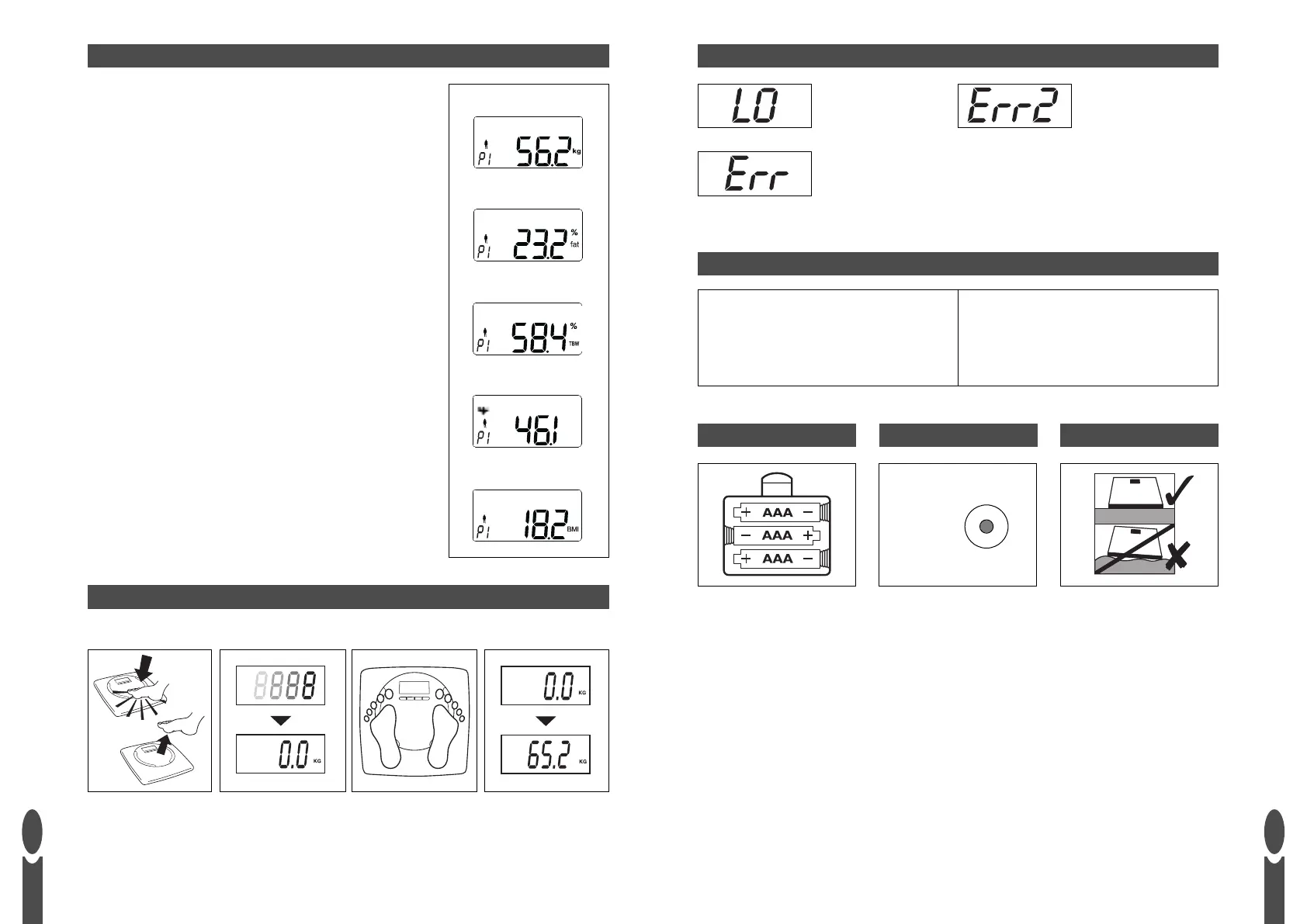
Position the scale on a flat level surface.
1) Press the ON/OFF button to turn the scale on.
2) Select your user number by pressing the ▲ or ▼ buttons.
3) WAIT while the display reconfirms your personal data then
shows a zero reading.
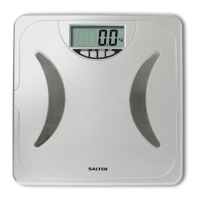
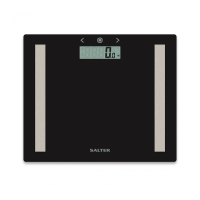
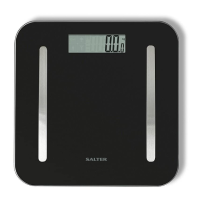
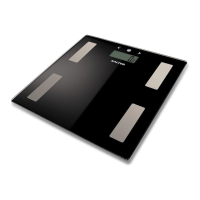
4) When zero is displayed,WITH BARE FEET, step onto the
platform and stand still. Ensure your feet are in good contact
with the 2 metal pads on the platform.
5) After 2-3 seconds, your weight will be displayed followed by
your body fat percentage, a total body water percentage,
muscle mass percentage and BMI.
Weight
Body Fat
Total Body Water
Muscle Mass
a) Tap the centre of
the platform firmly to
activate the scale.
b) When ‘8’ appears,
remove foot from
platform and WAIT
for display to show
a zero reading.
c) When zero is
displayed, step onto
the platform and
stand still.
d) After 2-3 seconds,
your weight will
be displayed.
Position the scale on a flat level surface.
WEIGHT READING ONLY
Requires 3 x AAA batteries.
BATTERY
Set the switch on underside of
product to: KG, ST, or LB.
WEIGHT MODE
Position scale on flat surface.
POSITION
‘LO’ = replace battery. ‘Err2’ = out of body
fat range or poor
feet contact.
WARNING INDICATORS
TECHNICAL SPECIFICATION
100 cm - 220 cm
3’3”
1
/
2
- 7’2”
1
/
2
16 - 80 years
Male/Female
10 user memory
d = 0.1 % body fat
d = 0.1 % body water
d = 0.1 % muscle mass
‘Err’ = overload.
BMI
KG -
LB -
ST -


 To Next Page