OPERATION
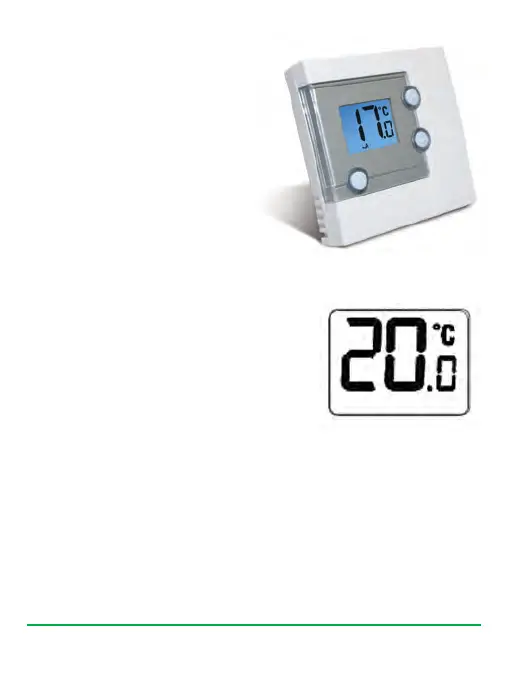
The RT305TX is configured and
adjusted by the use of a minimal
number of user controls, and an
intuitive user interface.
The backlit Liquid Crystal Display
(LCD) gives a highly visible, easily
readable indication of the
programmable thermostat status.
REVIEWING SET POINT TEMPERATURE
You can change the set point temperature very
easily while you are reviewing the set point
temperature. Press the UP or DOWN keys
repeatedly to change the temperature setting.
The set point temperature will flash to indicate
that it can be changed:
The temperature will be changed in 0.5°C steps per key press. The
RT305TX will return to Normal mode if no keys are pressed for more than
four seconds. Set point temperature cannot be changed if Frost Protection
mode is enabled.
RT305TX INSTRUCTION MANUAL
7
Salus RT305TX Manual 007_89 07/11/2012 14:39 Page 7
Downloaded from ManualsNet.com search engine


 To Next Page