After pressing MENU into function menu and choice SCA, press OK key then
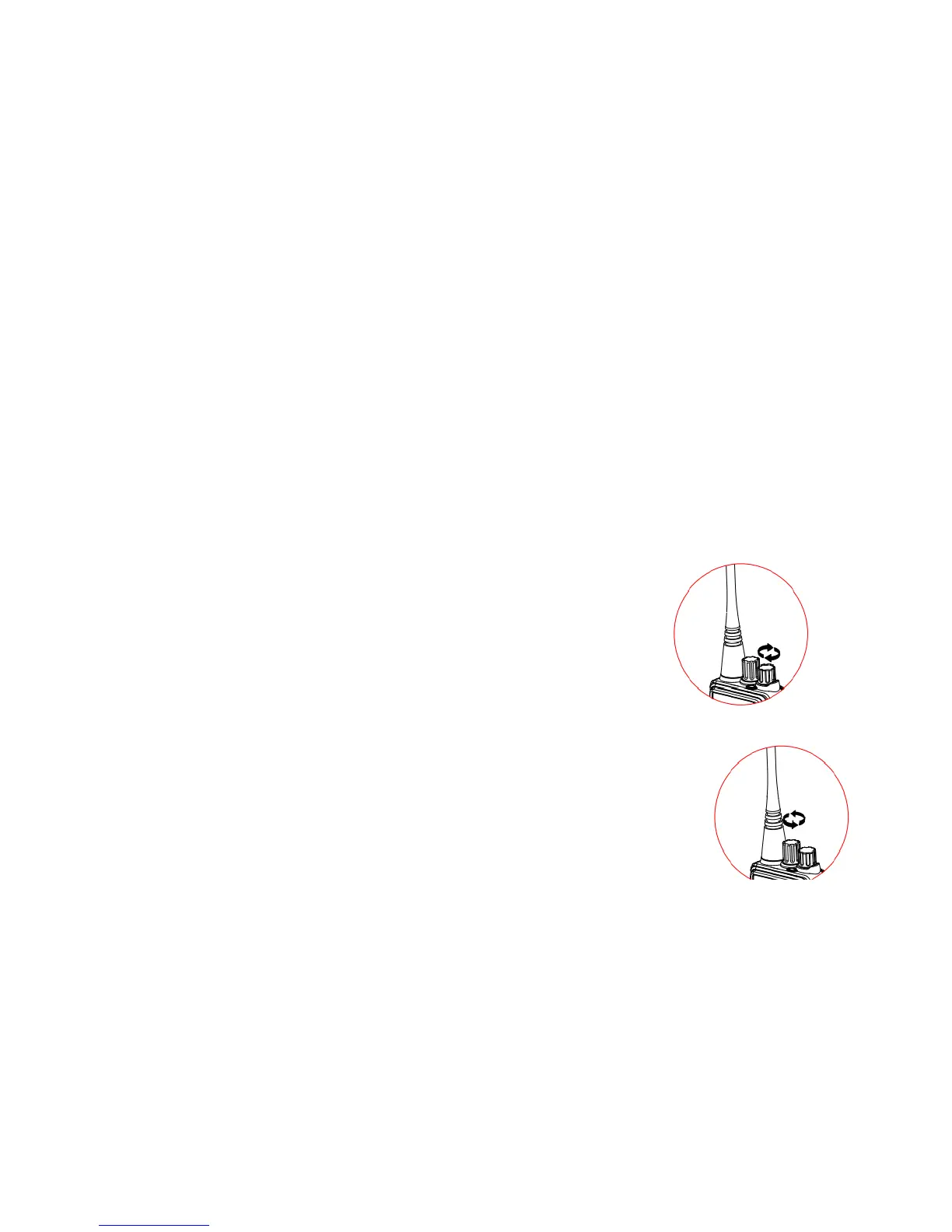
Power On/Off
Rotate the PWR/VOL control knob clockwise until a “ka-ta” sound is heard to turn on the
power. When you receive calls, the knob provides you the ability to change the
you can select on/off through by ▲or ▼, then press OK key again press the EXIT key to give up setting
After pressing MENU into function menu and choice CMP, press OK key then you can select on/off through by ▲or
▼, then press OK key again press the EXIT key to give up setting
6. SCA ( Scrambler Function ) Setting
5、CMP ( Voice Compression Function ) Setting
After pressing MENU into function menu and choice SQL, press OK key then you can select 1-9 through by ▲or ▼,
then press OK key again, press the EXIT key to give up setting
After pressing MENU into function menu and choice BEP, press OK key then you can select on/off through by ▲or ▼,
then press OK key again press the EXIT key to give up setting
4、BEP ( Keypad Tone ) Setting
vo
o
rotate it counterclockwise until a “ka-ta” sound is heard.
Volume Adjustment
PWR/VOL knob clockwise to increase the volume, or counterclockwise to decrease it.
Channel Adjustment
Channel knob clockwise to decrease the channel number, or counterclockwise to increase it.
Monitoring
To monitor, you need just hold down the MONI button and adjust the channel background noise to a comfortable level by
rotating the PWR/VOL knob. It can directly monitor the channel you care without having to wait for your call,


 To Next Page