SAMLEX AMERICA INC. | 101
SECTION 5 | SD Card
Fig 5.2 Screen Shot of Step 1 of "Text Import Wizard" in Excel
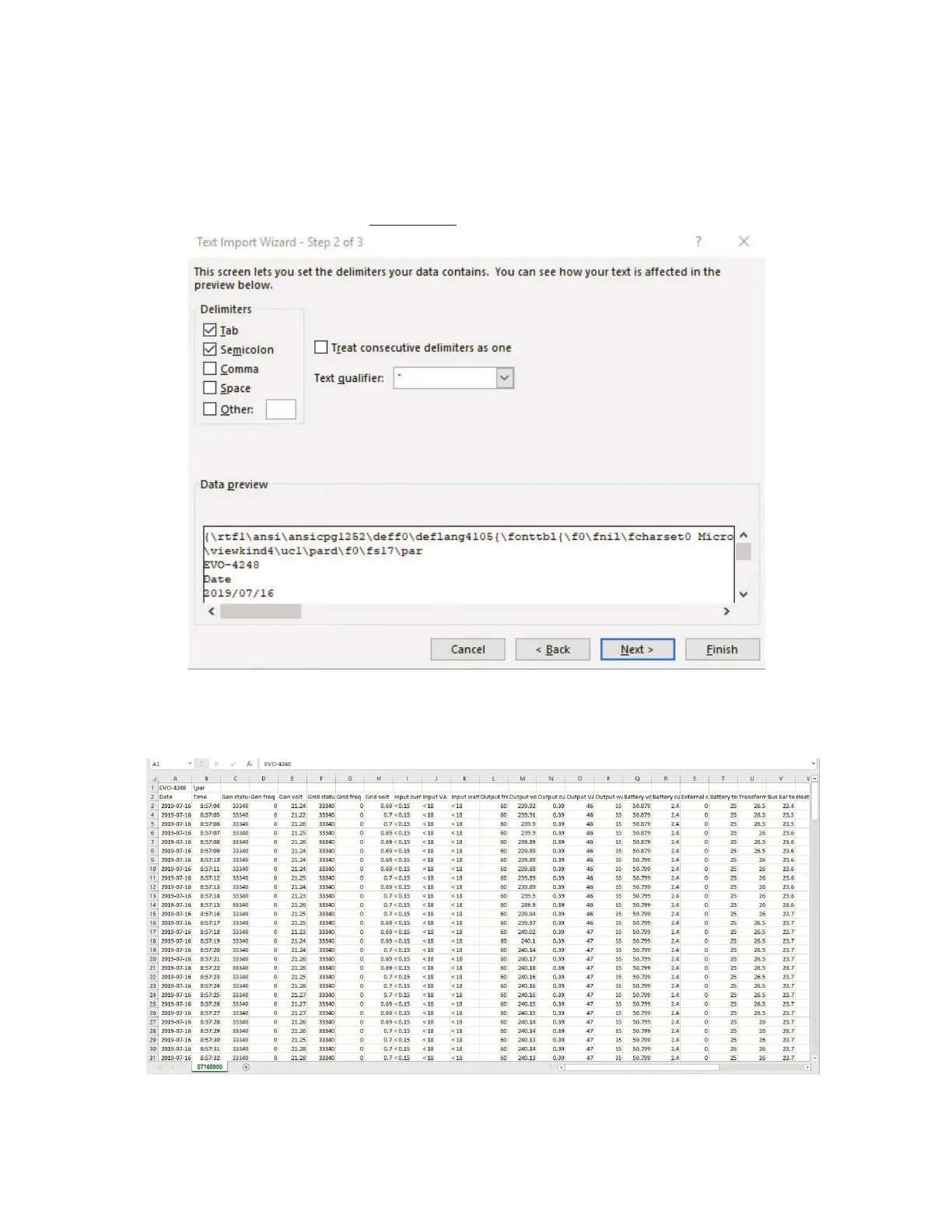
• Text Import Wizard – Step 2 will appear (See Fig 5.3). Choose "Semicolon" and click 'Finish' button.
Fig 5.3 Screen Shot of Step 2 of "Text Import Wizard" in Excel
• Data as in Fig 5.4 will be displayed on your Worksheet, with the Log Data stored in Columns and Rows.
Fig 5.4 Screen Shot and Data Log Work Sheet



 To Next Page