52 | SAMLEX AMERICA INC.
SECTION 4 | Parameter Setup
E V O - 1 2 1 2 F S t a n d b y
O u t p u t : 0 . 0 0 V
< 0 . 1 0 A
6 0
. 0 0 H
z
• If attempt is made to exit Standby Mode by momentarily pressing the On/Off Key, the following message will be
seen for some time and the screen will revert back to Standby Mode Screen
C h a r g e r O n l y
I n v e r t e r O f f
4.4.2.13.2 Programming Steps for Parameter "MODE"
ð ð
E V O - 1 2 1 2 F I n v e r t i n g
A C o u t p u t : 1 2 0 . 0 V
< 0 . 1 0 A
6 0 . 0 0 H z
Enter Key Enter Key
Any Operating Mode Screen from
Fig 3.1 to 3.5
[Above screen is Screen 1 of Fig 3.2(a)]
Password 8052
See Section 4.3.1
See Table 4.3, Parameter Setup
Screen No. 13 for
programmable options
S e l e c t G r o u p
* C H A R G E C U R V E
ð
S e l e c t P a r a m e t e r
C H A R G E C U R V E
* B U L K C U R R E N T
2 0 A
ð
S e l e c t P a r a m e t e r
C H A R G E C U R V E
* M O D E
0 = N o r m a l
S e l e c t P a r a m e t e r
C H A R G E C U R V E
* M O D E
0 = N o r m a l
Enter Key
Down Key x 12 times
P a s s w o r d k e y i n
0 0 0 0
ð
Enter Key
4.4.2.14 ONLINE OPTION (Table 4.3, Screen No. 14)
This setting is effective only when Online Mode is selected (Parameter "MODE"is set at option "1=On-Line". See
section 4.4.2.13). The default setting is: 0=Option 1. Programming steps are given below.
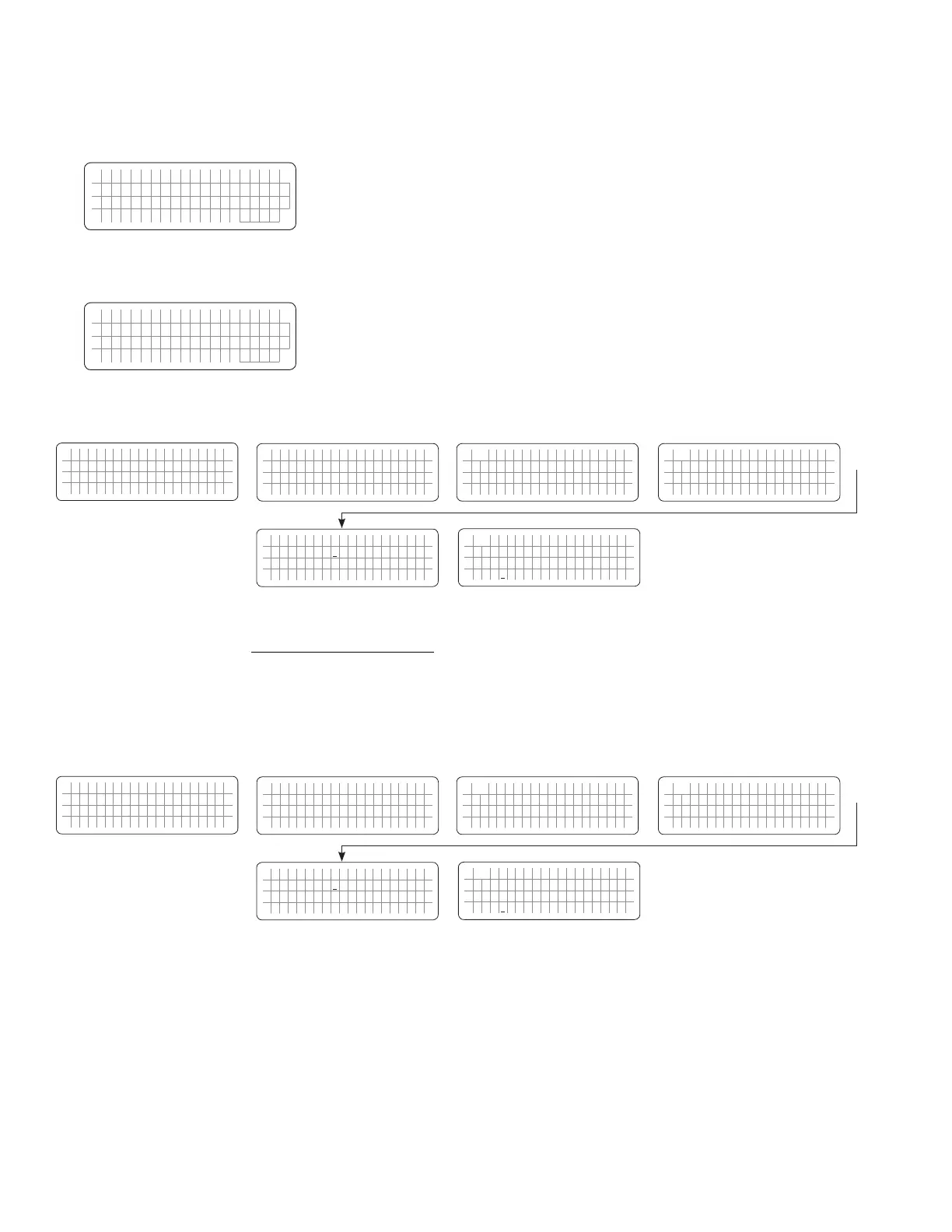
4.4.2.14.1 Programming Steps for Parameter "ONLINE OPTION"
ð ð
E V O - 1 2 1 2 F I n v e r t i n g
A C o u t p u t : 1 2 0 . 0 V
< 0 . 1 0 A
6 0 . 0 0 H z
Enter Key Enter Key
Any Operating Mode Screen from
Fig 3.1 to 3.5
[Above screen is Screen 1 of Fig 3.2(a)]
Password 8052
See Section 4.3.1
See Table 4.3, Parameter Setup
Screen No. 14 for
programmable range
S e l e c t G r o u p
* C H A R G E C U R V E
ð
S e l e c t P a r a m e t e r
C H A R G E C U R V E
* B U L K C U R R E N T
2 0 A
ð
S e l e c t P a r a m e t e r
C H A R G E C U R V E
* O N L I N E O P T I O N
0 = O p t i o n 1
S e l e c t P a r a m e t e r
C H A R G E C U R V E
* O N L I N E O P T I O N
0 = O p t i o n 1
Enter Key
Down Key x 13 times
P a s s w o r d k e y i n
0 0 0 0
ð
Enter Key
Details of the two options are given below:
0= Option 1 (Default):


 To Next Page
 Loading...
