56 | SAMLEX AMERICA INC.
SECTION 4 | Parameter Setup
4.4.2.19 ABSORP TIME (Table 4.3, Parameter Setup Screen No. 19)
Parameter “ABSORP TIME” is used to set the time the charger will remain in Absorption Stage when the following
options for programming parameter “Charging Prole” (See Section 4.4.2.21) are selected:
• 1=3 Stage Type 1
• 3=2 Stage Type 1
INFO
When using Charging Prole options (i) “1=3Stage Type 1” or (ii) “3=2Stage Type1, a nearly fully charged
battery may be overcharged / boil if the programmed duration of “ABSORP TIME” is excessively long. Care
should be taken to determine the time the battery is required to remain in Absorption Stage (“ABSORP TIME”)
based on the application and then, set programming parameter “ABSORP TIME” accordingly
Programmable range is 0 – 600 min. Default value is 60 min
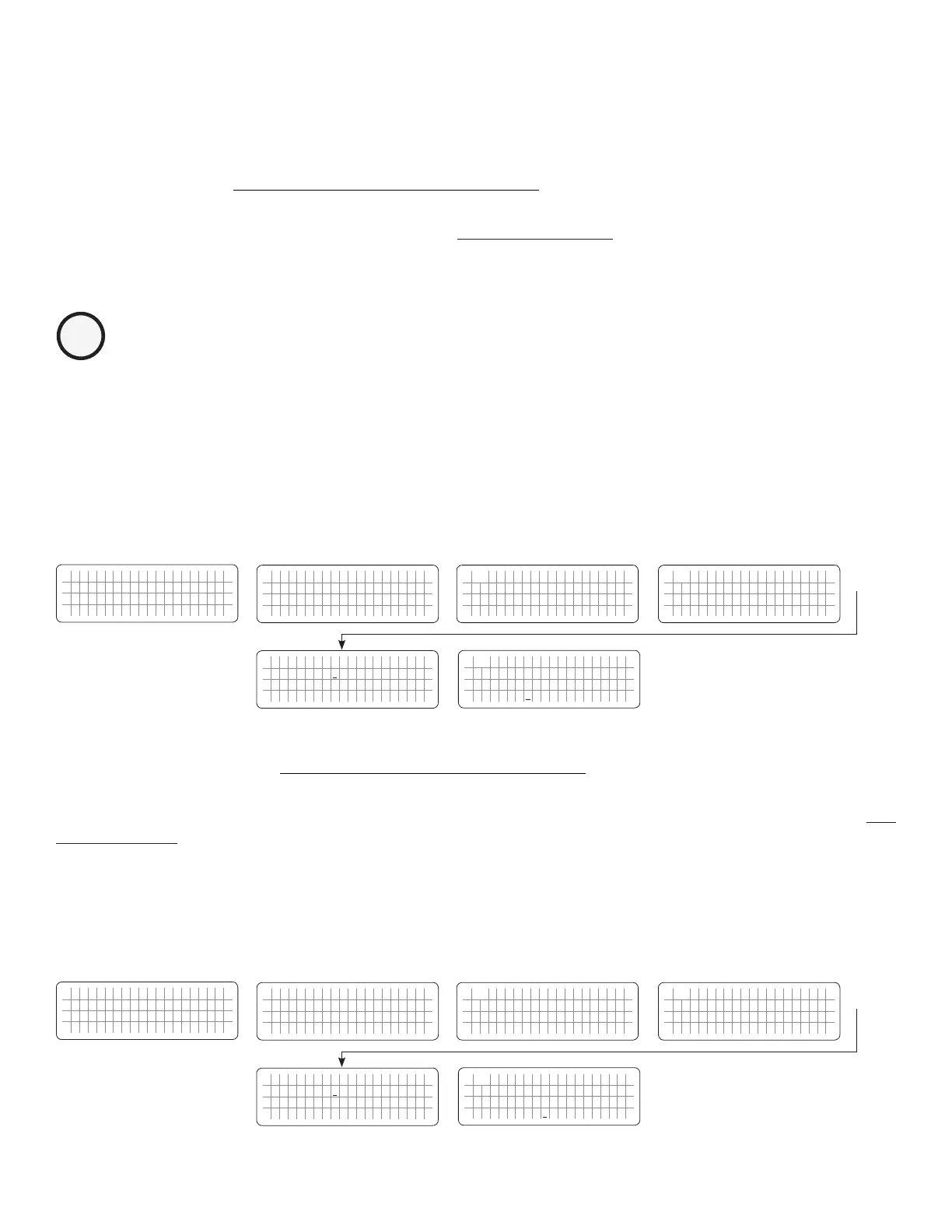
4.4.2.19.1 Programming Steps for Parameter “ABSORP TIME”
ð ð
E V O - 1 2 1 2 F I n v e r t i n g
A C o u t p u t : 1 2 0 . 0 V
< 0 . 1 0 A
6 0 . 0 0 H z
Enter Key Enter Key
Any Operating Mode Screen from
Fig 3.1 to 3.5
[Above screen is Screen 1 of Fig 3.2(a)]
Password 8052
See Section 4.3.1
See Table 4.3, Parameter Setup
Screen No. 19 for
programmable range
S e l e c t G r o u p
* C H A R G E C U R V E
ð
S e l e c t P a r a m e t e r
C H A R G E C U R V E
* B U L K C U R R E N T
2 0 A
ð
S e l e c t P a r a m e t e r
C H A R G E C U R V E
* A B S O R P T I M E
6 0 m i n
S e l e c t P a r a m e t e r
C H A R G E C U R V E
* A B S O R P T I M E
6 0 m i n
Enter Key
Down Key x 18 times
P a s s w o r d k e y i n
0 0 0 0
ð
Enter Key
4.4.2.20 ABSORP EXIT AMPS (Table 4.3, Parameter Setup Screen No. 20)
Parameter “ABSORP EXIT AMPS” is used to set the value of the charging current at which the charger will exit Absorption
Stage and transition to Float Stage when the following option for programming parameter “Charging Prole” (See
Section 4.4.2.21) is selected”
• 2=3 Stage Type 2
Programmable range is 0 – 20A. Default value is 4A
4.4.2.20.1 Programming Steps for Parameter “ABSORP EXIT AMPS”
ð ð
E V O - 1 2 1 2 F I n v e r t i n g
A C o u t p u t : 1 2 0 . 0 V
< 0 . 1 0 A
6 0 . 0 0 H z
Enter Key Enter Key
Any Operating Mode Screen from
Fig 3.1 to 3.5
[Above screen is Screen 1 of Fig 3.2(a)]
Password 8052
See Section 4.3.1
See Table 4.3, Parameter Setup
Screen No. 20 for
programmable range
S e l e c t G r o u p
* C H A R G E C U R V E
ð
S e l e c t P a r a m e t e r
C H A R G E C U R V E
* B U L K C U R R E N T
2 0 A
ð
S e l e c t P a r a m e t e r
C H A R G E C U R V E
* A B S O R P E X I T A M P S
4 A
S e l e c t P a r a m e t e r
C H A R G E C U R V E
* A B S O R P E X I T A M P S
4 A
Enter Key
Down Key x 19 times
P a s s w o r d k e y i n
0 0 0 0
ð
Enter Key


 To Next Page
 Loading...
