68 | SAMLEX AMERICA INC.
SECTION 4 | Parameter Setup
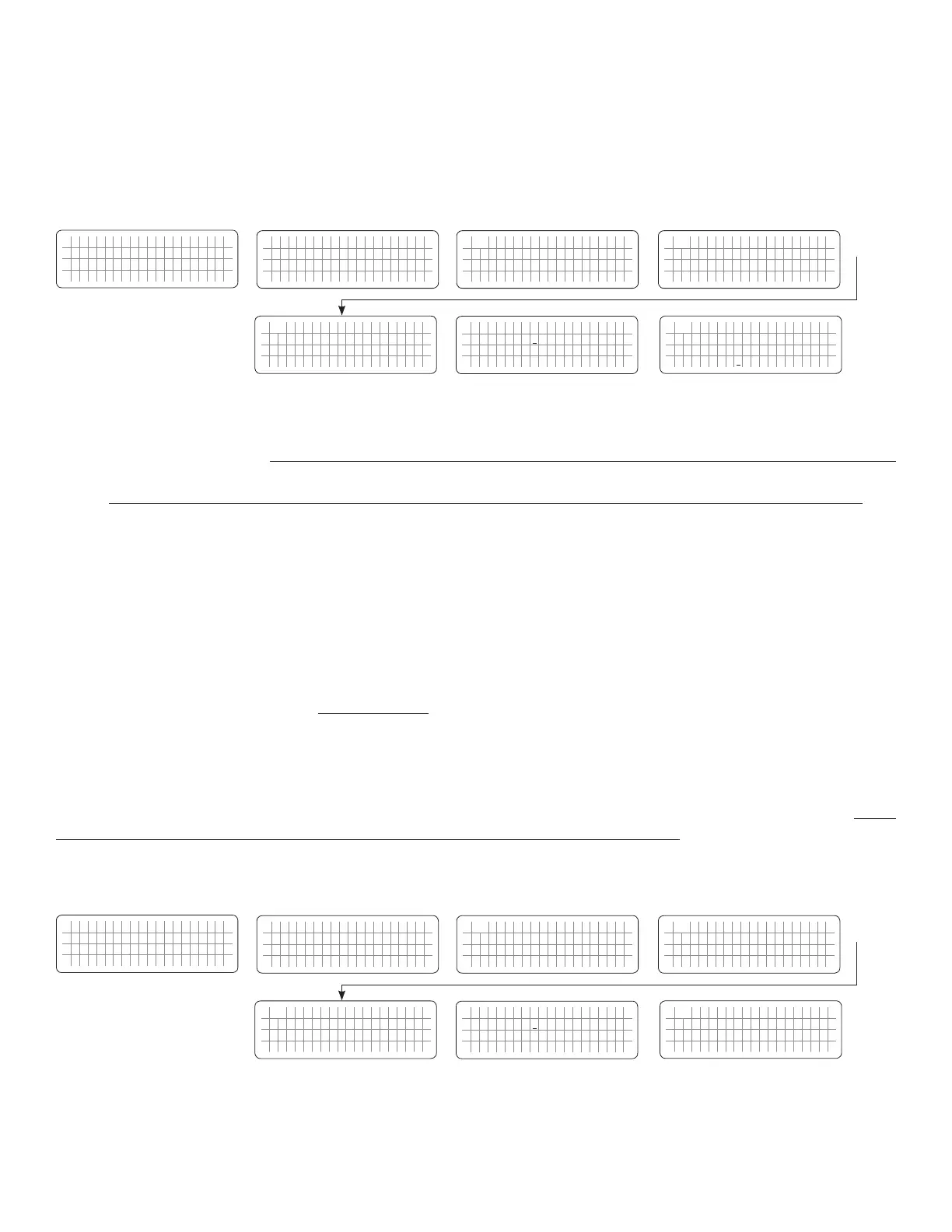
4.5.2.2.1 Programming Steps for Parameter "GRID MAX CURRENT"
ð ð
E V O - 1 2 1 2 F I n v e r t i n g
A C o u t p u t : 1 2 0 . 0 V
< 0 . 1 0 A
6 0 . 0 0 H z
Enter Key Down Key x 1 time
Any Operating Mode Screen from
Fig 3.1 to 3.5
[Above screen is Screen 1 of Fig 3.2(a)]
Password 8052
See Section 4.3.1
See Table 4.6, Parameter Setup
Screen No. 2
for programmable range
S e l e c t G r o u p
* C H A R G E C U R V E
ð
S e l e c t P a r a m e t e r
* I N P U T S E T T I N G
ð
S e l e c t P a r a m e t e r
I N P U T S E T T I N G
* D E F A U L T F R E Q
0 = 6 0 H z
S e l e c t P a r a m e t e r
I N P U T S E T T I N G
* G R I D M A X C U R R E N T
2 0 A
Down Key x 1 time
Enter Key
P a s s w o r d k e y i n
0 0 0 0
ð
Enter Key
S e l e c t P a r a m e t e r
I N P U T S E T T I N G
* G R I D M A X C U R R E N T
2 0 A
ð
Enter Key
4.5.2.3 GEN MAX CURRENT (Table 4.6, Parameter Setup Screen No.3 for EVO-2212/EVO-3012/EVO-2224/EVO-4024)
NOTE: This parameter setting is NOT available for EVO-1212F /EVO-1212F-HW and EVO-1224F /EVO-1224F-HW.
In Charging Mode, the net AC input current from the AC input terminals marked "GEN" is the sum of the AC side
charging current and the pass through load current. Based on the rated capacity of the AC source connected to AC
Input Terminals marked "GEN", the net AC input current will be required to be limited to prevent overloading of the
AC input source.
EVO™ Series has a very powerful battery charger that will require a proportionate higher AC input current from the AC
input source. The AC source connected to AC input terminals marked "GEN" will also be required to provide current to
the AC loads. The desired maximum value of input current from the AC input source connected to AC input terminals
marked "GEN" can be programmed (Default is 30A). The EVO™ will automatically reduce charging current to support
the AC loads on priority and use whatever is extra for charging. This will prevent overloading of the AC input source. If
the net AC input current is 1A more than the value of parameter "GEN MAX CURRENT" for 1 sec, the AC side charging
current is clawed back to ensure that "GEN MAX CURRENT" value is not exceeded. If the value of pass through load
current increases to a value of 1A more than the programmed value of "GEN MAX CURRENT" for 5 sec, input over
current protection will be activated based on option to either transfer to Inverting Mode or to shut down the EVO (Refer
to details of these 2 options under parameter INPUT OC PROTECT at Section 4.5.2.11):
4.5.2.3.1 Programming Steps for Parameter "GEN MAX CURRENT"
ð ð
E V O - 1 2 1 2 F I n v e r t i n g
A C o u t p u t : 1 2 0 . 0 V
< 0 . 1 0 A
6 0 . 0 0 H z
Enter Key Down Key x 2 times
Any Operating Mode Screen from
Fig 3.1 to 3.5
[Above screen is Screen 1 of Fig 3.2(a)]
Password 8052
See Section 4.3.1
See Table 4.6, Parameter Setup
Screen No. 3
for programmable range
S e l e c t G r o u p
* C H A R G E C U R V E
ð
S e l e c t P a r a m e t e r
* I N P U T S E T T I N G
ð
S e l e c t P a r a m e t e r
I N P U T S E T T I N G
* D E F A U L T F R E Q
0 = 6 0 H z
S e l e c t P a r a m e t e r
I N P U T S E T T I N G
* G E N M A X C U R R E N T
2 0 A
Down Key x 1 time
Enter Key
P a s s w o r d k e y i n
0 0 0 0
ð
Enter Key
S e l e c t P a r a m e t e r
I N P U T S E T T I N G
* G E N M A X C U R R E N T
2 0 A
ð
Enter Key


 To Next Page
 Loading...
