78 | SAMLEX AMERICA INC.
SECTION 4 | Parameter Setup
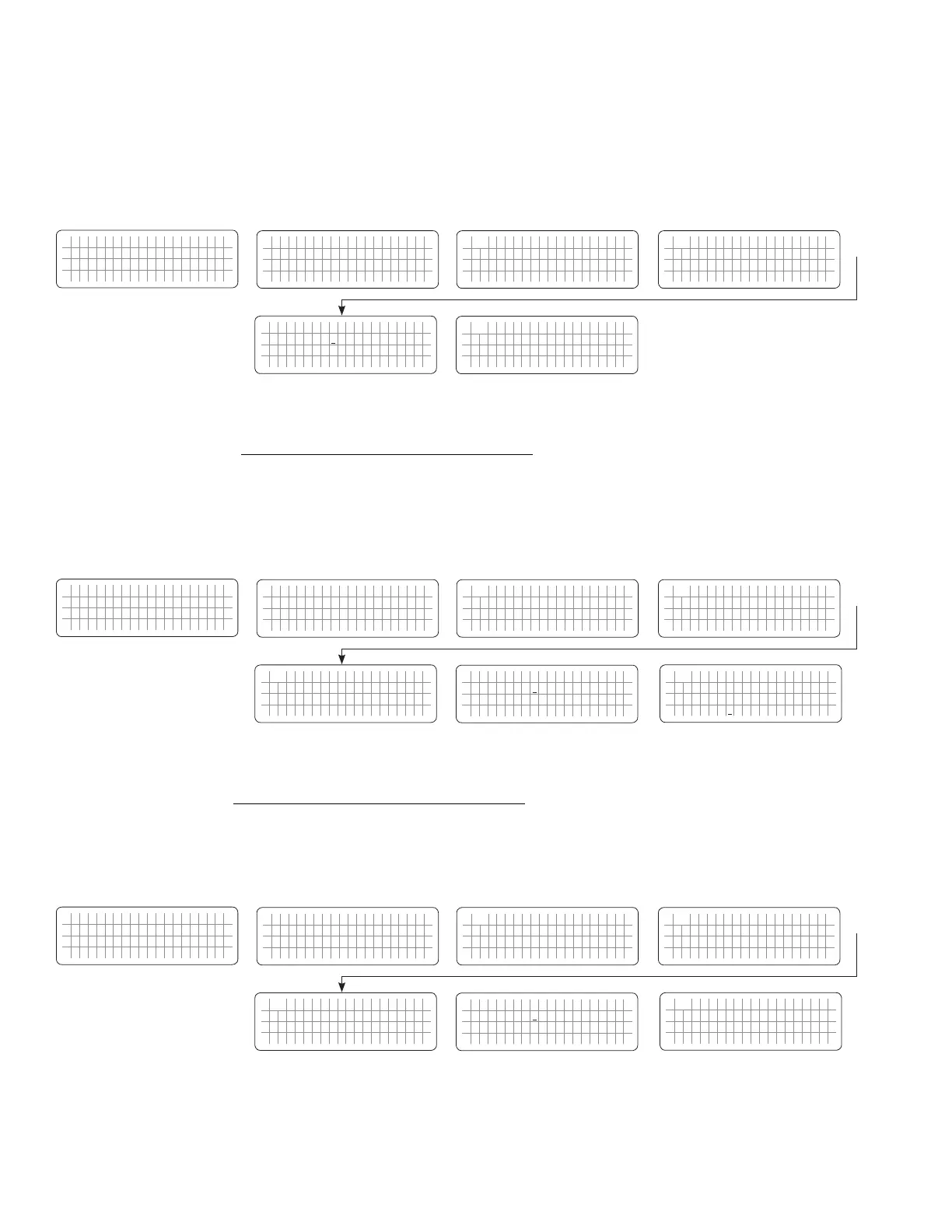
4.6.2.1.1 Programming Steps for Parameter "RESET VOLTAGE"
ð ð
E V O - 1 2 1 2 F I n v e r t i n g
A C o u t p u t : 1 2 0 . 0 V
< 0 . 1 0 A
6 0 . 0 0 H z
Enter Key Enter Key
Any Operating Mode Screen from
Fig 3.1 to 3.5
[Above screen is Screen 1 of Fig 3.2(a)]
Password 8052
See Section 4.3.1
See Table 4.7, Parameter Setup
Screen No. 1
for programmable range
S e l e c t G r o u p
* C H A R G E C U R V E
ð
S e l e c t P a r a m e t e r
* I N P U T L O W L I M I T
ð
S e l e c t P a r a m e t e r
I N P U T L O W L I M I T
* R E S E T V O L T A G E
1 0 5 . 0 V
Down Key x 2 times
Enter Key
S e l e c t P a r a m e t e r
I N P U T L O W L I M I T
* R E S E T V O L T A G E
1 0 5 . 0 V
P a s s w o r d k e y i n
0 0 0 0
ð
Enter Key
4.6.2.2 CUT OFF VOLT 1 (Table 4.7, Parameter Setup Screen No.2)
If during "Charging Mode", the AC input voltage falls below "CUT-OFF VOLT 1" for period > "DETECT TIME 1", the
EVO™ Inverter/Charger will transfer to Inverting Mode from "Charging Mode".
4.6.2.2.1 Programming Steps for Parameter "CUT OFF VOLT 1"
ð ð
E V O - 1 2 1 2 F I n v e r t i n g
A C o u t p u t : 1 2 0 . 0 V
< 0 . 1 0 A
6 0 . 0 0 H z
Enter Key Down Key x 1 time
Any Operating Mode Screen from
Fig 3.1 to 3.5
[Above screen is Screen 1 of Fig 3.2(a)]
Password 8052
See Section 4.3.1
See Table 4.7, Parameter Setup
Screen No. 2
for programmable range
S e l e c t G r o u p
* C H A R G E C U R V E
ð
S e l e c t P a r a m e t e r
* I N P U T L O W L I M I T
ð
S e l e c t P a r a m e t e r
I N P U T L O W L I M I T
* R E S E T V O L T A G E
1 0 5 . 0 V
S e l e c t P a r a m e t e r
I N P U T L O W L I M I T
* C U T O F F V O L T 1
1 0 0 . 0 V
Down Key x 2 times
Enter Key
P a s s w o r d k e y i n
0 0 0 0
ð
Enter Key
S e l e c t P a r a m e t e r
I N P U T L O W L I M I T
* C U T O F F V O L T 1
1 0 0 . 0 V
ð
Enter Key
4.6.2.3 DETECT TIME 1 (Table 4.7, Parameter Setup Screen No.3)
This is the time limit in cycles up to which low AC input voltage "CUT-OFF VOLT 1"is allowed.
4.6.2.3.1 Programming Steps for Parameter "DETECT TIME 1"
ð ð
E V O - 1 2 1 2 F I n v e r t i n g
A C o u t p u t : 1 2 0 . 0 V
< 0 . 1 0 A
6 0 . 0 0 H z
Enter Key Down Key x 2 times
Any Operating Mode Screen from
Fig 3.1 to 3.5
[Above screen is Screen 1 of Fig 3.2(a)]
Password 8052
See Section 4.3.1
See Table 4.7, Parameter Setup
Screen No. 3
for programmable range
S e l e c t G r o u p
* C H A R G E C U R V E
ð
S e l e c t P a r a m e t e r
* I N P U T L O W L I M I T
ð
S e l e c t P a r a m e t e r
I N P U T L O W L I M I T
* R E S E T V O L T A G E
1 0 5 . 0 V
S e l e c t P a r a m e t e r
I N P U T L O W L I M I T
* D E T E C T T I M E 1
3 0 0 c y c l e
Down Key x 2 times
Enter Key
P a s s w o r d k e y i n
0 0 0 0
ð
Enter Key
S e l e c t P a r a m e t e r
I N P U T L O W L I M I T
* D E T E C T T I M E 1
3 0 0 c y c l e
ð
Enter Key


 To Next Page
 Loading...
