SAMLEX AMERICA INC. | 87
SECTION 4 | Parameter Setup
CAUTION!
1. On/Off Logic shown in Fig 4.8 also controls the operation of the On/Off Button on the front panel of
EVO™ Inverter/Charger (11, Fig 2.1 in EVO™ Inverter/Charger Owner's Manual). The Default Setting
is "0 = Button".
2. If the On/Off control is changed to external "Remote Switch", it will not be possible to switch On/Off the
EVO™ Inverter/Charger from the front panel On/Off Push Button because it will work with Switch Type Logic
at Fig 4.8: it will be ON only as long as the Push Button is kept pressed and will switch off when released.
ATTENTION!
1. Logique On / Off montré dans la gure 4,8 contrôle également le fonctionnement du bouton ON/OFF sur
le panneau d’avant de l’onduleur chargeur de l' EVO™ (11 , gure 2,1 dans le manuel d'EVO™ onduleur
chargeur propriétaire ) . Le réglage par défaut est « Button Type ».
2. Si la commande de On / Off externe est changé en « l'interrupteur à distance », il ne sera pas possible
d'activer / désactiver l'onduleur/chargeur EVO™ à partir du panneau avant sur le bouton-poussoir On /
Off qu'il travaillera avec le type de commutateur logique à Fig 4.8 : il sera sur qu'aussi longtemps que le
bouton est maintenu enfoncé et s'éteint lorsqu'il est relâché.
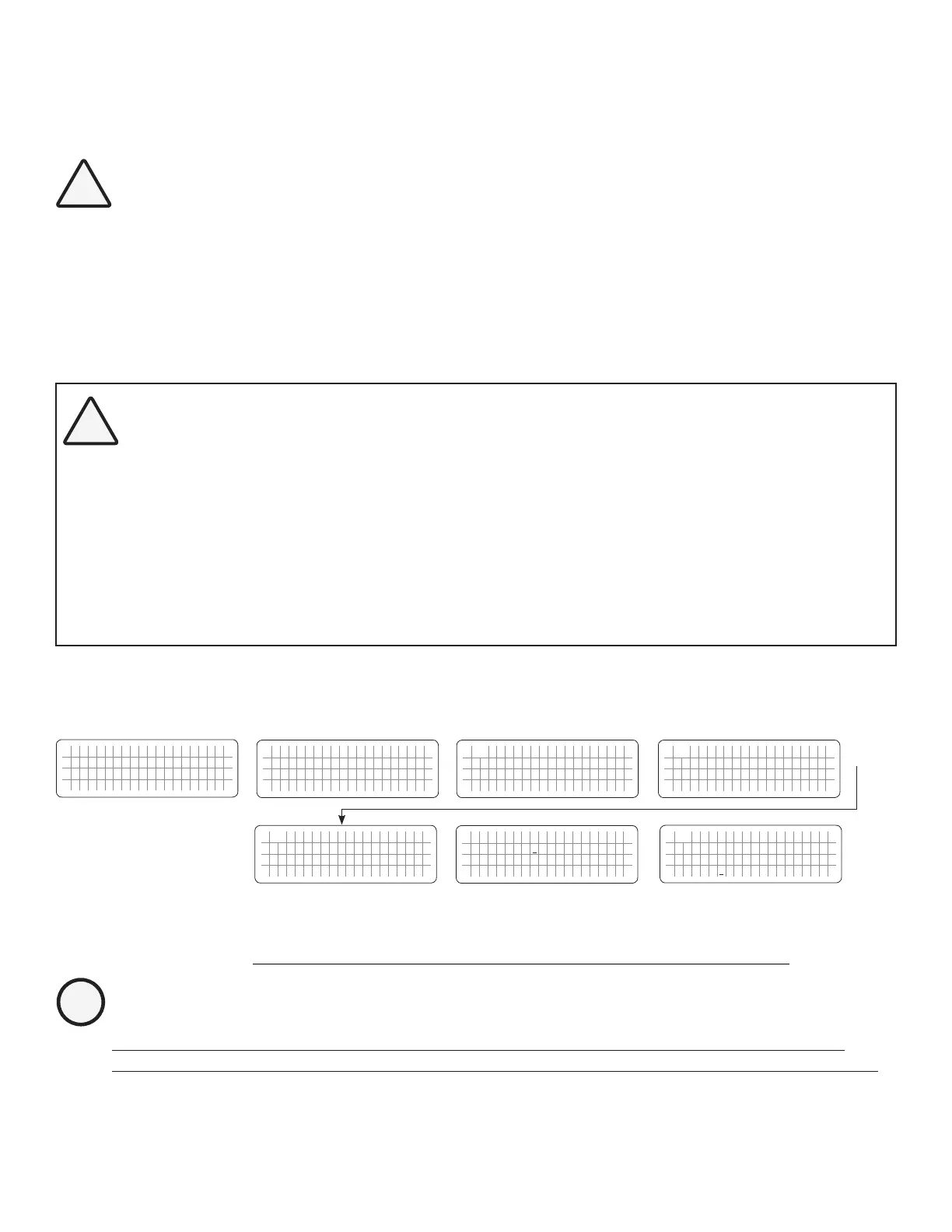
4.8.2.4.1 Programming Steps for Parameter "REMOTE SWITCH"
ð ð
E V O - 1 2 1 2 F I n v e r t i n g
A C o u t p u t : 1 2 0 . 0 V
< 0 . 1 0 A
6 0 . 0 0 H z
Enter Key Down Key x 3 times
Any Operating Mode Screen from
Fig 3.1 to 3.5
[Above screen is Screen 1 of Fig 3.2(a)]
Password 8052
See Section 4.3.1
See Table 4.9, Parameter Setup
Screen No. 4
for programmable options
S e l e c t G r o u p
* C H A R G E C U R V E
ð
S e l e c t P a r a m e t e r
* O T H E R F U N C T I O N
ð
S e l e c t P a r a m e t e r
O T H E R F U N C T I O N
* P O W E R S A V I N G
0 = D i s a b l e
S e l e c t P a r a m e t e r
O T H E R F U N C T I O N
* R E M O T E S W I T C H
0 = B u t t o n
Down Key x 4 times
Enter Key
P a s s w o r d k e y i n
0 0 0 0
ð
Enter Key
S e l e c t P a r a m e t e r
O T H E R F U N C T I O N
* R E M O T E S W I T C H
0 = B u t t o n
ð
Enter Key
4.8.2.5 RELAY FUNCTION (Table 4.9, Screen No. 5 under Column 2 for EVO-2212/ 3012/ 2224/ 4024)
INFO
Menu "RELAY FUNCTION" will be displayed only for Models EVO-2212 / 3012 / 2224 / 4024 that have
Generator Input Terminals. It will not be displayed for Models EVO-1212F / 1212F-HW / 1224F / 1224F-HW.


 To Next Page
 Loading...
