SAMLEX AMERICA INC. | 93
SECTION 4 | Parameter Setup
(i) Down Key x 7 times for EVO-
1212F/1212F-HW/1224F/1224F-HW
(ii) Down Key x 8 times for EVO-
2212/3012/2224/4024
(i) Down Key x 8 times for EVO-
1212F/1212F-HW/1224F/1224F-HW
(ii) Down Key x 9 times for EVO-
2212/3012/2224/4024
4.8.2.9 DEFAULT RESET
(Table 4.9, (i) Parameter Setup Screen No. 8 under Column 1 (ii) Parameter Setup Screen No. 9 under Column 2)
This is to reset all of the parameters to the Default Values.
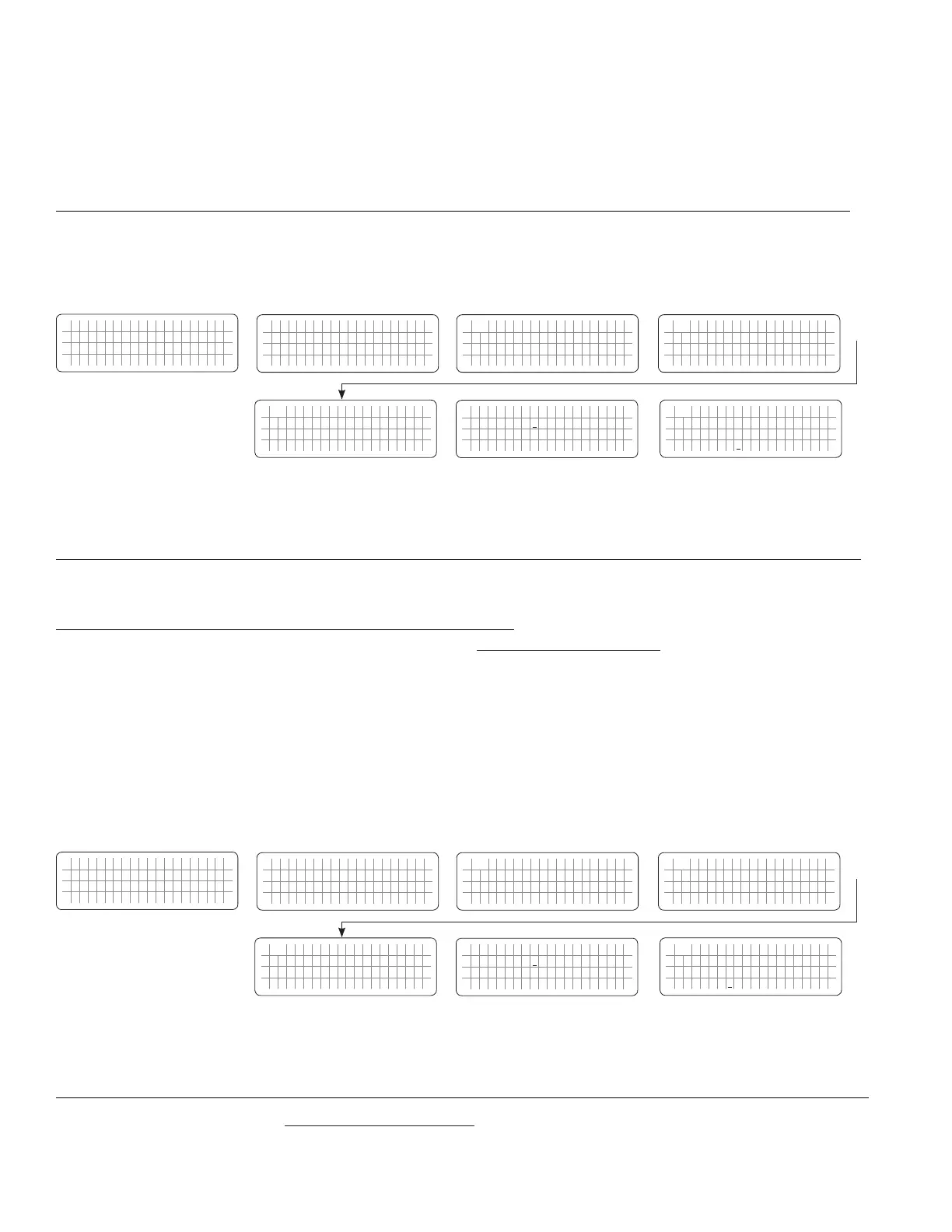
4.8.2.9.1 Programming Steps for Parameter "DEFAULT RESET"
ð ð
E V O - 1 2 1 2 F I n v e r t i n g
A C o u t p u t : 1 2 0 . 0 V
< 0 . 1 0 A
6 0 . 0 0 H z
Enter Key
Any Operating Mode Screen from
Fig 3.1 to 3.5
[Above screen is Screen 1 of Fig 3.2(a)]
Password 8052
See Section 4.3.1
See Table 4.9
for programmable options
S e l e c t G r o u p
* C H A R G E C U R V E
ð
S e l e c t P a r a m e t e r
* O T H E R F U N C T I O N
ð
S e l e c t P a r a m e t e r
O T H E R F U N C T I O N
* P O W E R S A V I N G
0 = D i s a b l e
S e l e c t P a r a m e t e r
O T H E R F U N C T I O N
* B U Z Z E R
1 = O n
Down Key x 4 times
Enter Key
P a s s w o r d k e y i n
0 0 0 0
ð
Enter Key
S e l e c t P a r a m e t e r
O T H E R F U N C T I O N
* B U Z Z E R
1 = O n
ð
Enter Key
4.8.2.10 DATALOG TIME AND DATALOG DISABLE
(Table 4.9, (i) Parameter Setup Screen No. 9 under Column 1 (ii) Parameter Setup Screen No. 10 under Column 2)
Refer to Sections 5.2 to 5.3 on Data Logging. There are 25 Data Fields in Model Nos. EVO-1212F / 1212F-HW / 1224F
/ 1224F-HW and 28 Data Fields in Model Nos. EVO-2212 / 3012 / 2224 / 4024 that can be logged in external SD Card
(Refer to Section 5.2.2 and 5.2.3 for details of the Data Fields). A Real Time Clock inside the EVO-RC-PLUS Remote
Control records timing. Time interval between recordings (called “DATALOG TIME”) is programmable. “Events” and
“Errors” are recorded as soon as they are sensed. In the default setting, Data Logging is enabled. Data Logging can be
disabled by setting programming option “0=Disable”.
Programming options and procedure are shown below:
Programming Options (i) 0=Disable, (ii) 1=1 sec (Default), (iii) 2=10 sec, (iv) 3=30 sec, (iv) 4=60 sec, (vi) 5=5 min, (vii) 6=10 min
4.8.2.10.1 Programming Steps for Parameter "DATALOG TIME"
ð ð
E V O - 1 2 1 2 F I n v e r t i n g
A C o u t p u t : 1 2 0 . 0 V
< 0 . 1 0 A
6 0 . 0 0 H z
Enter Key
Any Operating Mode Screen from
Fig 3.1 to 3.5
[Above screen is Screen 1 of Fig 3.2(a)]
Password 8052
See Section 4.3.1
See Table 4.9
for programmable options
S e l e c t G r o u p
* C H A R G E C U R V E
ð
S e l e c t P a r a m e t e r
* O T H E R F U N C T I O N
ð
S e l e c t P a r a m e t e r
O T H E R F U N C T I O N
* P O W E R S A V I N G
0 = D i s a b l e
S e l e c t P a r a m e t e r
O T H E R F U N C T I O N
* D A T A L O G T I M E
1 = 1 s e c
Down Key x 4 times
Enter Key
P a s s w o r d k e y i n
0 0 0 0
ð
Enter Key
S e l e c t P a r a m e t e r
O T H E R F U N C T I O N
* D A T A L O G T I M E
1 = 1 s e c
ð
Enter Key
4.8.2.11 PARAMETER SAVE
(Table 4.9, (i) Parameter Setup Screen No. 10 under Column 1 (ii) Parameter Setup Screen No. 11 under Column 2)
Save all parameters to SD Card. (See Details at Section 5.4)


 To Next Page
 Loading...
