3
ENGLISH
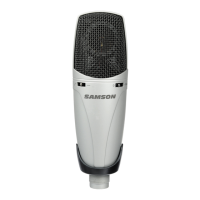
The following example is for setting up the
C03U in MAC OS X .
1. Plug in microphone. The LED will light
to indicate it is receiving USB power. The
MAC will recognize the USB audio device
and automatically install a universal driver.
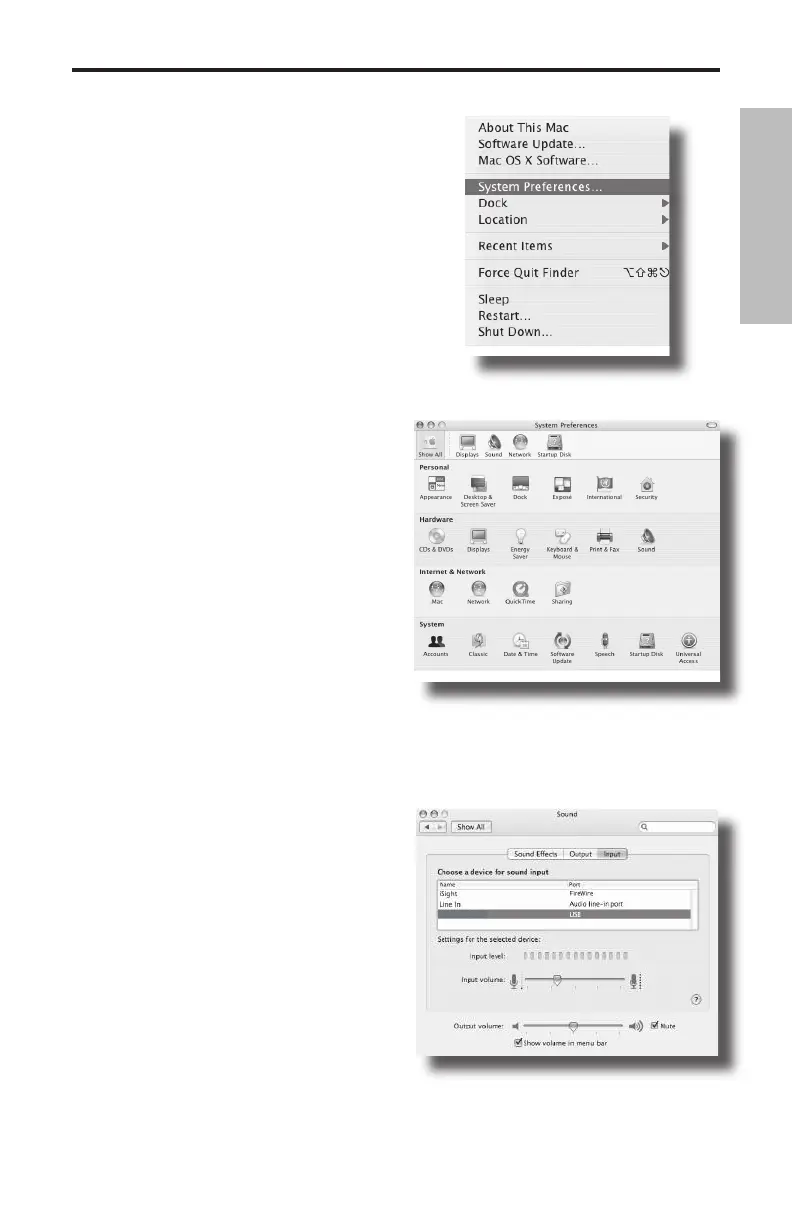
2.To select the C03U as the computers
audio input, open the System Preferences
from the dock or the main Apple Menu
(figure 1).
3. Next open the Sound preference (figure
2).
4. Now, click in the Input tab and select
C03U (figure 3).
Figure 2
Figure 1
Figure 3
Getting Started with MAC OS X


 To Next Page