8
SELECT - Digital Effects Select Switch
The SELECT switch allows you to pick one of the 100 built-in digital effects.
Simply rotate the SELECT to choose the effect.
Program - Effects Display
The XM910 features a dual, digital, seven segment numerical display for show-
ing the effects program number. You will see the PROGRAM numbers change
as you use the DSP SELECT control to change the effects pre-set.
Effect PROGRAM List
This section identifies the ten banks of built-in DSP effects presets. The first
bank of 10 presets are designed for live performance, and the following banks
are set up in groups by the types of effects.
EFX LEVEL - Master Effect Send
The EFX LEVEL control is used to send the effect mix bus to an external effect
device connected to the AUX 2 SEND jack.
EFX BYPASS - switch
The EFX BYPASS switch is used to turn the internal Digital Effect on and off. The effects are by-passed
when the switch is in the in position and the display shows two dashes.
PEAK LIMITER - Switch
In order to keep the sound loud and clean, the XM910 incorporates an on-
board Limiter dynamic processor. When you press the LIMITER switch in,
the red LED will illuminate indicating that the dynamics processing is
engaged.
IMPORTANT NOTE
: Unless you are using an external limiter, it is highly rec-
ommended that the LIMITER switch be engaged at all times. This will
ensure the cleanest possible output, and will protect your speaker system
when it accidentally receives a clipped signal from your mixer.
.
10
10
Controls and Functions
FRONT PANEL CONTROLS
24 BIT DIGITAL EFFECT SECTION
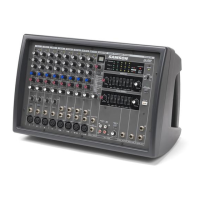
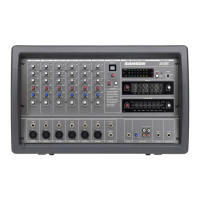
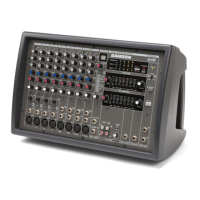
The XM910 features a built-in, 24 Bit Digital Effects processor with 100 high
quality, studio grade effects like Delay, Chorus and Reverb. The following sec-
tion describes the features of the powerful on-board digital effects section.
11
11
12
14
13
12
13
14
15
15


 To Next Page