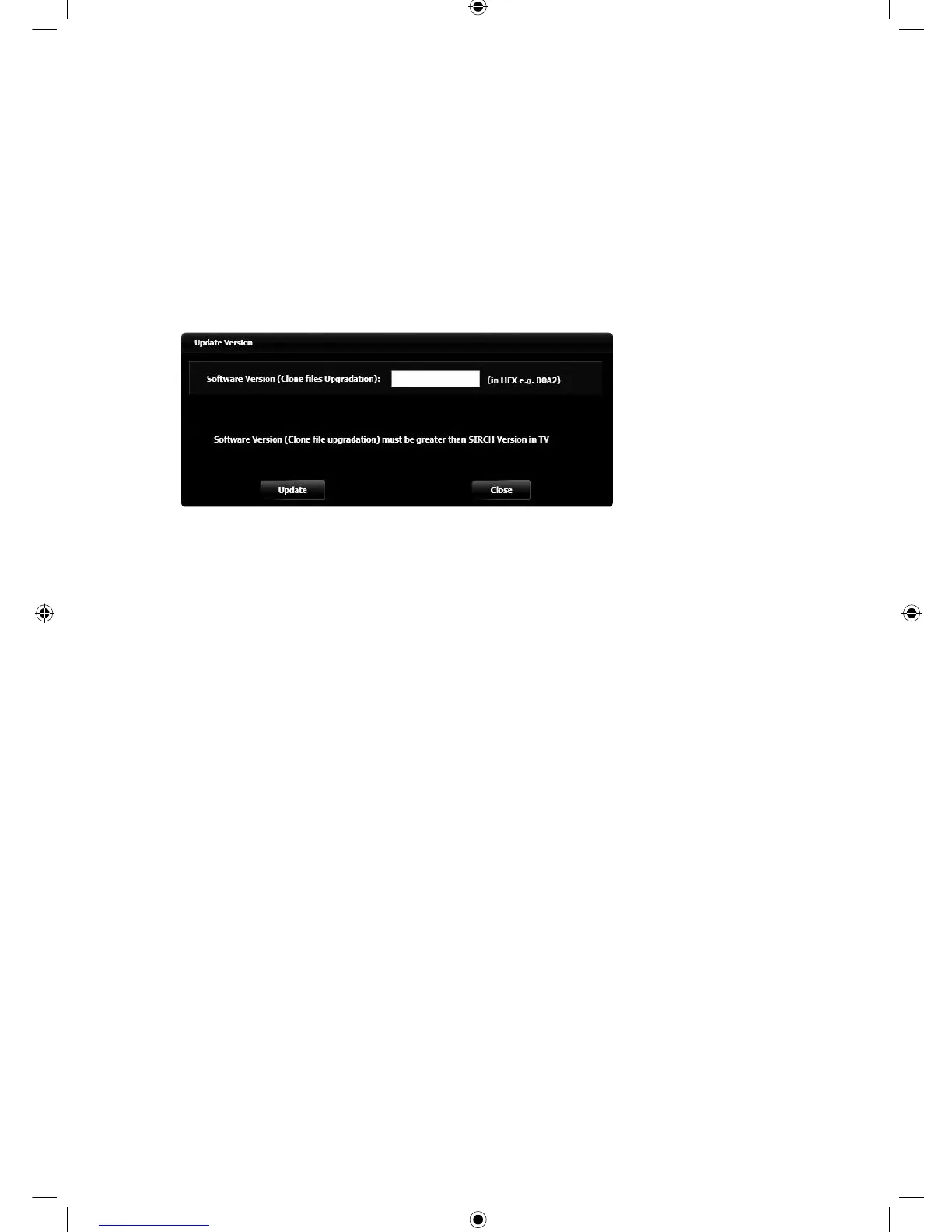
y Update SIRCH Version
To update SIRCH version for Clone and user should follows as below.
1. Go to File Menu → Update Software Version.
2. A window will open which ask for Software Version (Clone File Up gradation).
3. User should provide higher version than TV version in version value. E.g.
i) If software version is set as 01a0 in SIRCH PC application, then current TV SIRCH version should be less than
this value for update.
4. Software version value for clone should in hexadecimal format e.g. fa1b but less than ffff.
5. After provide value click on Update button for update version value.
y Closing the application
1. To close the application either click the close button on top right corner or go File Menu and Exit.
[Hotel-XC]Install Guide.indb 43 2012-11-01 �� 2:24:27



 To Next Page