56 English
Network Services
Service Manager
Delete and lock applications installed to Internet@
TV.
Lock
Lock the application. Accessing a locked
application requires the password.
Delete
Delete the application.
Properties
Display information about Internet@TV. Use the
Check the speed of your internet connection
option to test your network connection.
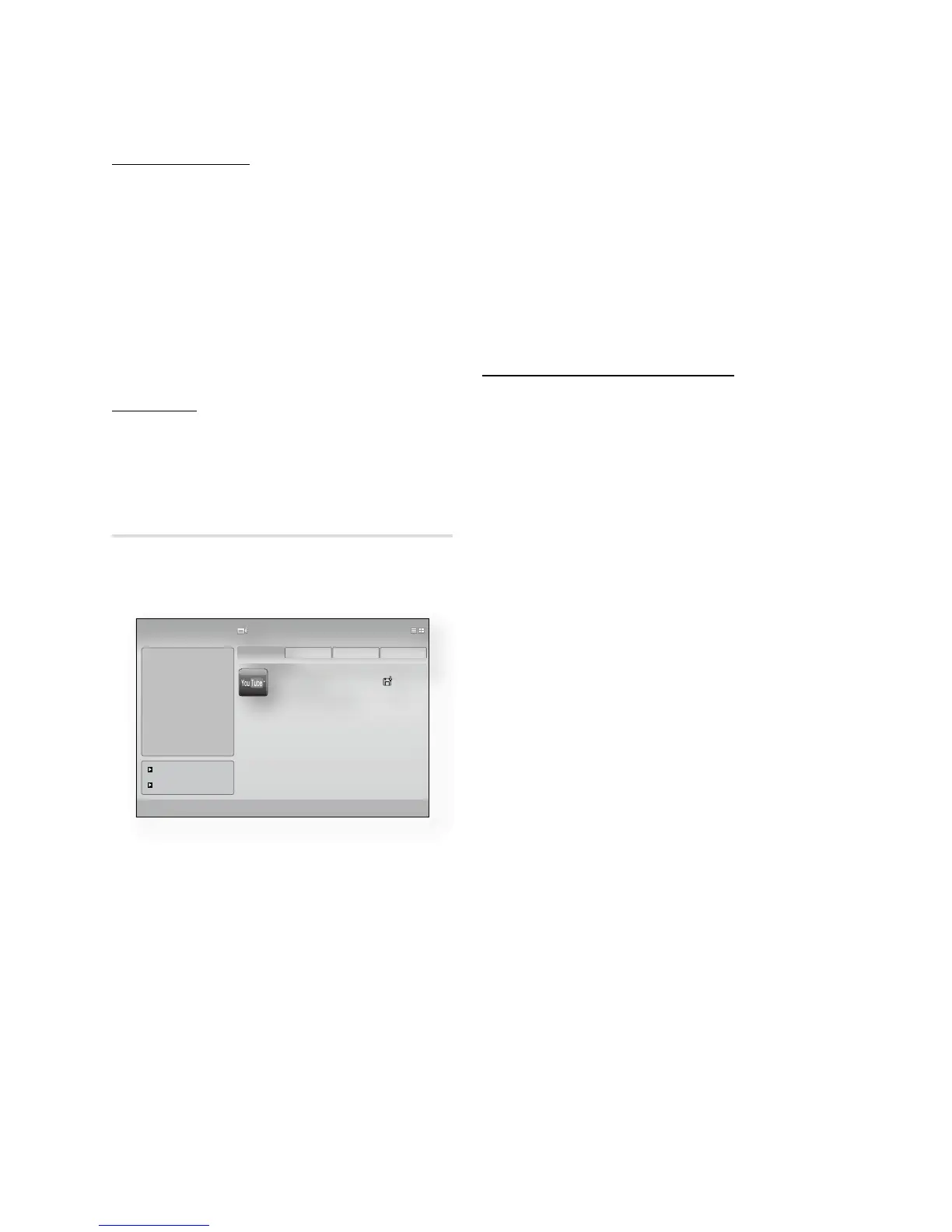
Samsung AppS
Various applications are available from here,
organized into different categories. Some
applications have a download fee.
My Application
Displays the application list.
Help
If you questions about Internet@TV, check this
section first. If none of the tips apply, please visit
the help website.
Using the color buttons with the Samsung
Apps
RED(A) (Login) : To log in to the internet
service.
GREEN(B) (Thumbnail View) : To change the
view mode.
BLUE(D) (Sort By) : To sort the applications by
Featured, Most Downloaded, Most Recent or
Name.
Internet@TV Services Available
YouTube/Pandora/Netflix/Blockbuster/USA
Today News
Blockbuster : You can view movies streamed
by Blockbuster.
YouTube : You can view video streamed by
YouTube.
Netflix : You can view movies streamed by
Netflix.
Pandora : You can listen to Internet radio.
USA Today News : You can read news
streamed by USA Today News.
AccuWeather : You can view weather
information by AccuWeather.
Google Maps : You can view the map by
Google Maps.
NOTE
The available Internet contents services may be
added or deleted.
•
•
•
•
-
-
-
-
-
-
-
✎
ƒ
YouTube
TV store Test User002
Samsung AppS
a
Login
b
Thumbnail View
d
Sort By ' Return
|
What's New!
|
Video
|
Sports
|
Lifestyle
|
Games
|
Infomation
|
Other
My Applications
Help
Video
1/1
Free
Featured
Most downloaded
Most recent Name












 To Next Page