You can copy the selected file to other connected storage devices.
Delete Delete the file.
Play Menu
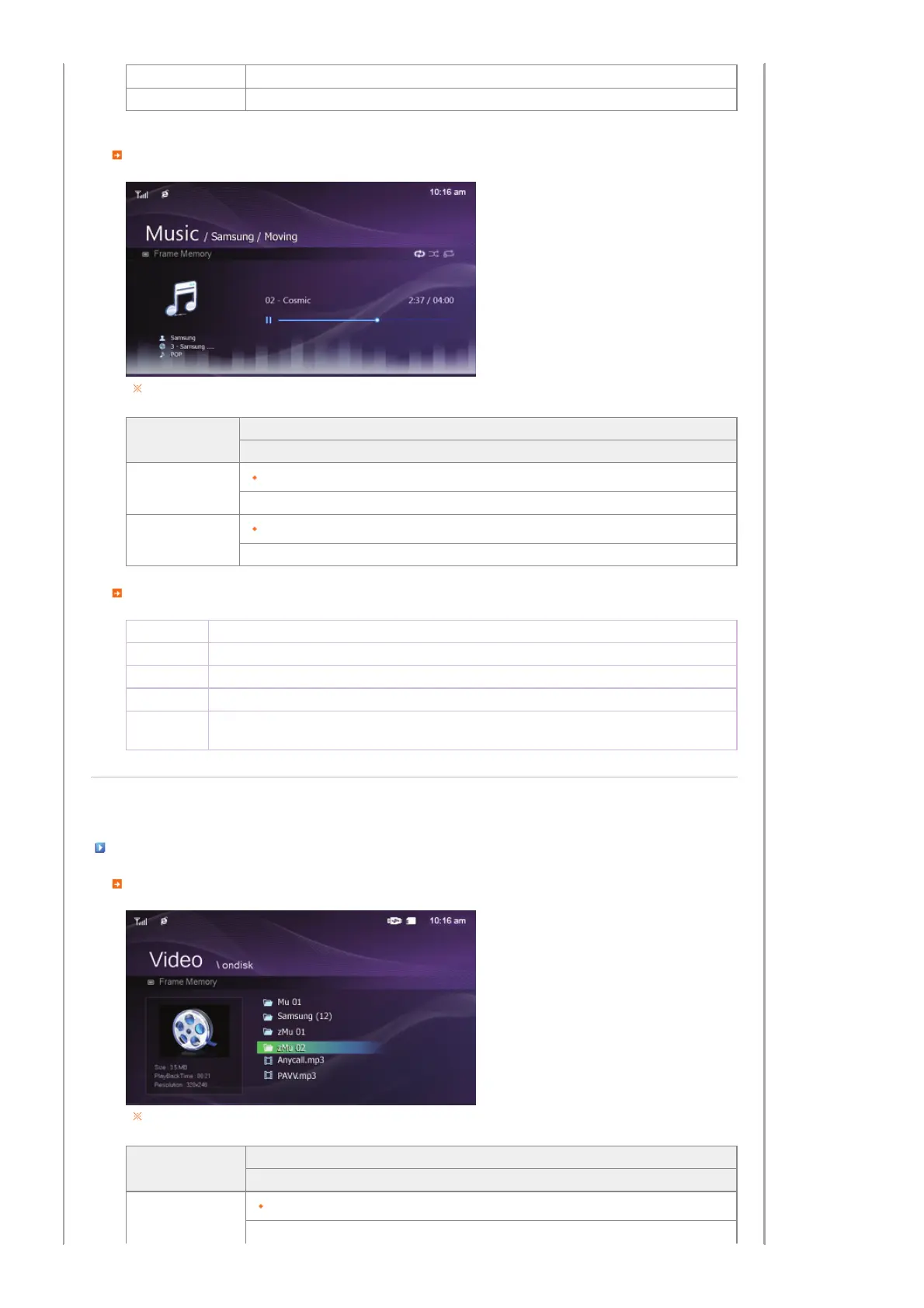
When pressing the MENU button, the on-screen menu is displayed on the screen.
Upper OSD
Sub OSD
Description
Playback Mode
Once, Repeat, Repeat Once, Shuffle
Select to playback music files either Once, repeatedly or randomly.
Brightness
0~100
Adjust the brightness from 0 to 100.
Direct Functions
>
Plays the next file.
<
Plays the previous.
∧,∨
Adjusts the volume.
▶ll
Plays and Pauses a file.
MENU
Displays the menu.
Exits the menu.
|
Buttons
|
Photos, Web Photos
|
Music
|
Video
|
Settings
|
ideo
List Menu
When pressing the MENU button, the on-screen menu is displayed on the screen.
Upper OSD
Sub OSD
Description
Video Source
Memory Card, USB, Frame Memory(:default value)
Select a connected media storage device. You can only select an external device which is currently


 To Next Page